Power Cruise Control (PCC) revolutionizes the driving experience for electric commercial vehicles like the Fiat e-Ducato 47 kWh and Fiat e-Ducato 79 kWh by providing an intelligent navigation solution designed to alleviate range anxiety. Unlike other electric vehicle applications, PCC offers unique features tailored to enhance your journey.
PCC stands out because it:
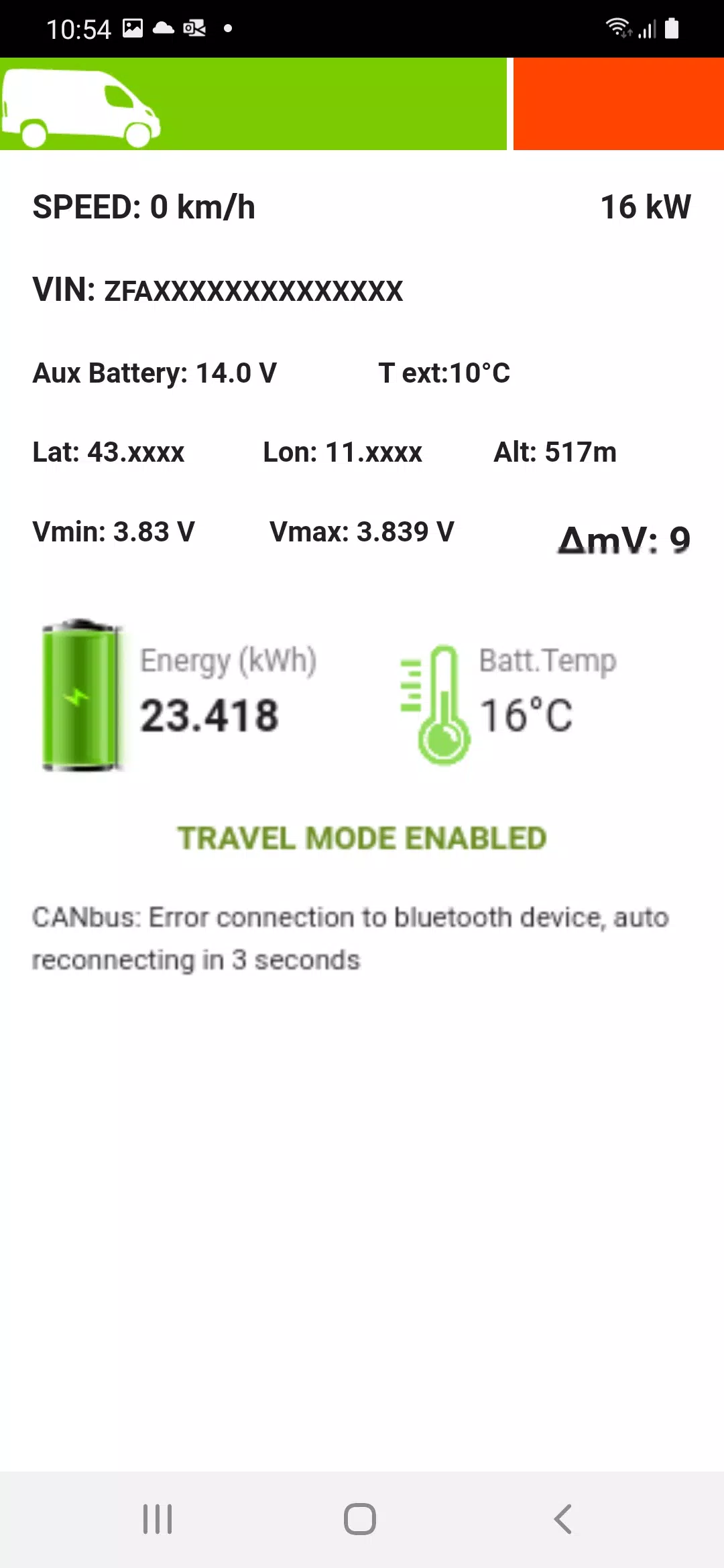
- Is real-time connected to your vehicle via a Bluetooth OBDII dongle, accurately monitoring the State of Charge (SoC), State of Health (SoH), speed, instant power, and other critical parameters;
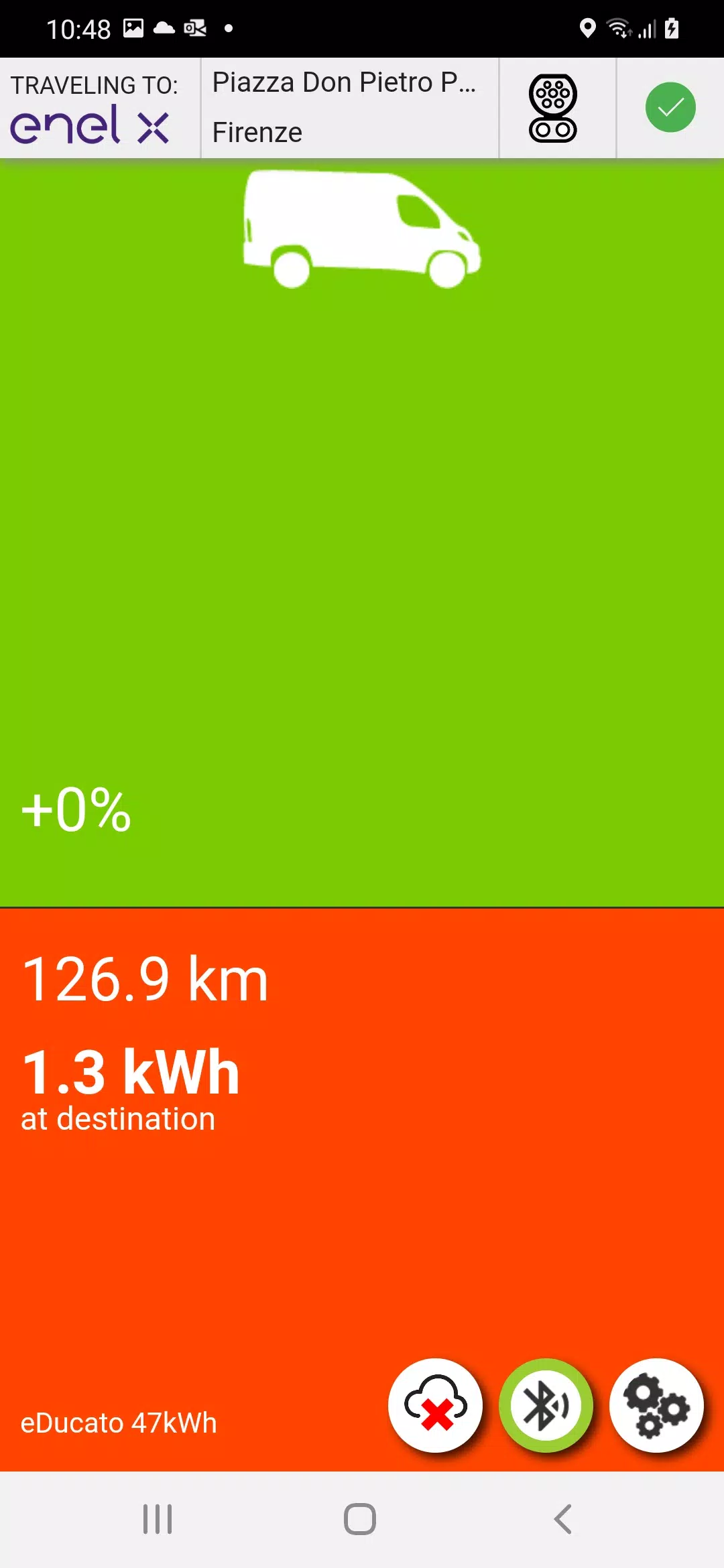
- Maintains constant communication with the driver through an intuitive interface, providing clear and easy-to-understand information via the Heaven-Hell indicator, ensuring you reach your destination. It's crucial to keep the PCC app in the foreground and follow its guidance to guarantee arrival;
- Understands the topography of your trip, including uphill and downhill sections, and plans your route accordingly;
- Calculates energy consumption for the entire trip, taking into account regeneration during downhill driving, air temperature, A/C and heating usage, and numerous other factors to deliver reliable predictions;
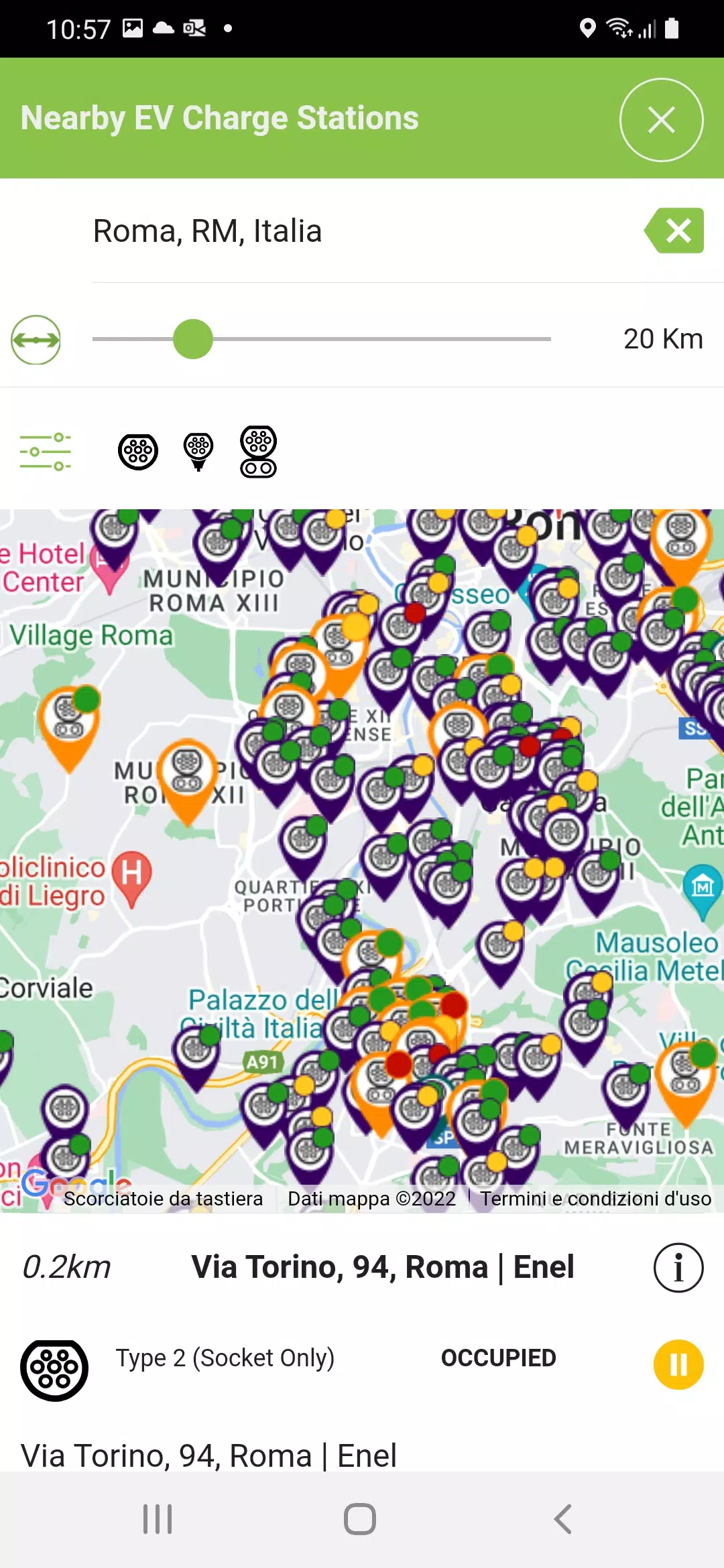
- Indicates the location of charging points both nearby and along your route.
Using Power Cruise Control® is straightforward:
- Connect your OBDII dongle;
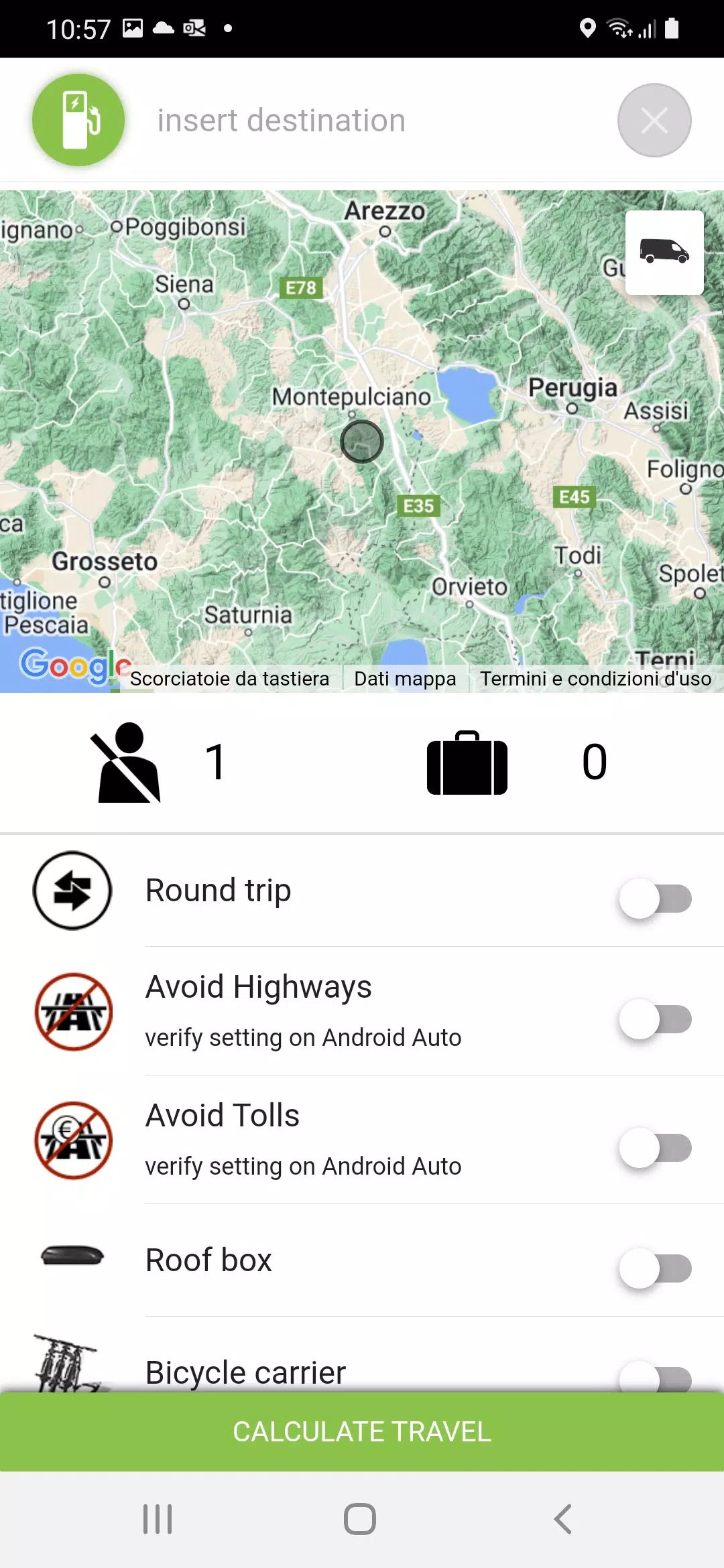
- Set your destination;
- Choose your energy strategy;
- Follow the Heaven-Hell indicator to reach your destination.
With these simple steps, you'll be able to reach any destination safely, guided by the PCC Heaven/Hell indicator to maintain optimal energy consumption throughout your journey.
New MultiCharge options are now available, with real-time connector status information (where provided by the charging station).
Within the app, you can select between mph or km/h for speed and Celsius or Fahrenheit for temperature settings.
PCC requires an OBDII Bluetooth adapter. For the best experience, we recommend the Official Power Cruise Control® adapter, available at https://amzn.eu/f49WbjO. While other OBDII adapters might work, they are not fully tested.
If the Italian Amazon marketplace does not ship to your country, consider ordering from the German Amazon marketplace at https://www.amazon.de/dp/B08PL2F11P/?&language=en_GB.
The licensing method is linked to the vehicle's VIN, offering a single license that provides the following benefits:
- Use Power Cruise Control® on multiple devices, including both Android and iOS (if PCC is available for your car model on iOS);
- Allow an unlimited number of users to use Power Cruise Control® with the licensed vehicle, meaning a family only needs one license for all members;
- Request your car dealer to license your car as a purchased gift;
- When buying a used car that's already licensed, you can use PCC for the remaining license period.
Plus, you'll enjoy a free 30-day trial period with unlimited functionality. After the trial, the subscription will activate. The suggested price is 24€/year, including tax, though prices may vary by country according to store policies.
Multiple VIN license packages are available for car dealers and distributors. The subscription activates upon the first OBDII connection with PCC to the licensed vehicle.
For more information about multiple VIN PCC licenses and OBDII purchases, contact us directly at [email protected]. Visit our FAQ section at https://www.powercruisecontrol.com/faq.html for additional details.
For troubleshooting initial issues, follow the instructions at https://forms.gle/dDHTUGRre88q54EY6. Make sure to set your language in Chrome at the start, as the default is Italian.
What's New in the Latest Version 0.2.2
Last updated on Sep 14, 2024
Version 0.2.2