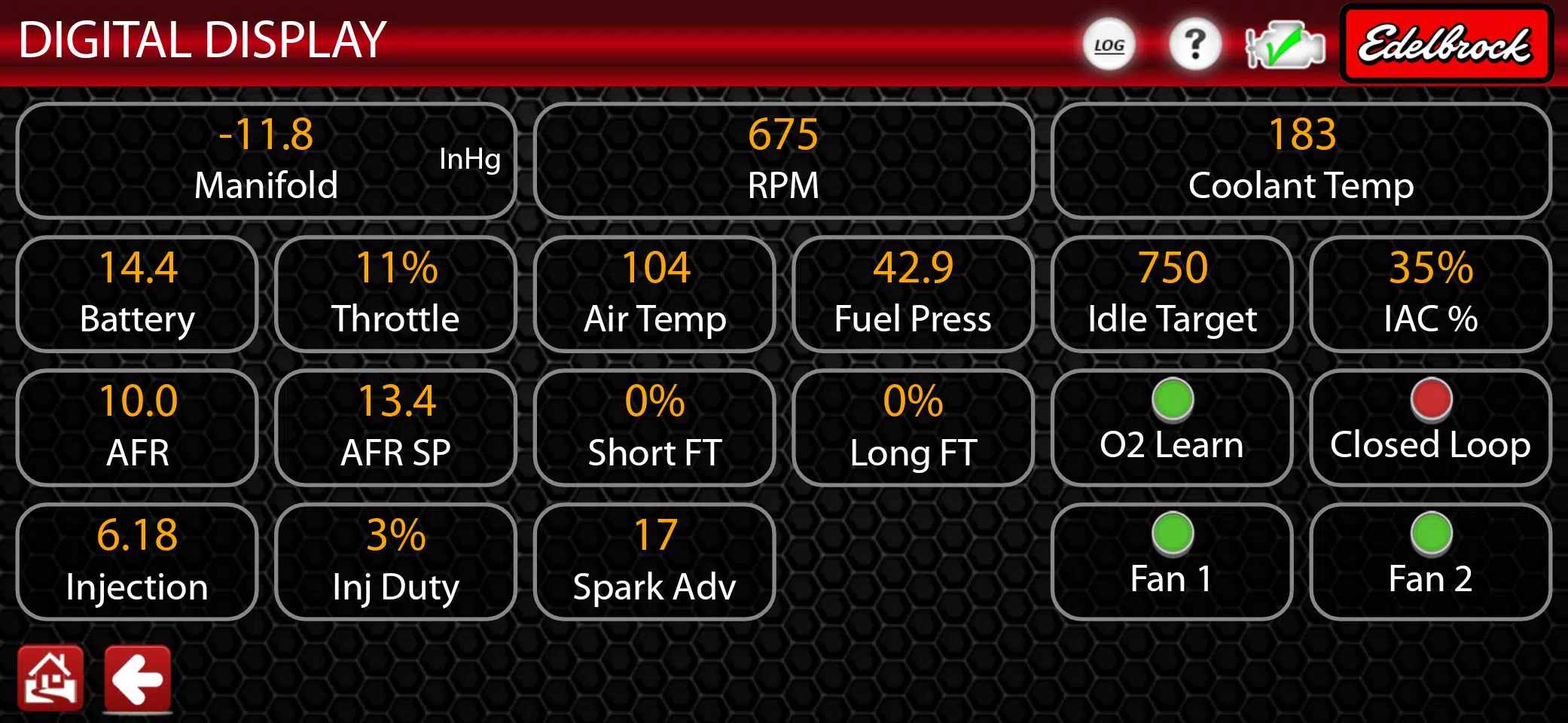
E-Tuner 4 is Edelbrock's cutting-edge Android app designed specifically for the Pro-Flo 4 EFI System. This innovative app allows users to seamlessly manage and live-tune various ECU settings such as air-fuel ratios, ignition timing, idle speed, acceleration fuel, and cold start mixture. With its Bluetooth connectivity, E-Tuner 4 enables you to monitor engine and sensor data in real-time from your Android device, providing a wireless, hassle-free tuning experience.
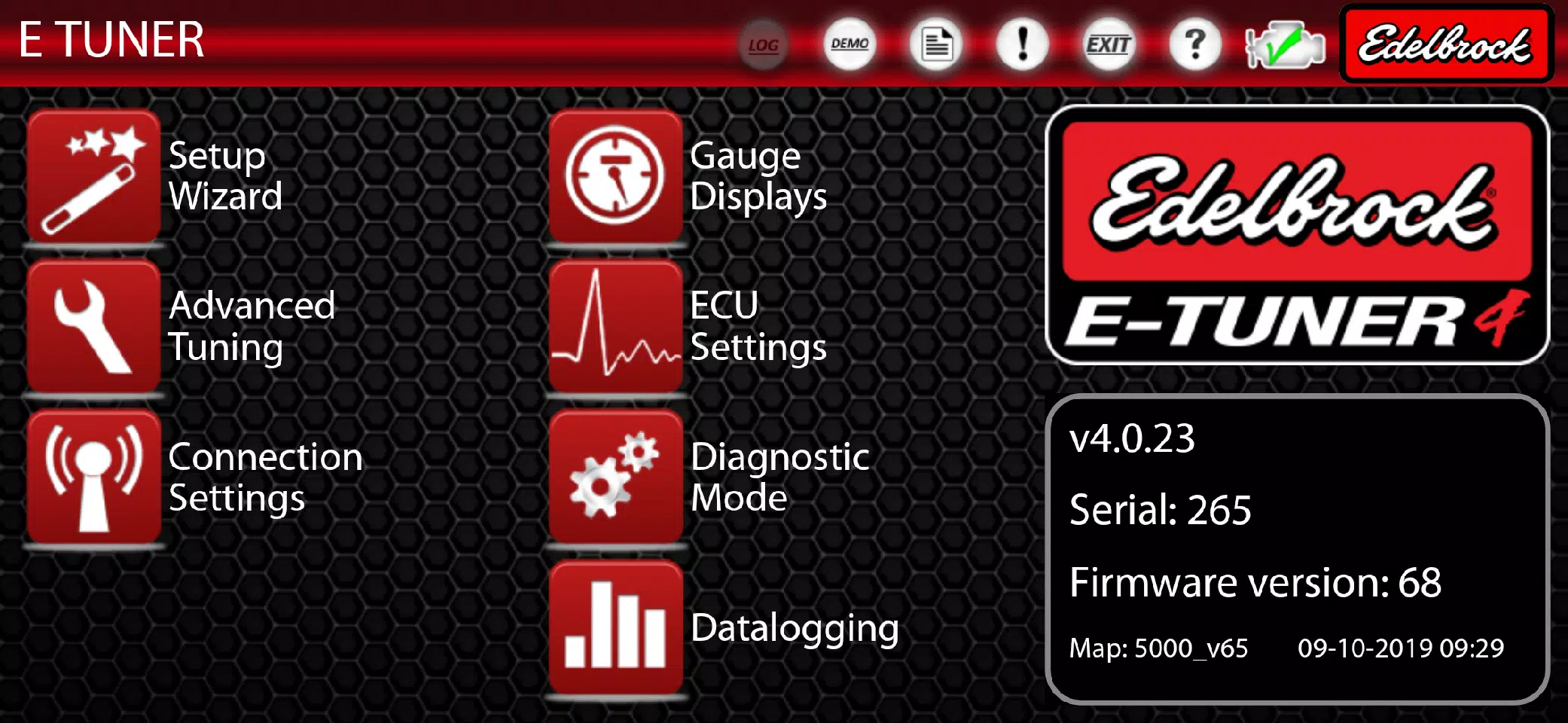
The E-Tuner 4 Setup Wizard makes setting up your Pro-Flo 4 EFI system a breeze. By simply inputting your engine displacement (CID), camshaft, and kit specifications, the wizard assists you in selecting the perfect base calibration for your specific application. This base calibration allows you to run your vehicle without needing to adjust any tuning settings initially. However, if you wish to fine-tune your vehicle's performance, E-Tuner 4 offers a range of "Advanced Tuning" functions. These features allow you to optimize your calibration, whether you want to achieve better fuel efficiency by running leaner during cruising or enhance performance by advancing timing.
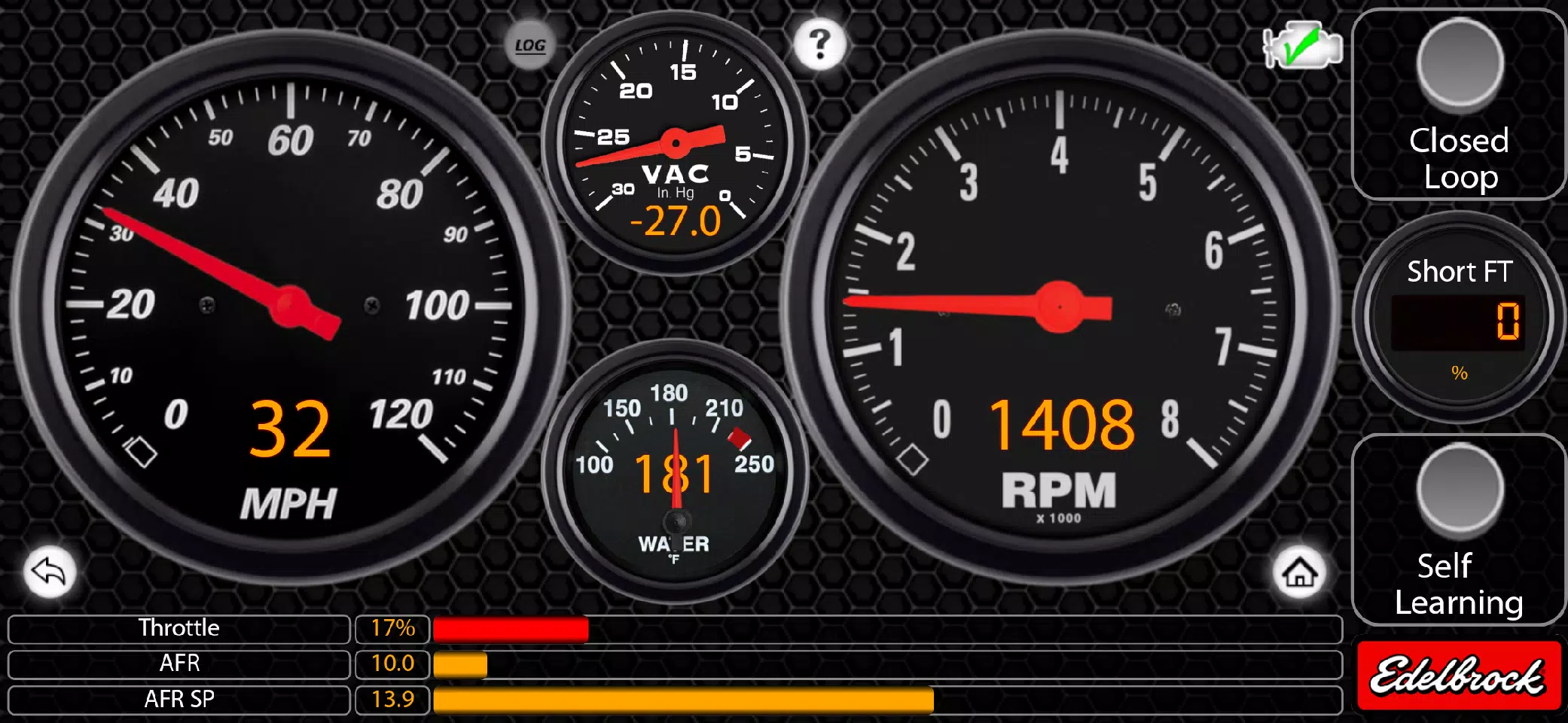
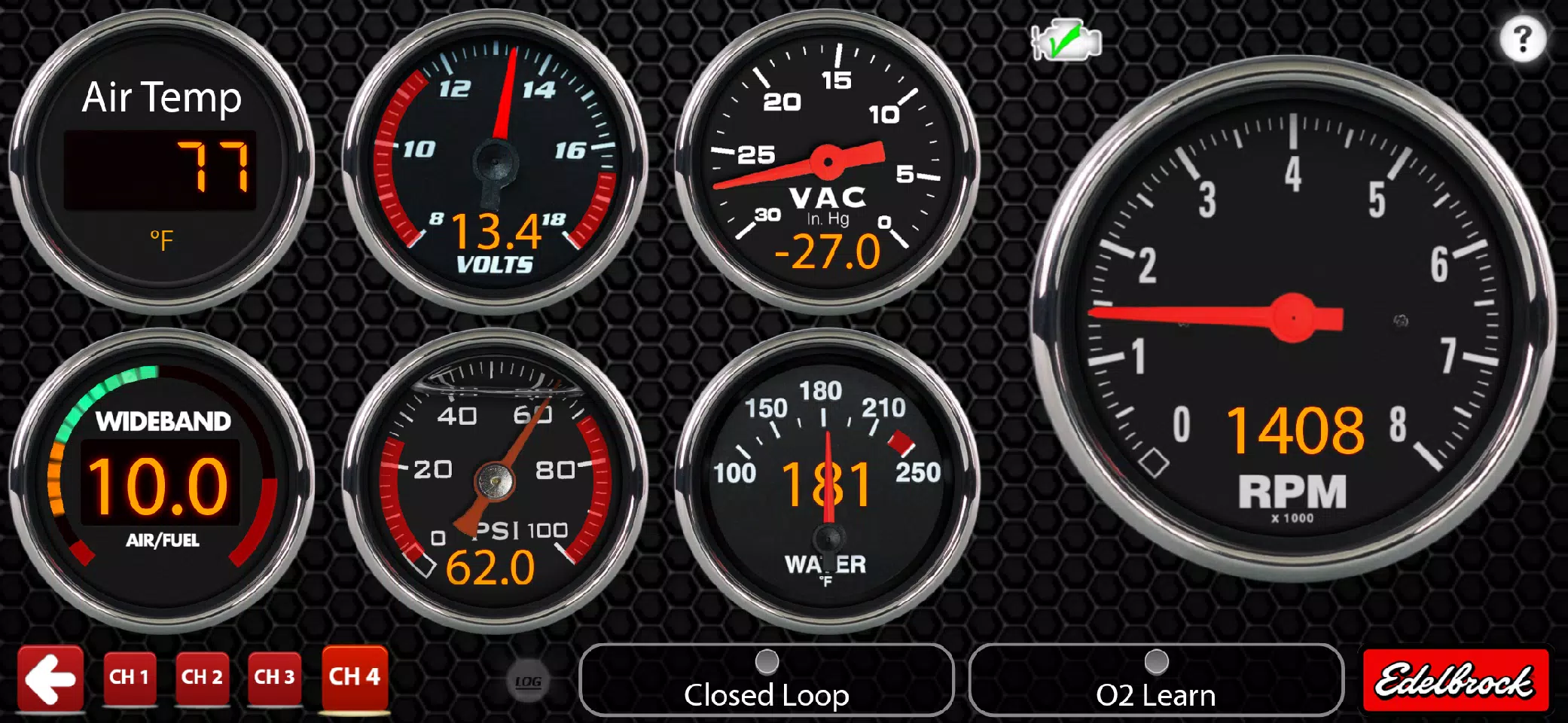
Once your setup is complete, E-Tuner 4 transforms your Android device into a mini-dashboard with its vibrant gauge displays, allowing you to monitor your engine's performance effortlessly. Unlike other tuning hand-held devices, E-Tuner 4 lets you use your phone or tablet as a comprehensive dashboard after tuning.
For those curious about the app without an Edelbrock EFI System, E-Tuner 4 offers a "Demo Mode." This feature lets you explore the app's main functionalities, including the Setup Wizard, Advanced Tuning, and Gauge Displays, giving you a hands-on feel of how E-Tuner 4 operates.
Warning!
It's crucial to note that E-Tuner 4 is exclusively compatible with the Edelbrock Pro-Flo 4 EFI System. It is not compatible with V1 E-Street, V2 E-Street, Pro-Flo 3 EFI systems, or any other Edelbrock Legacy EFI Systems. If you own one of these systems, please visit http://www.edelbrock.com/automotive/mc/efi/support.shtml to download the appropriate Android app files.
E-Tuner 4 is supported on most Android devices running version 6.0 and above, and it is recommended for use on 5 to 7-inch Android phones and tablets. Keep an eye out for future updates.
What's New in the Latest Version 4.0.23
Last updated on Nov 10, 2024
WHAT’S NEW: E-Tuner 4 now features customizable gauges where you can adjust style, bezel, font, and warning limits by long-pressing. You can focus on a specific gauge by tapping it, enjoy full-screen dashboards, benefit from a fix for the speed-o-meter, access added legacy gauges, experience an improved spark control page with enhanced Bluetooth robustness, and enjoy improved datalogger scaling and naming.