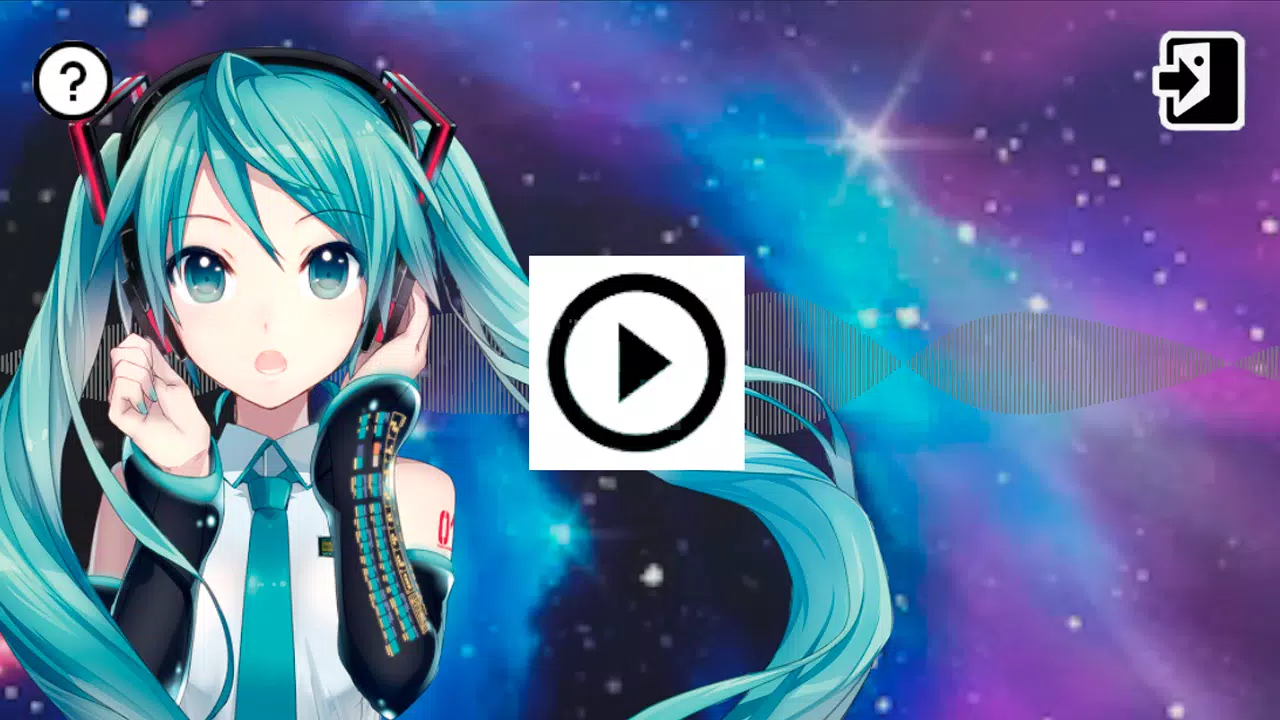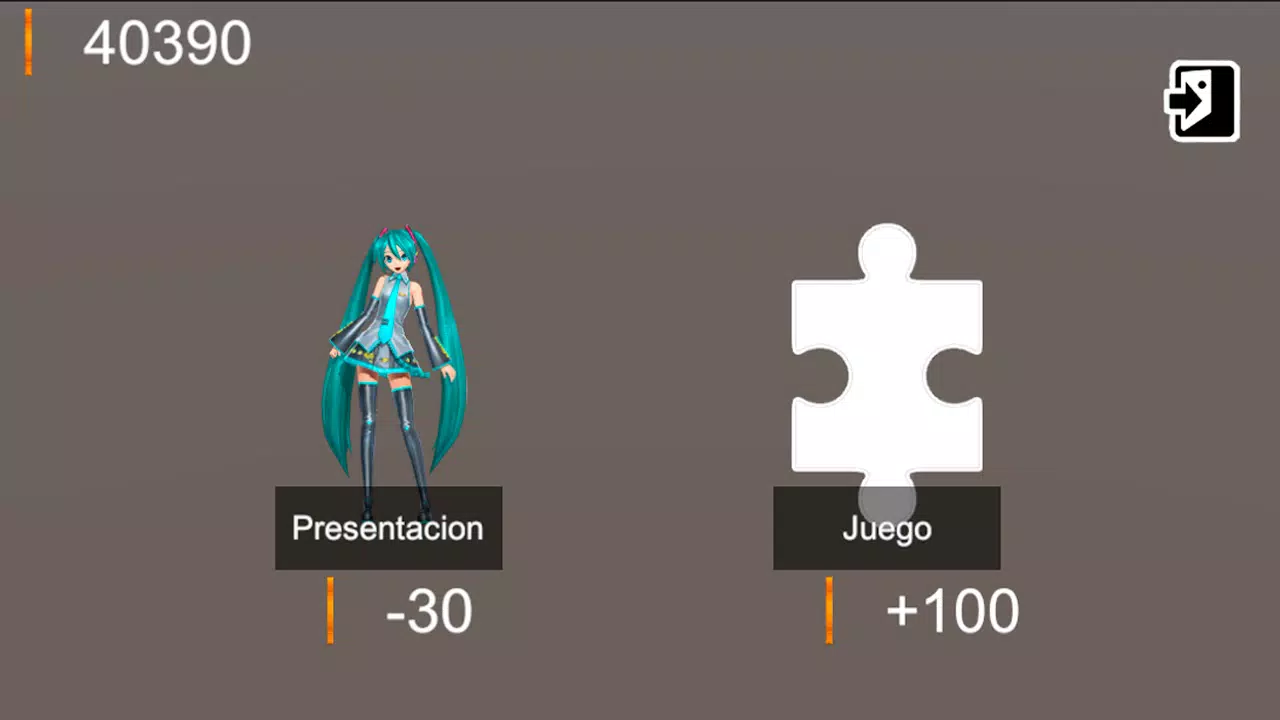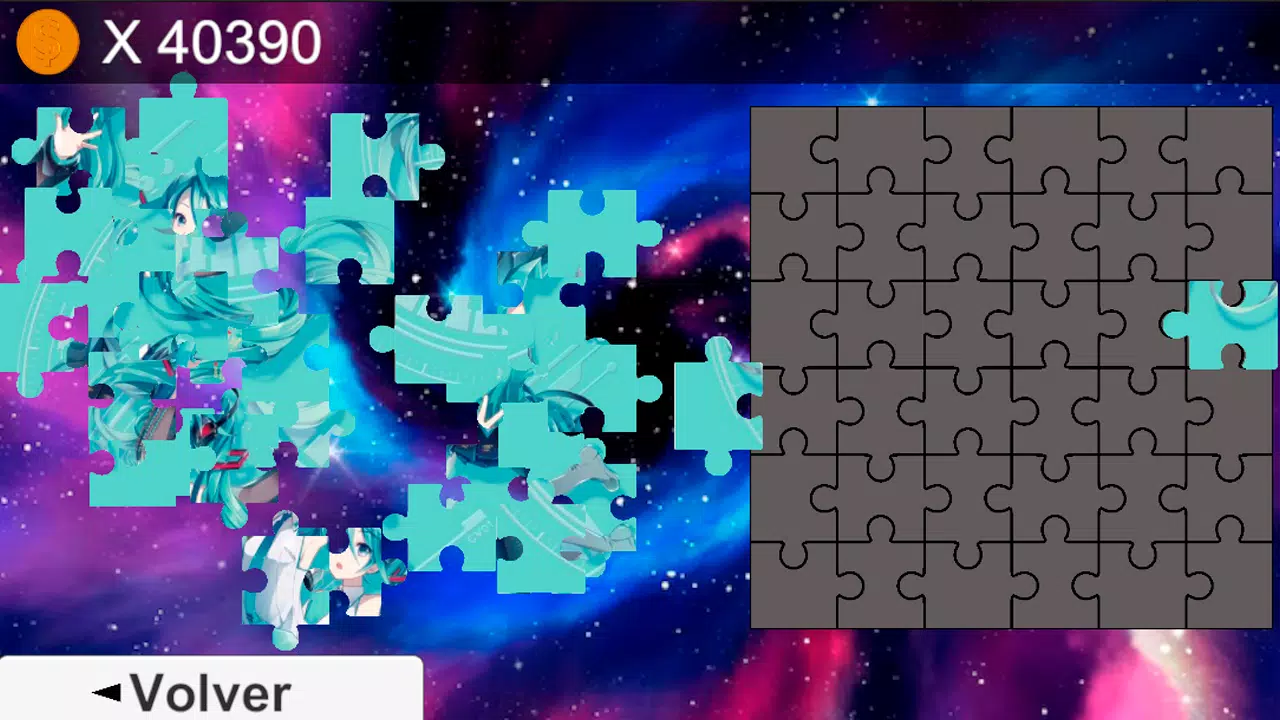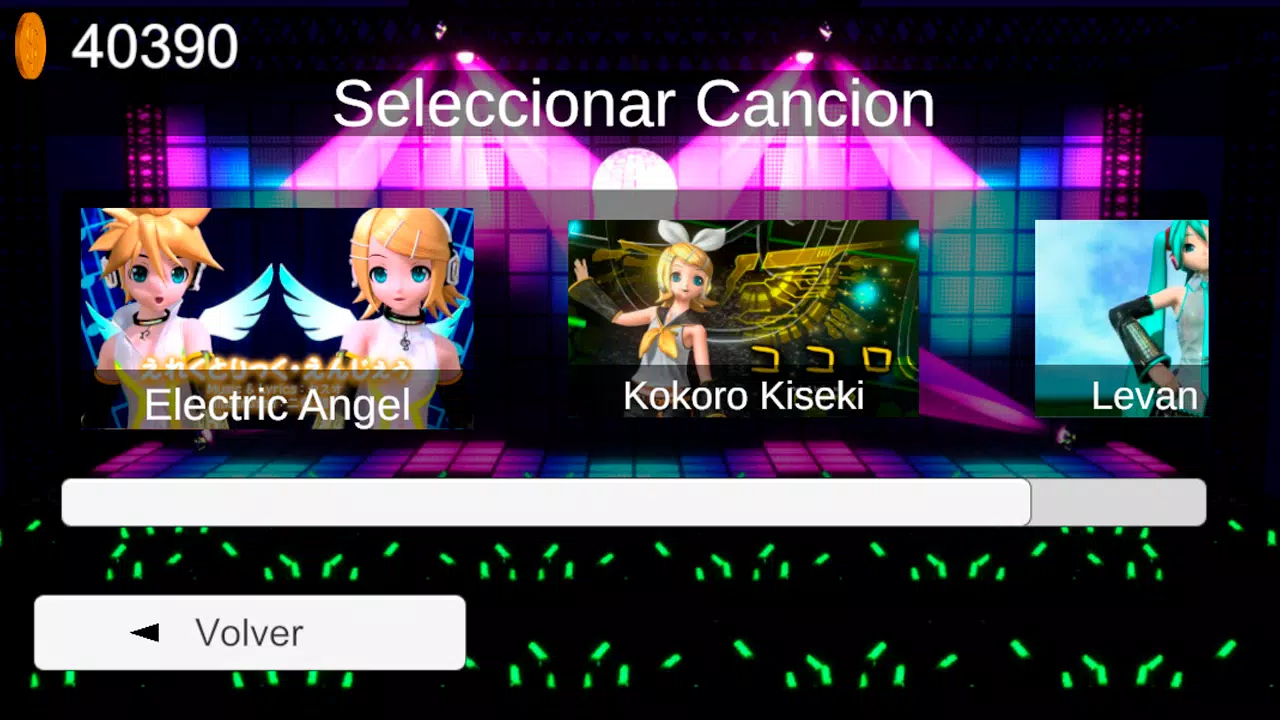
Choose an artist, song, and stage to play on screen, in augmented reality (AR), or in virtual reality (VR).
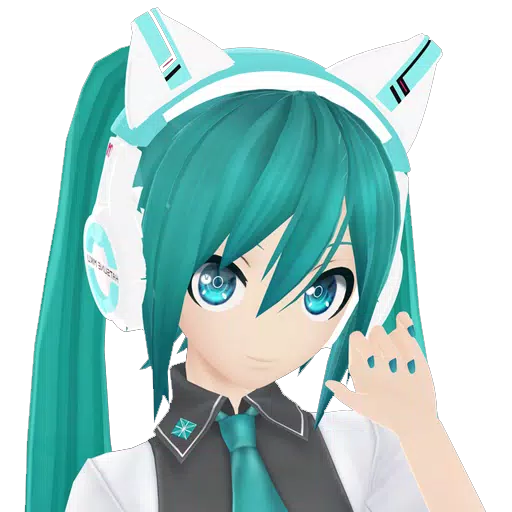
The MMD Diva Project app lets you select up to three MMD artists, a song, and a stage. You can then watch the performance on screen, in augmented reality (AR), or in virtual reality (VR).
Available artists include: Miku, Kaito, Rin, Len, Yandere, Sailor Moon, and Tuxedo Mask.
Songs you can choose from: DeepBlueTown, Electric Angel, FreelyTomorrow, Hare Hare Yukai, HappyHalloween, Kokoro Kiseki, Kokoro Kiseki Mix, Levan Polkka, MirishiraRomeoCinderella, Monster, Moonlight Densetsu, Popipo, Smoke And Mirrors, and Unravel (Tokyo Ghoul).
If you have issues downloading expansions through the app, you can install them manually.
Manual package installation
If the in-app installation does not work, follow these steps to install manually.
1) Download the expansion pack from Google Drive, Mega, or Mediafire (any one of these links):
https://drive.google.com/drive/folders/1E1BmuopI13TMokca7psCFbye0CiESlqG
https://mega.nz/folder/nRJwwYiL#e8gDewBV9GtiDFDPG1CcTA
https://www.mediafire.com/folder/ai296tgk88lwv/MmdProyectoDiva
2) The downloaded files are in a Zip archive (assetpackexpancion01.zip). Extract the contents by right-clicking and selecting "Extract all..." to get these files: assetpackexpancion01.manifest, assetpackexpancion01.txt, and assetpackexpancion01.unity3d.
3) Copy the extracted files to your phone at this location: Internal Storage/Android/data/com.IlusionesIndustriales.MMDProyectoDiva/files/GoogleDriveFile/
Create the “GoogleDriveFile” folder if it doesn’t exist. The result should look like this:
../files/GoogleDriveFile/assetpackexpancion01.manifest
../files/GoogleDriveFile/assetpackexpancion01.txt
../files/GoogleDriveFile/assetpackexpancion01.unity3d
Enjoy!