GPS Tracking Status App for Drivers
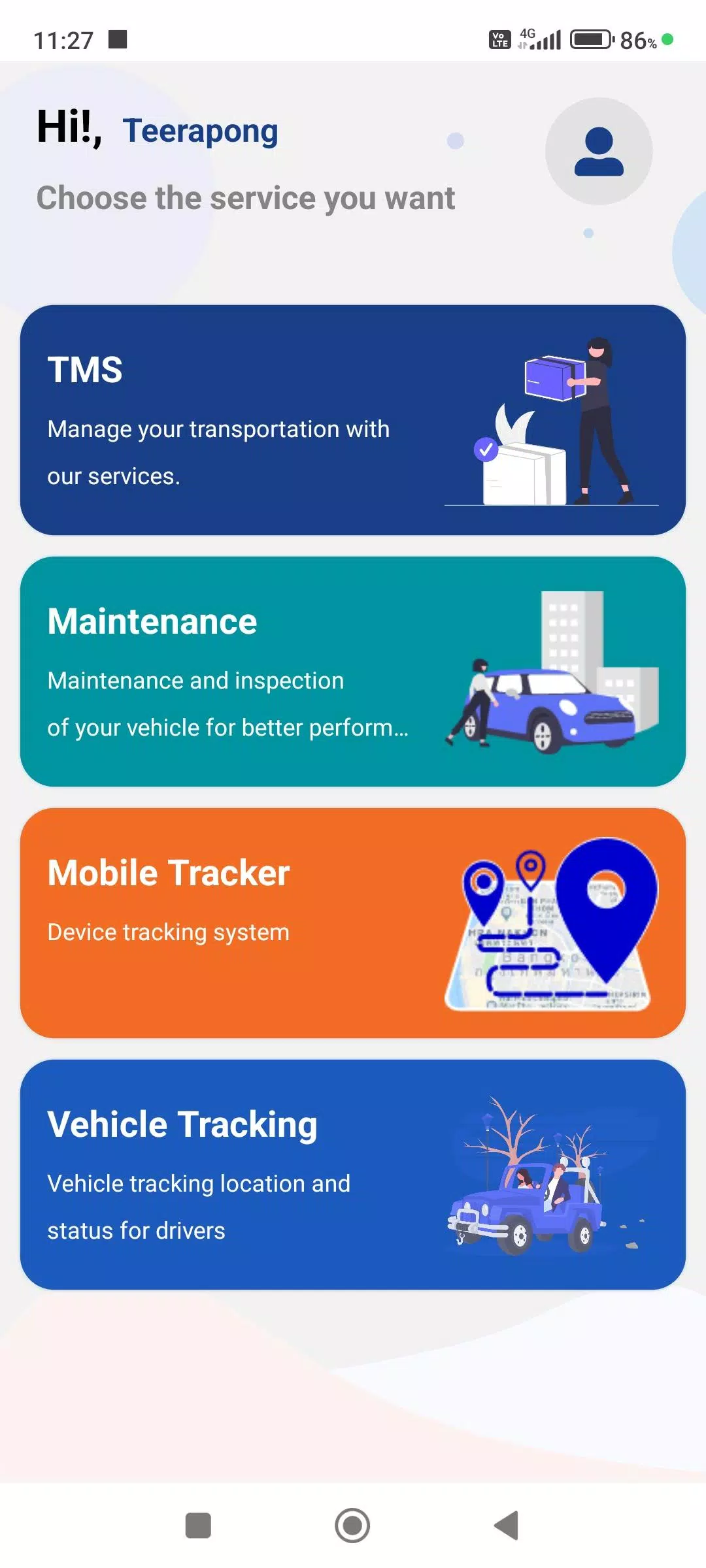
Our app is designed to enhance the efficiency and accuracy of work information for drivers, integrating seamlessly with the company's Web Console. Here’s a detailed overview of the app's key features:
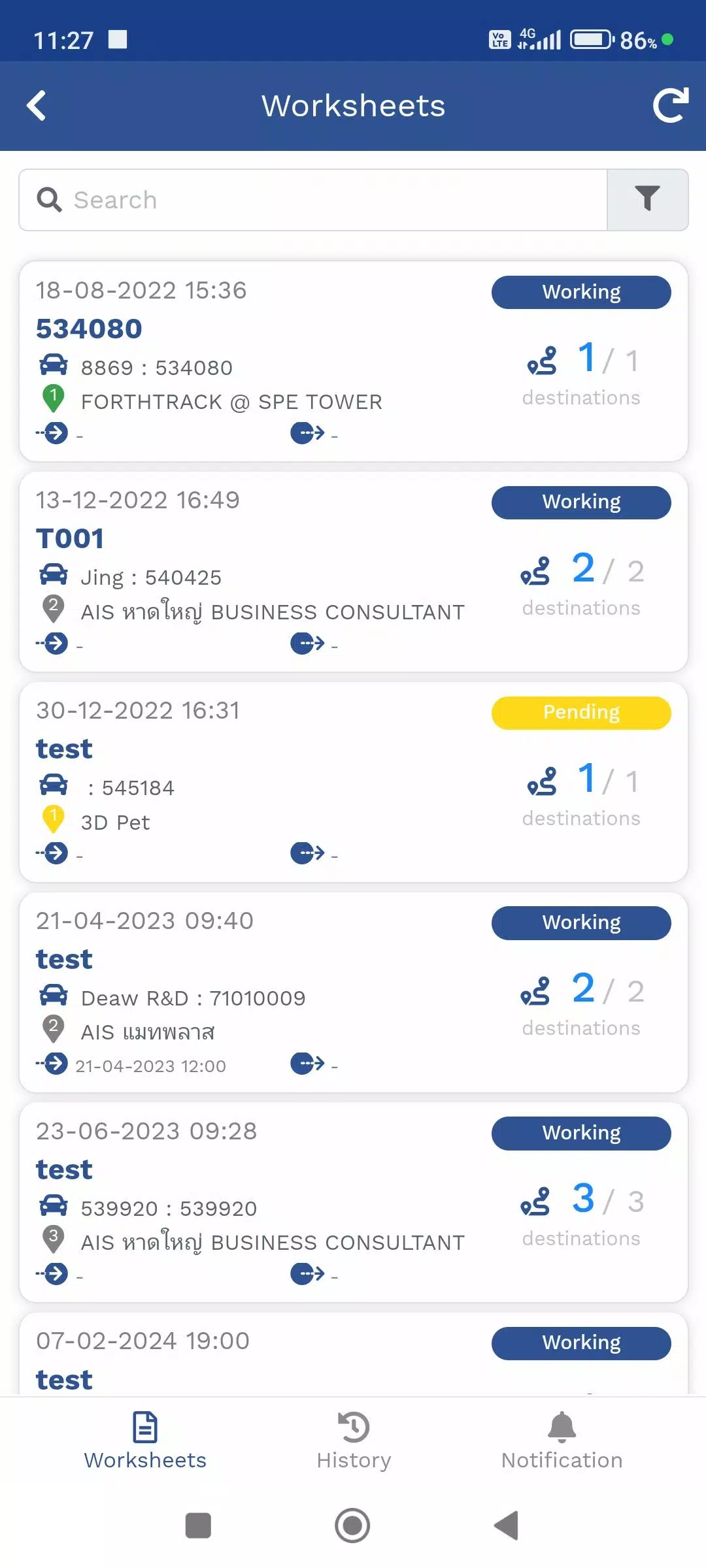
1. Travel Itinerary Menu (TMS)
The TMS menu is dedicated to managing travel plans for product delivery as assigned by employees. It provides real-time tracking of your current location via GPS or the Mobile Tracker menu, as well as the locations where products need to be delivered. This menu also includes updates on delivery status, ensuring you stay informed and on schedule.
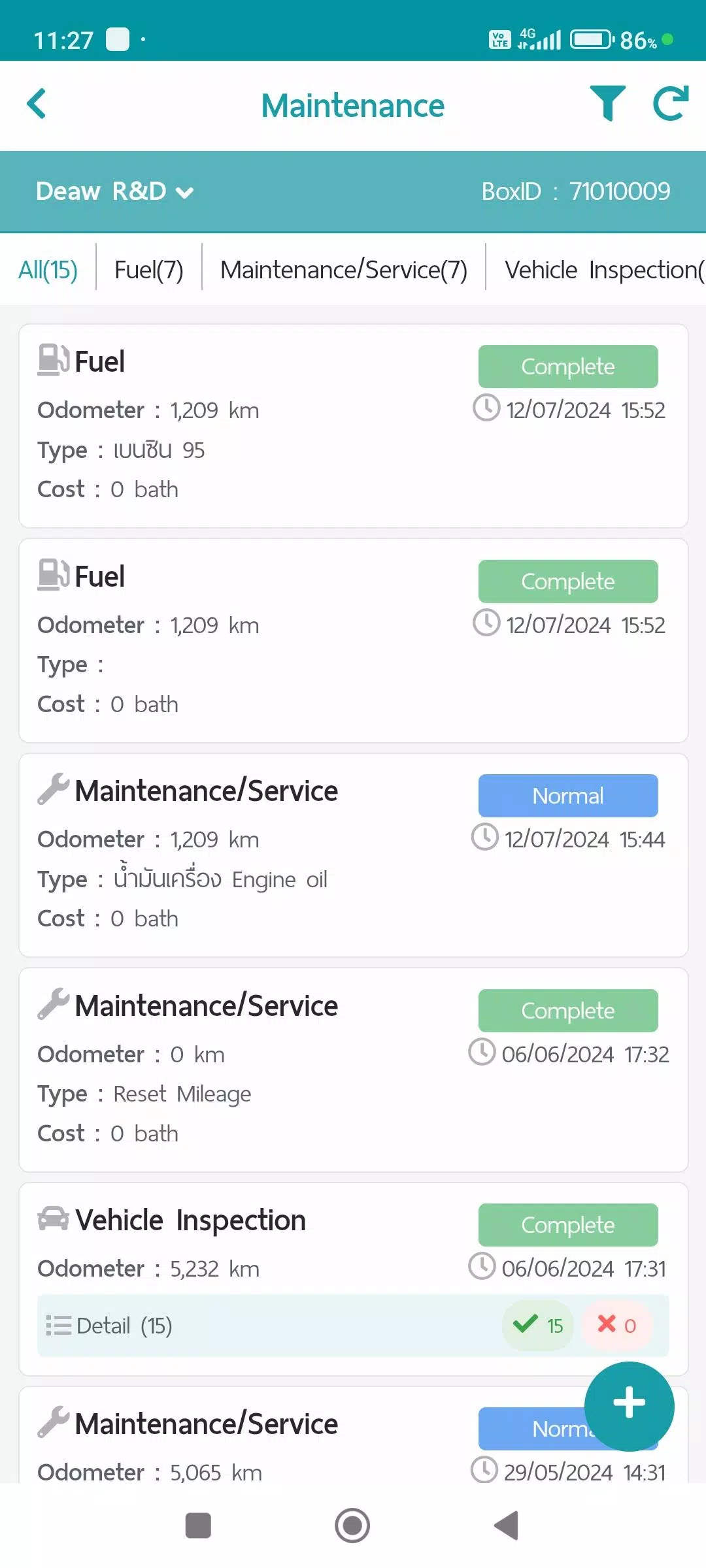
2. Maintenance Menu
This menu is essential for recording vehicle maintenance activities. It helps store data and generate reports that can be accessed and summarized via the Web Console. The types of maintenance recorded include:
- Refueling
- Maintenance/Service
- Vehicle condition checks
- Repair items
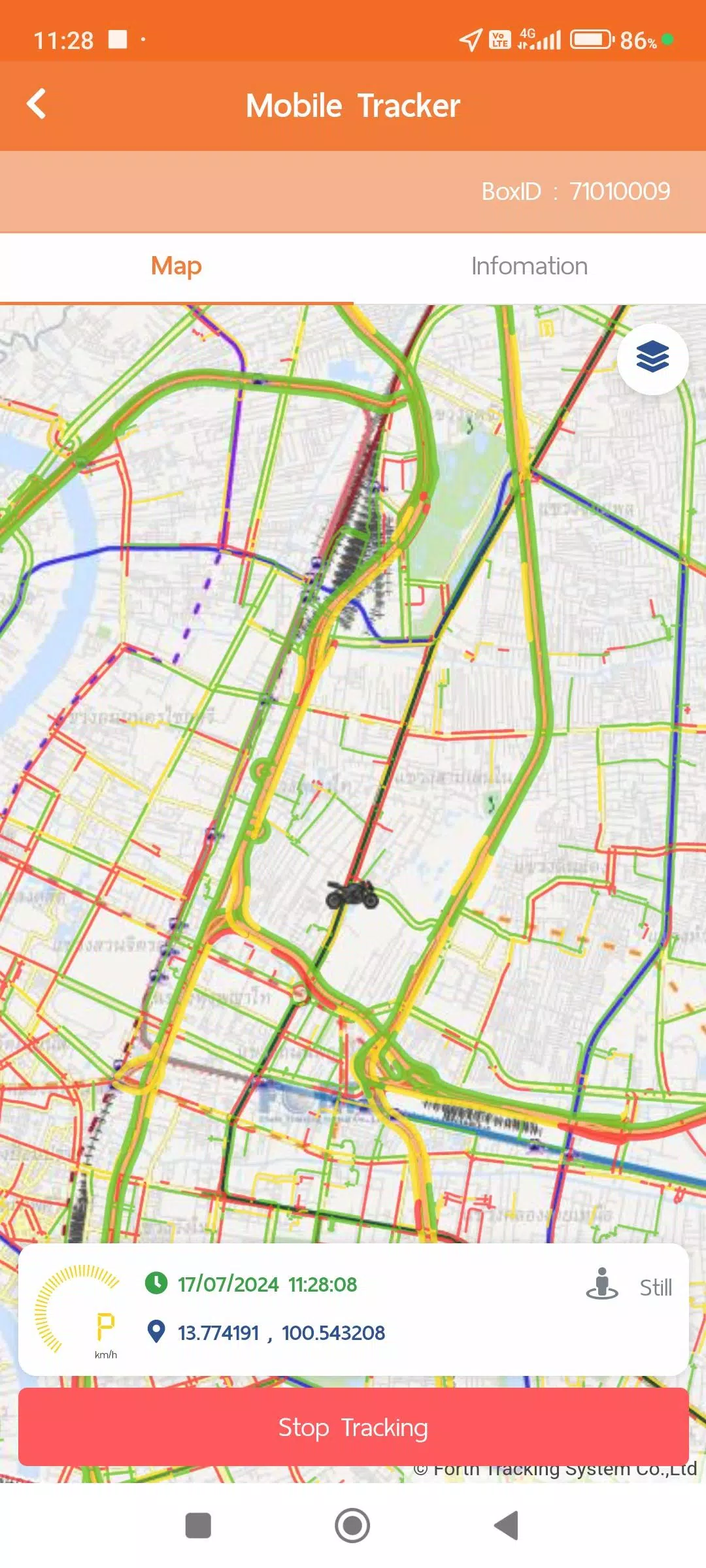
3. Mobile Tracker Menu
The Mobile Tracker menu allows for tracking the driver's location using a mobile device as an alternative to a GPS device. When tracking is enabled, GPS location data is sent and stored in the system. You can turn off data transmission at any time. This feature integrates with various menus such as the travel plan menu (TMS) and vehicle tracking menu, and allows for data summaries or reports in various formats through the Web Console. To ensure optimal functionality, the Mobile Tracker menu requires the following permissions:
Continuous Location Access: This allows the app to request GPS location information even when it's not actively in use, enhancing convenience.
Physical Activity Data Access (ACTIVITY RECOGNITION): This permission is used to manage GPS data more efficiently and conserve energy. The system operates in different modes based on activity:
- Still: Requests GPS data every 1 minute; switches to Power Save Mode after 5 minutes, requesting data every 5 minutes.
- Working: When walking, requests GPS data every 1 minute.
- In Vehicle: Sends GPS data every second for precise distance and speed tracking, but normally sends data every 1 minute.
Power Save Mode activates after 5 minutes of being still and deactivates upon detecting walking or vehicle activity.
4. Vehicle Tracking Menu
This menu displays real-time location data from GPS or Mobile Tracker devices, along with various work statuses. It also allows you to access historical data in multiple formats, including:
- Device information
- Notification settings
- Daily travel summary information
- GPS movement data at desired time intervals
- Additional information from installed equipment such as MDVR, TPMS (if available)
Data Collection and Usage Policies
You can find our data policies in the user account menu, which includes:
- Terms and conditions of use
- Personal information protection policy
- Cookie Policy
What's New in Version 1.7.6
Last updated on Nov 9, 2024
- System updates and performance improvements