One of the standout features in Fortnite is the ability to customize characters, which allows each player to showcase their unique style. In this article, we'll explore in-depth how you can transform your character's appearance, including choosing skins, changing gender, and utilizing various cosmetic items.
 Image: x.com
Table of Contents
- Understanding the Character System
- How to Change Your Character in Fortnite
- Changing Gender
- Acquiring New Items
- Footwear
- Using Other Cosmetic Items
Understanding the Character System
In Fortnite, the game eschews traditional class or role divisions in favor of a vast array of cosmetic items, known as skins, that change your character's look without impacting gameplay. These skins allow players to express themselves and stand out on the battlefield, especially with collaborations from popular franchises like Marvel or Star Wars.
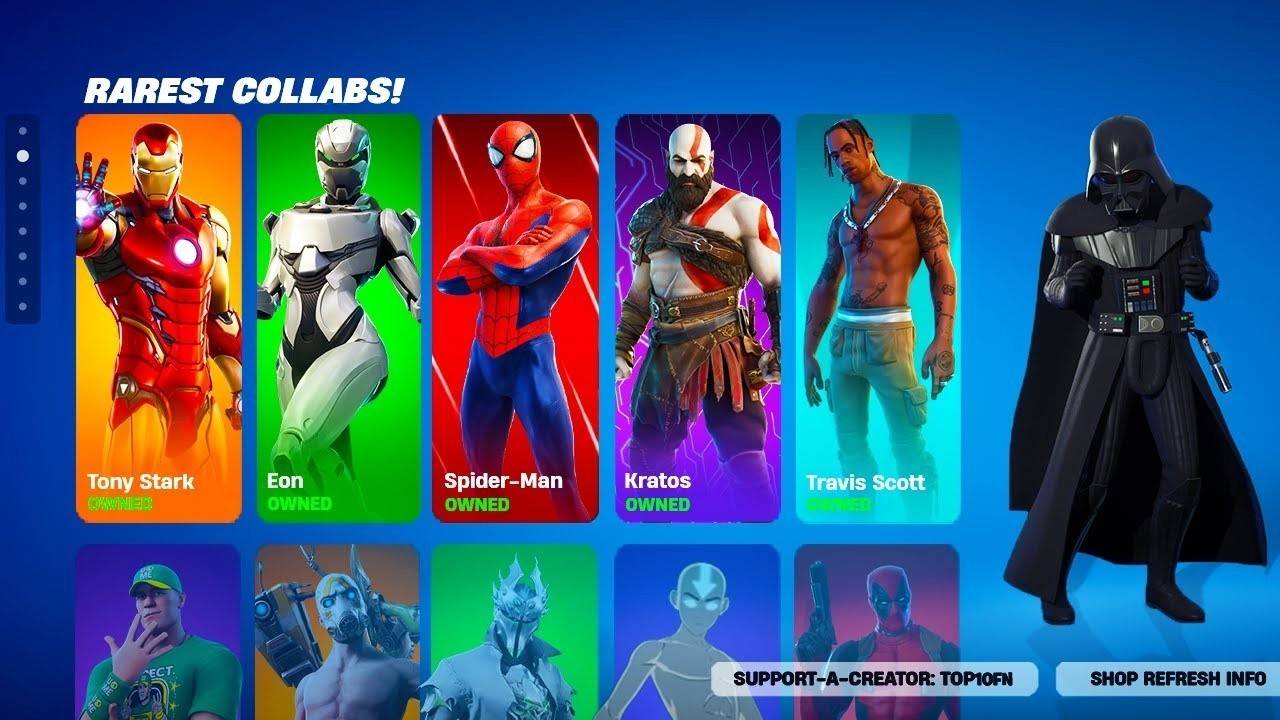 Image: youtube.com
How to Change Your Character in Fortnite
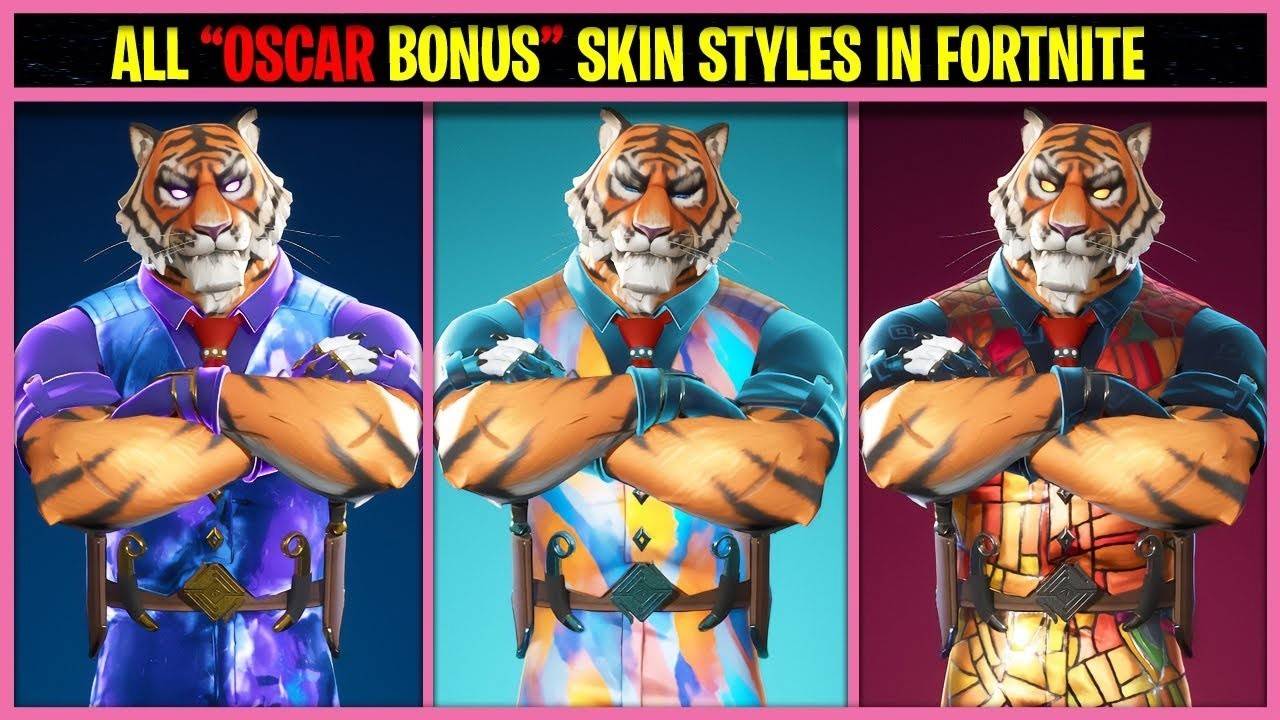 Image: youtube.com
To customize your character's appearance, follow these steps:
- Open the "Locker": Navigate to the "Locker" tab at the top of the screen. This is your hub for all purchased cosmetic items, including skins, pickaxes, wraps, and more.
- Select a Skin: Within the "Locker" section, click on the first slot on the left designated for skin selection. Browse through the list of skins and choose the one you want.
- Choose a Style: Some skins offer style variations that can alter colors or the overall look of the character. Pick the style that suits you best.
- Apply the Selected Skin: Once you've made your choice, hit the "Save and Exit" button or simply close the menu. Your new skin will be ready for use in the game.
Note that if you haven't purchased any skins, the game will assign you a random default skin. However, with an update in late 2024, Epic Games introduced the ability to select a preferred default skin directly in the "Locker."
Changing Gender
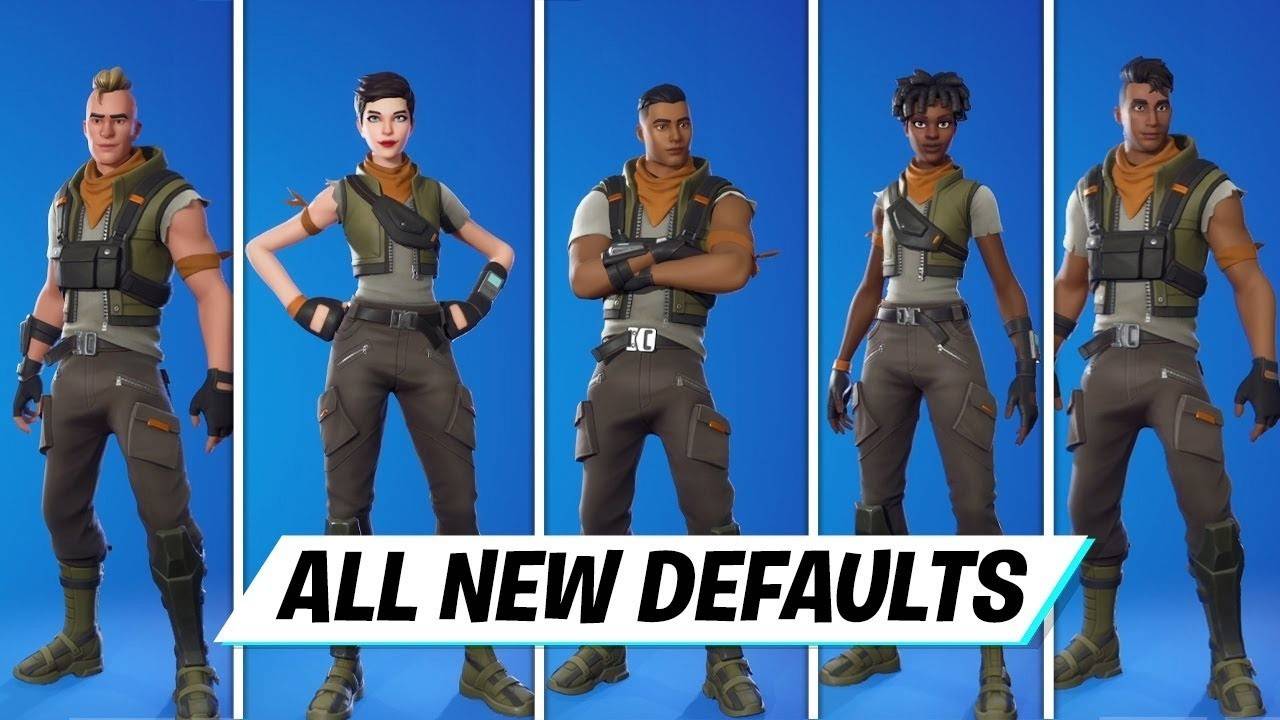 Image: youtube.com
The gender of your character in Fortnite is tied to the chosen skin. Each skin has a set gender that can't be altered separately, except in cases where the skin's style variations offer this option. To play as a character of a specific gender, select an appropriate skin following the steps above. If you don't have a suitable skin, you can purchase one from the Item Shop using V-Bucks. The Item Shop refreshes daily, providing a variety of options for both male and female characters.
Acquiring New Items
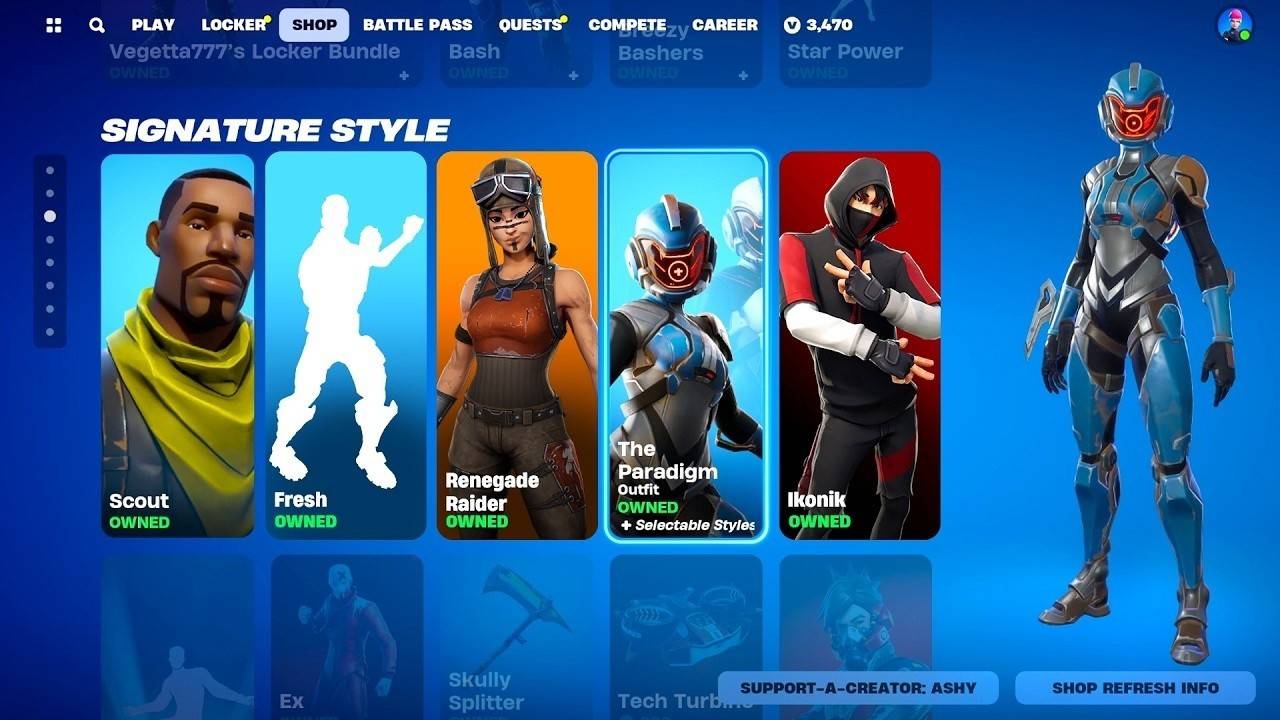 Image: youtube.com
To expand your collection of outfits, consider these methods:
- Item Shop: This daily-updated shop offers various skins and other cosmetic items, which you can buy with V-Bucks.
- Battle Pass: Purchasing a Battle Pass grants access to exclusive skins and rewards that unlock as you progress through the season.
- Events and Promotions: Epic Games often hosts events and promotions where you can earn unique skins by completing challenges or participating in competitions.
Footwear
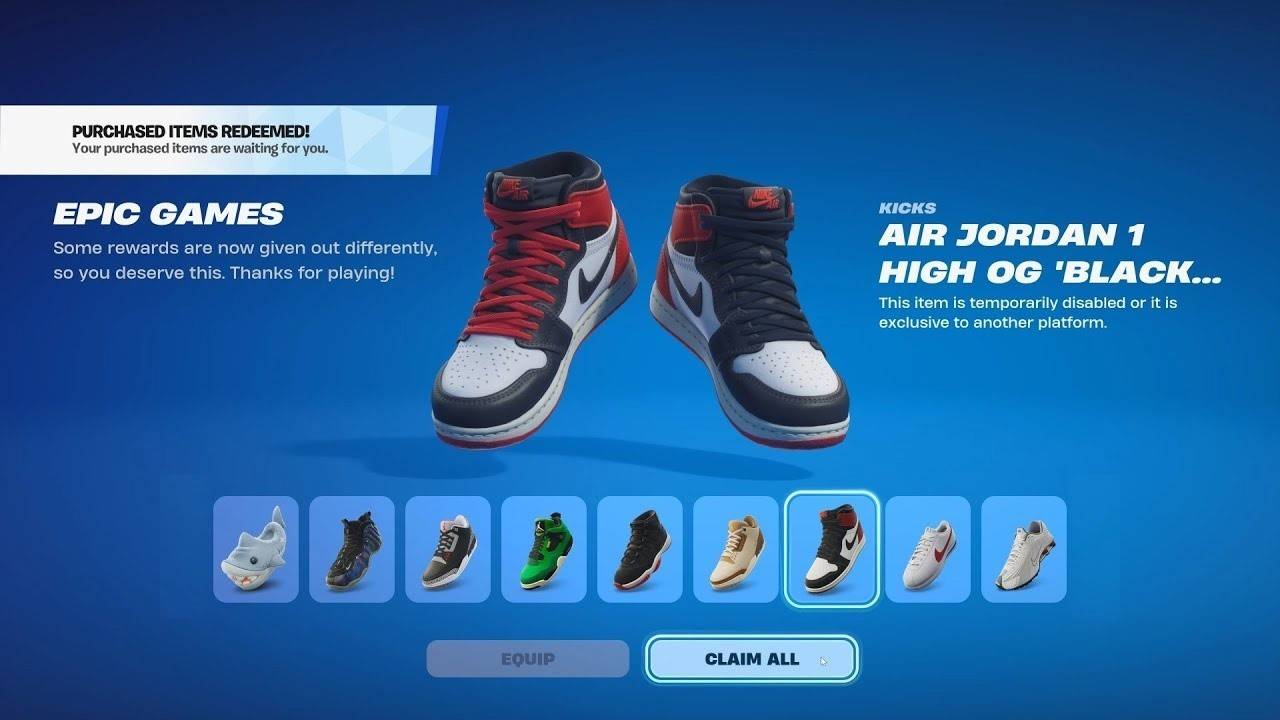 Image: youtube.com
In November 2024, Fortnite introduced "Kicks," a new type of cosmetic item allowing players to equip their characters with stylish footwear. Choose from real-world brands like Nike or unique Fortnite designs. To change your character's shoes, go to the "Locker" and select a compatible pair. Note that not all outfits support shoe customization, but Epic Games is expanding this feature. Before purchasing, use the "Shoe Preview" function to ensure compatibility with your outfits.
Using Other Cosmetic Items
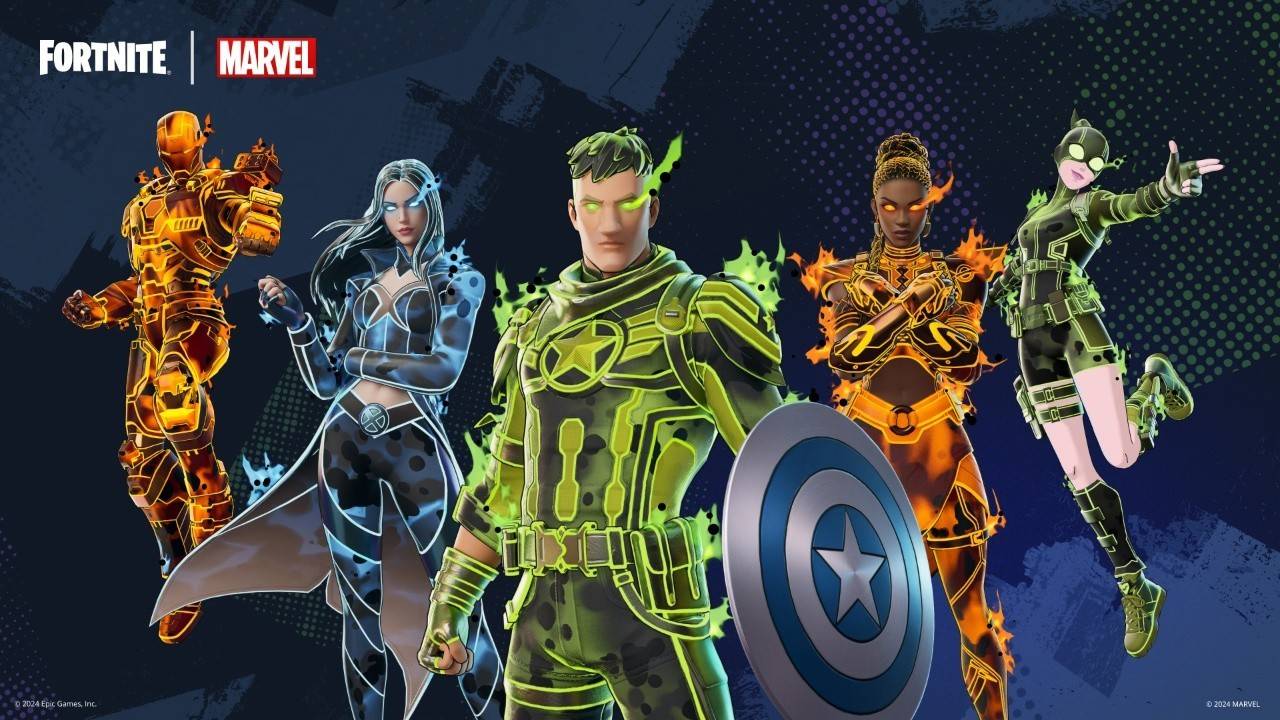 Image: fortnitenews.com
Beyond outfits, Fortnite offers a variety of cosmetic items to personalize your gaming experience:
- Pickaxes: These tools, used for resource gathering and melee combat, come in various designs and effects.
- Back Blings: These are decorative accessories worn on your character’s back, offering both style and functionality.
- Contrails: These are effects that appear when gliding down from the Battle Bus.
All these items can be customized in the "Locker" section, similar to selecting skins.
Customization is a key element of Fortnite, enabling every player to tailor their character's look and enhance their gaming experience. By following these guidelines, you can effortlessly change your character's appearance and make full use of the game's customization features to craft a unique in-game persona.