Home News How to Pair PS5 Controller to PC

How to Pair PS5 Controller to PC

Author : George Update:Mar 22,2025

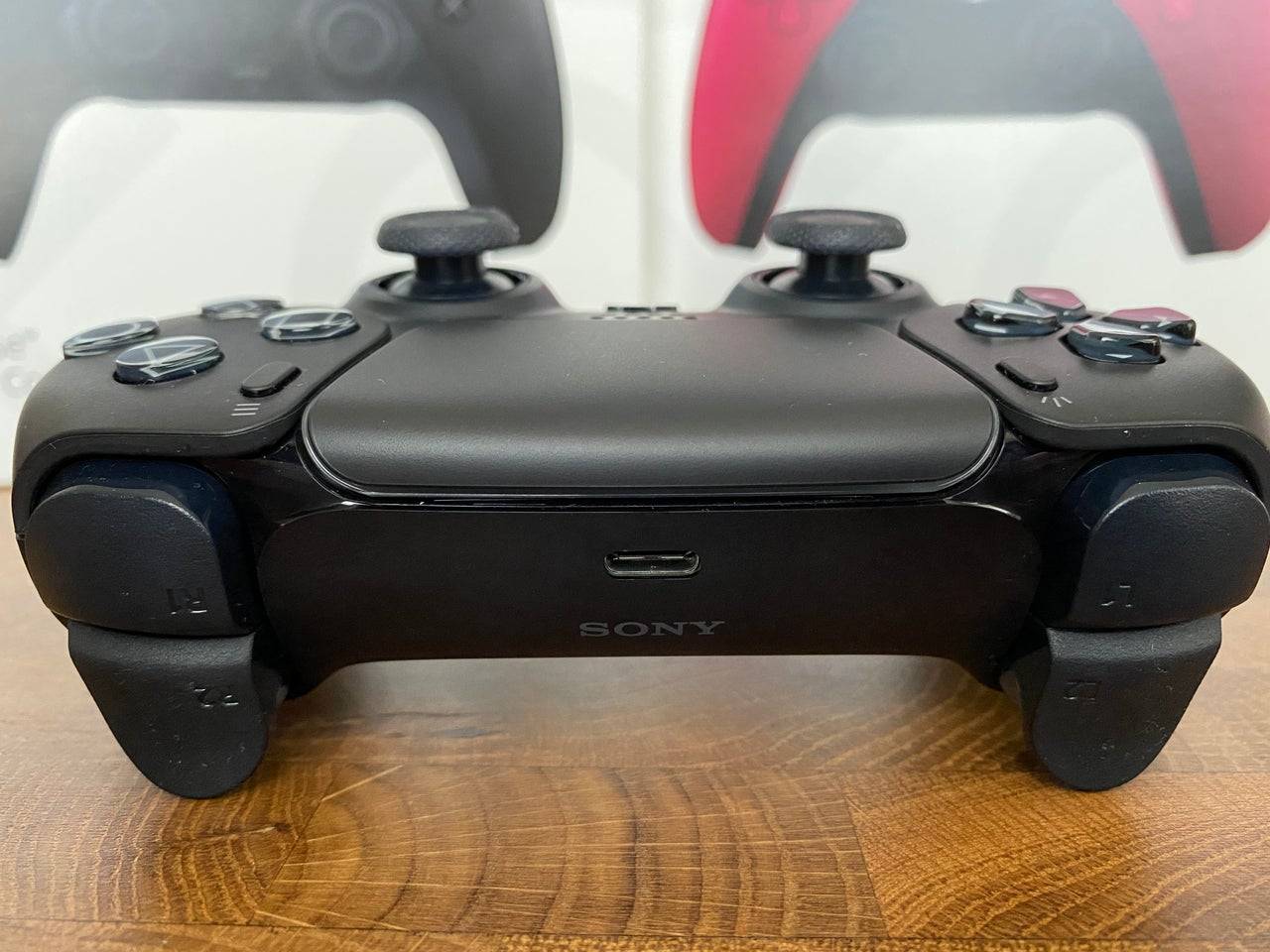
The Sony DualSense, lauded as the best PS5 controller for its innovative features, superior grip, and ergonomic design, seamlessly enhances PlayStation 5 gaming. Connecting it to a gaming PC, however, might seem daunting, especially considering the challenges faced with the DualShock 4. Fortunately, the DualSense boasts significantly improved PC compatibility, earning its place among the best PC controllers. Let's explore the simple connection process.
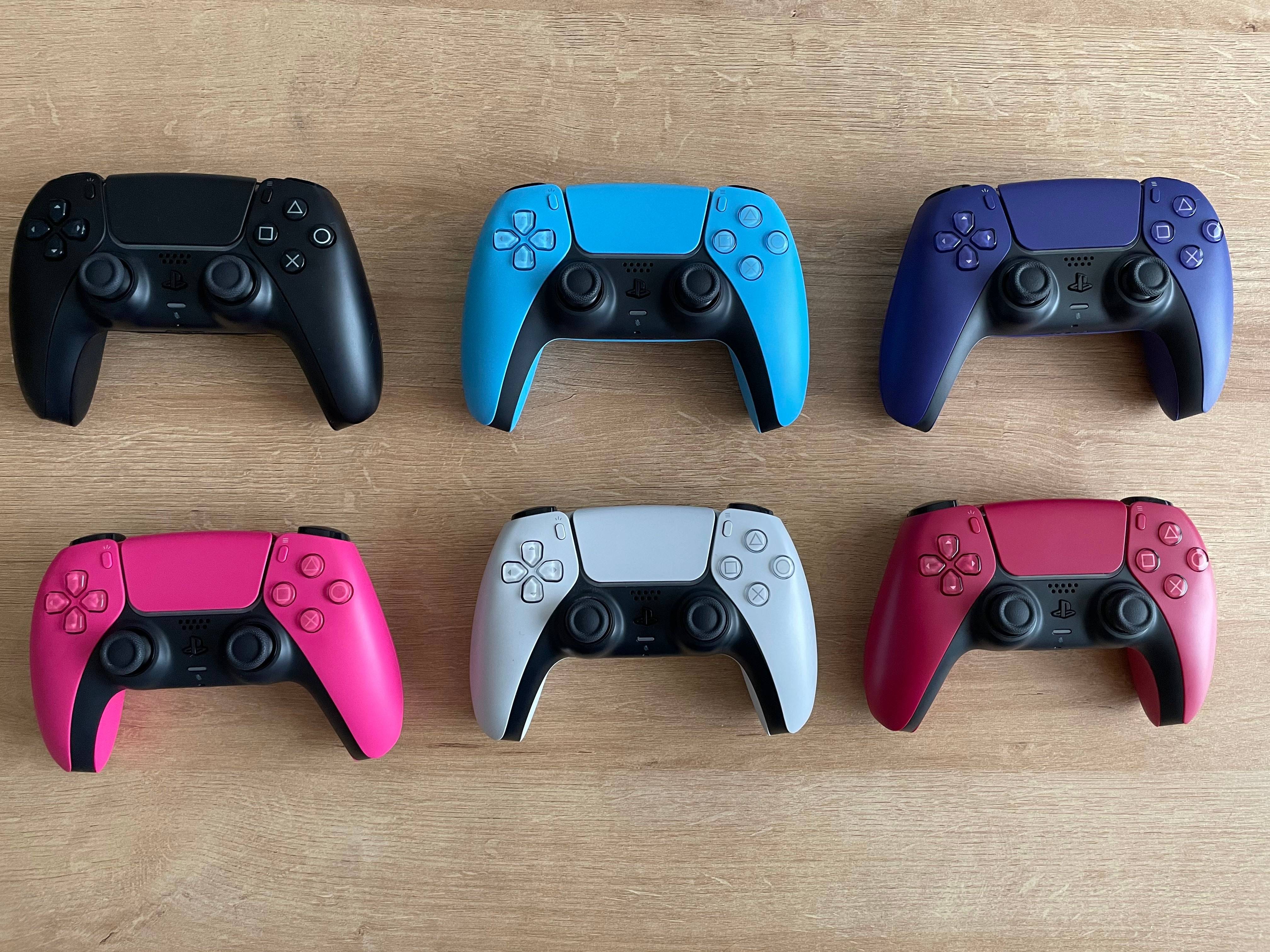
Connecting PS5 Controller to PC

Necessary Equipment:

  • A data-capable USB-C cable.
  • A Bluetooth adapter (if your PC lacks Bluetooth).

Connecting your DualSense to your PC requires either a USB-C cable capable of data transfer (some cheaper cables only provide power) or a Bluetooth adapter, as the DualSense doesn't include a cable and not all PCs have built-in Bluetooth. Use a USB-C to USB-C cable if your PC has a USB-C port, or a USB-C to USB-A cable for standard USB ports.

Adding Bluetooth to your PC is straightforward. Numerous Bluetooth adapters are available, some installing into a PCIe slot, others simply requiring a free USB port.
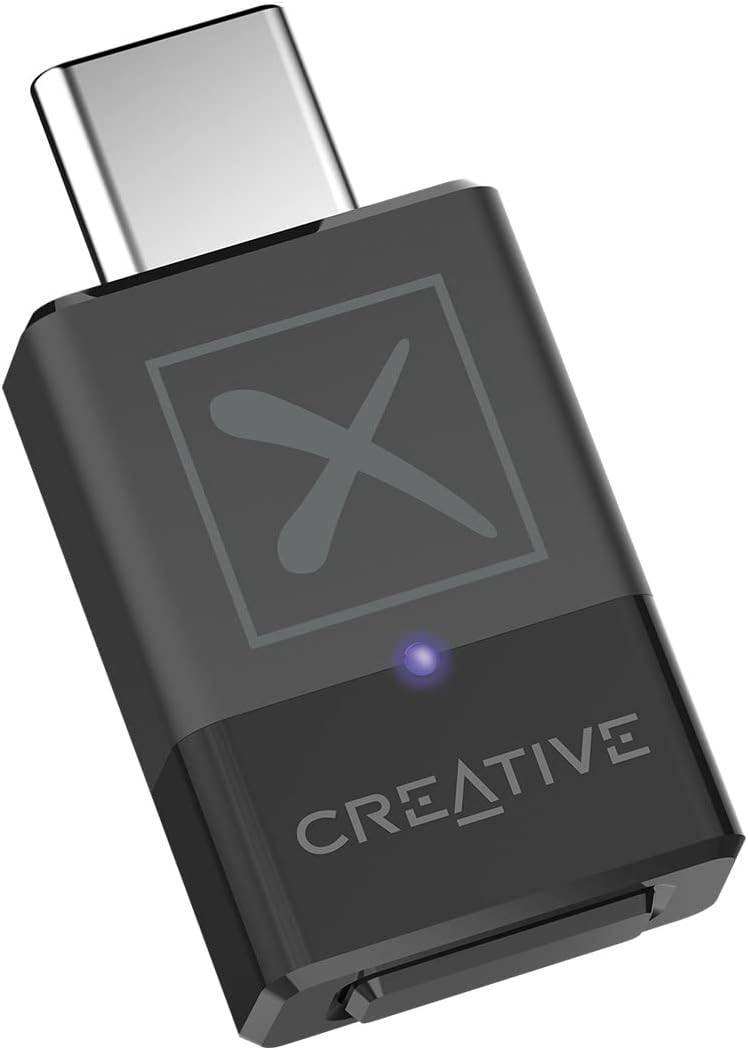
Creative BT-W5 Bluetooth Transmitter

Our Top Pick: Creative BT-W5 Bluetooth Transmitter

See it at Amazon

Connecting via USB:

Connecting via USB
  1. Plug your USB cable into a free port on your PC.
  2. Connect the other end to the DualSense's USB-C port.
  3. Wait for your Windows PC to recognize the DualSense as a gamepad.
DualSense recognized as gamepad

Connecting via Bluetooth:

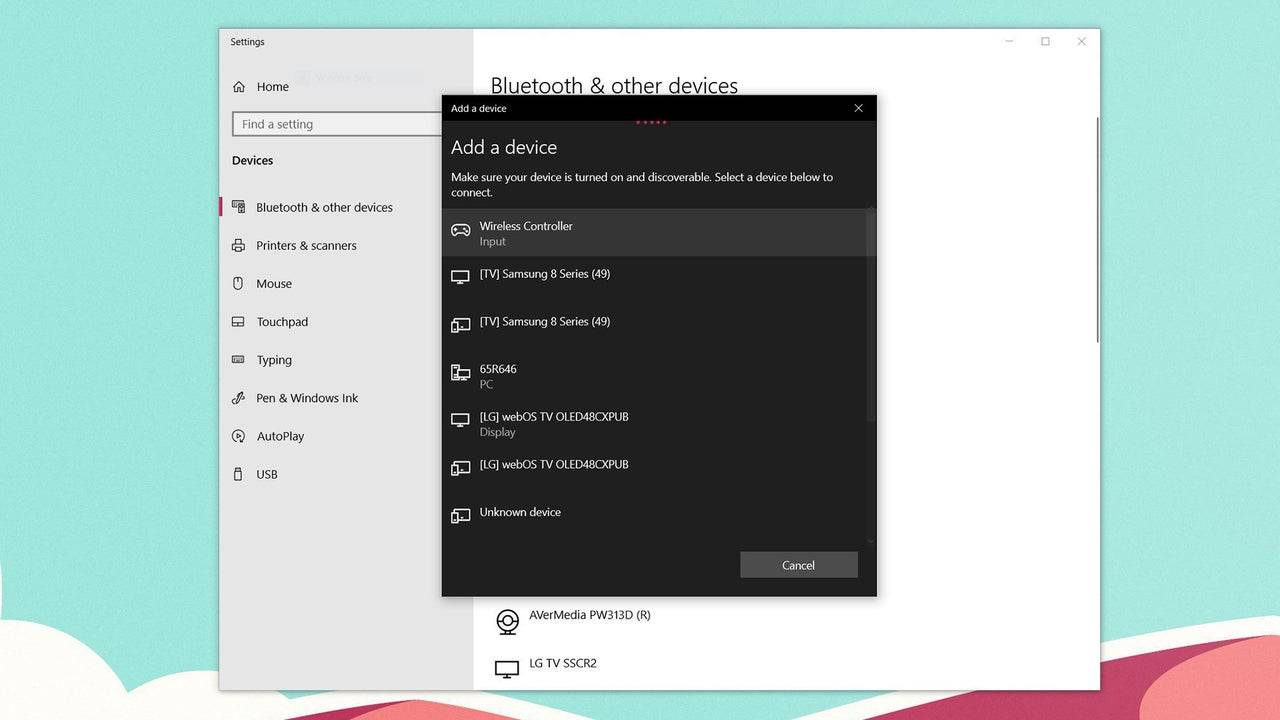
  1. Access your PC's Bluetooth settings (press the Windows key, type "Bluetooth," and select "Bluetooth & other devices").
  2. Select "Add Bluetooth or other device."
  3. Choose "Bluetooth" from the pop-up window.
  4. With the DualSense disconnected and powered off, press and hold the PS button and Create button simultaneously until the light bar under the touchpad blinks.
  5. Select your DualSense from the list of available Bluetooth devices on your PC.

Trending Games More +
Latest Games More +
Simulation | 140.1 MB
Discover a delightful island dedicated to cats—simply watching them will brighten your day!Idle Cat-Raising AdventureJust seeing these charming cats is guaranteed to make you smile!Calling all future cat sitters! Ready to create the ultimate feline r
Casual | 824.00M
Embark on an extraordinary journey with NighTly Ritual – New Version! Enter a realm of fascinating stories, packed with surprising turns, deep desires, and engaging events. Delve into the compelling narrative of a Childhood Drama, uncovering its hidd
Racing | 4.3 MB
Design and build your own custom motorcycles and take them for a spin on the open road.This 2D physics-based game draws inspiration from real motorcycles ranging from 110cc to 1000cc. Choose from dozens of upgradeable parts, including exhaust systems
Strategy | 54.0 MB
Take control, crush obstacles, and demolish opponents in the ultimate monster truck showdown with Berby.Monster Truck Mayhem - Ultimate Destruction RacingWelcome to the thrilling sequel of our monster truck adventure, brought to you by Games Tooist.
Racing | 296.1 MB
Nominated for Best Racing Game in the 2023 Car Games category!Prepare for unforgettable moments with these amazing cars!Duster Convoy Simulator delivers a true 3D racing game experience. Download this car racing game now to enjoy what it's like to be
Strategy | 74.6 MB
Build your dinosaur army, expand your village, crush your enemies, and prove you're the ultimate boss!Construct houses, level up your skills, grow your collection of powerful reptiles, and unleash your full fury on opponents during epic raids!Never f