Take control of your electric vehicle charging with the KEBA eMobility App, designed for users of KeContact P30 & P40 wallboxes (including P40, P30 x-series, company car wallbox, PV EDITION, and P30 c-series). With this app, you can easily manage and configure your charging station, ensuring you have complete command over your wallbox.
Here's what the KEBA eMobility App offers:
- Remote access to communicate with your wallbox from anywhere (for KeContact P30 c-series, communication is via the local network).
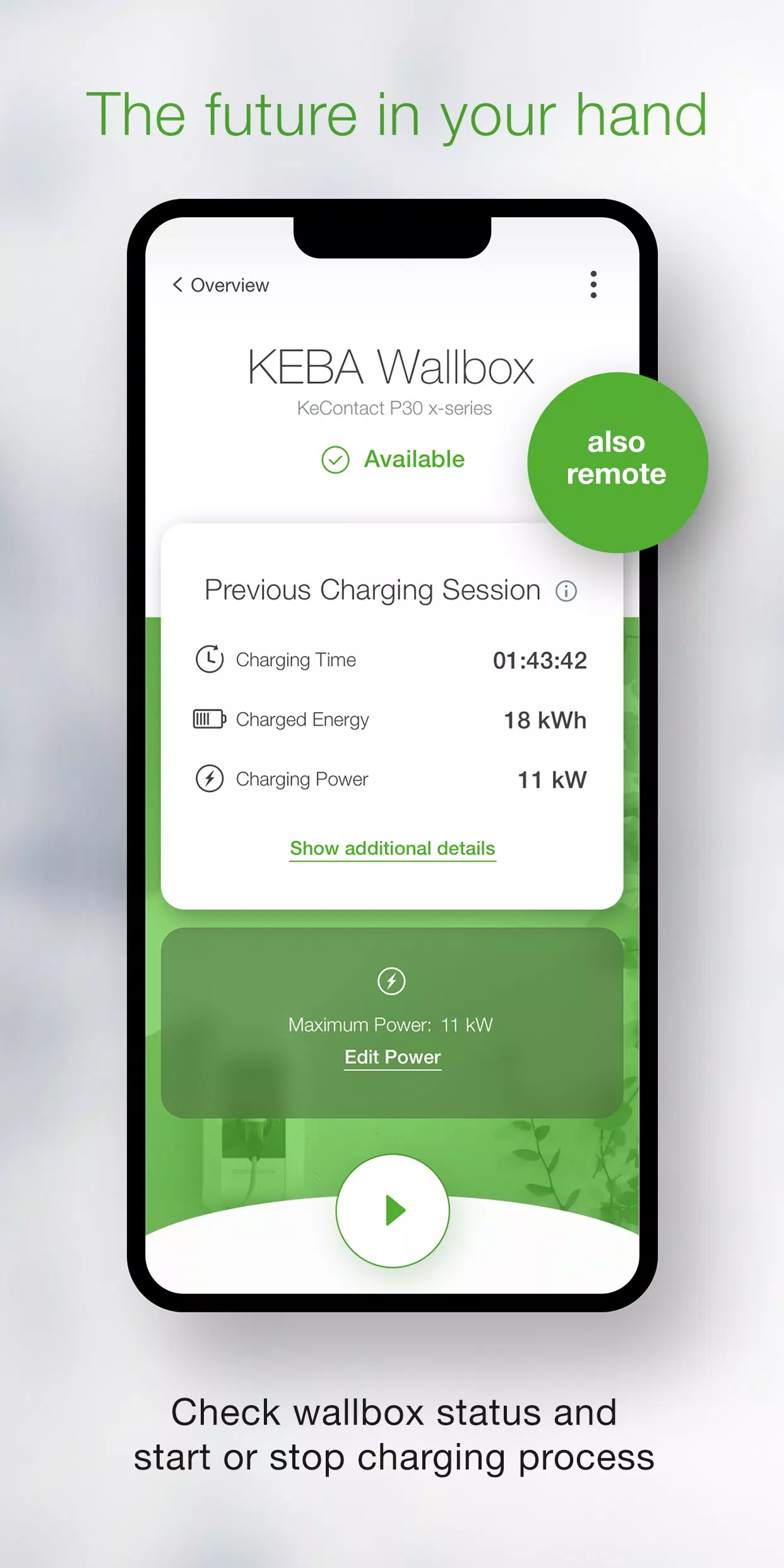
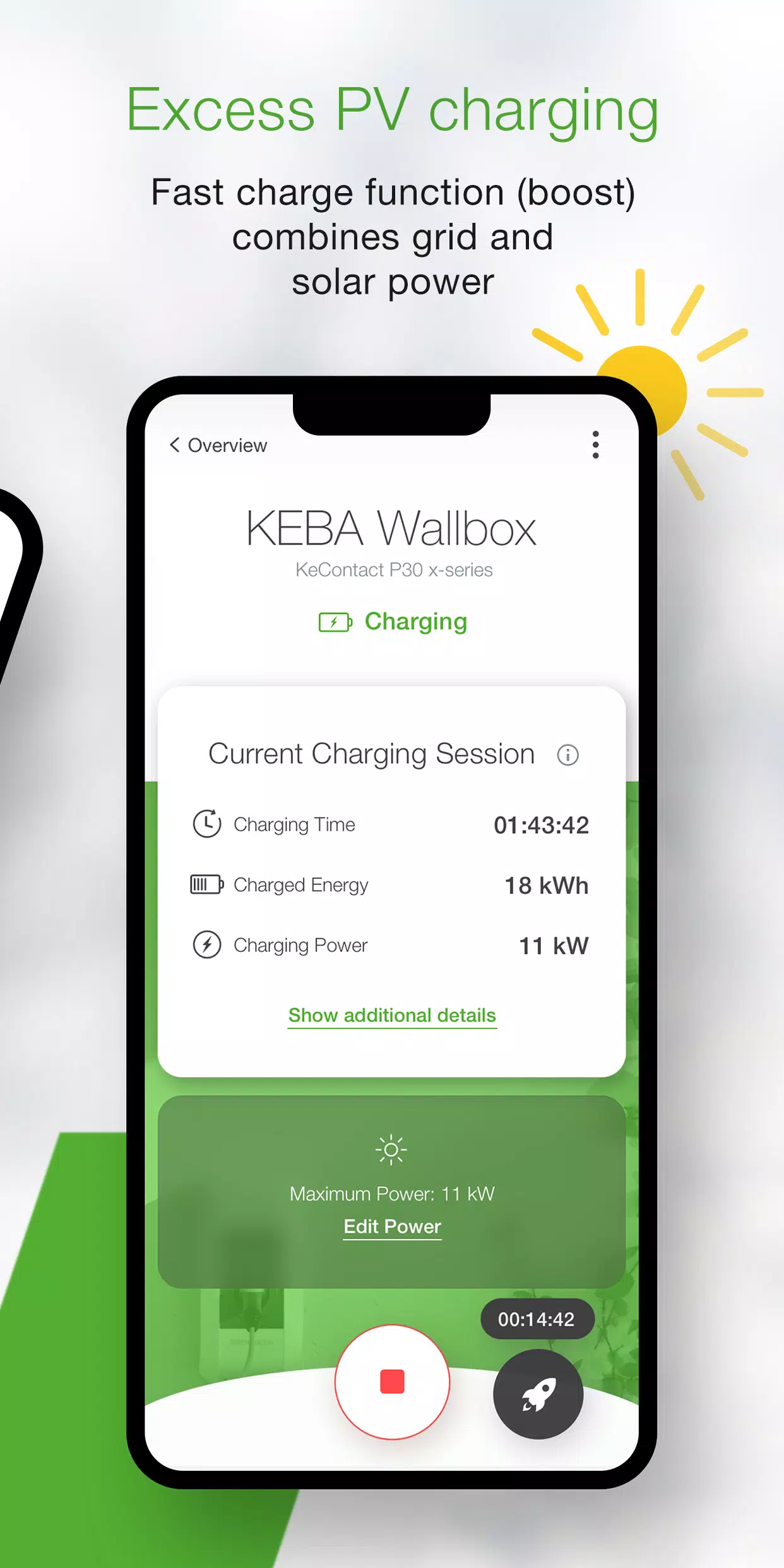
- Check the real-time status of your wallbox to see if it's charging, ready to charge, offline, or experiencing an error.
- Start and stop your charging process effortlessly with a single click.
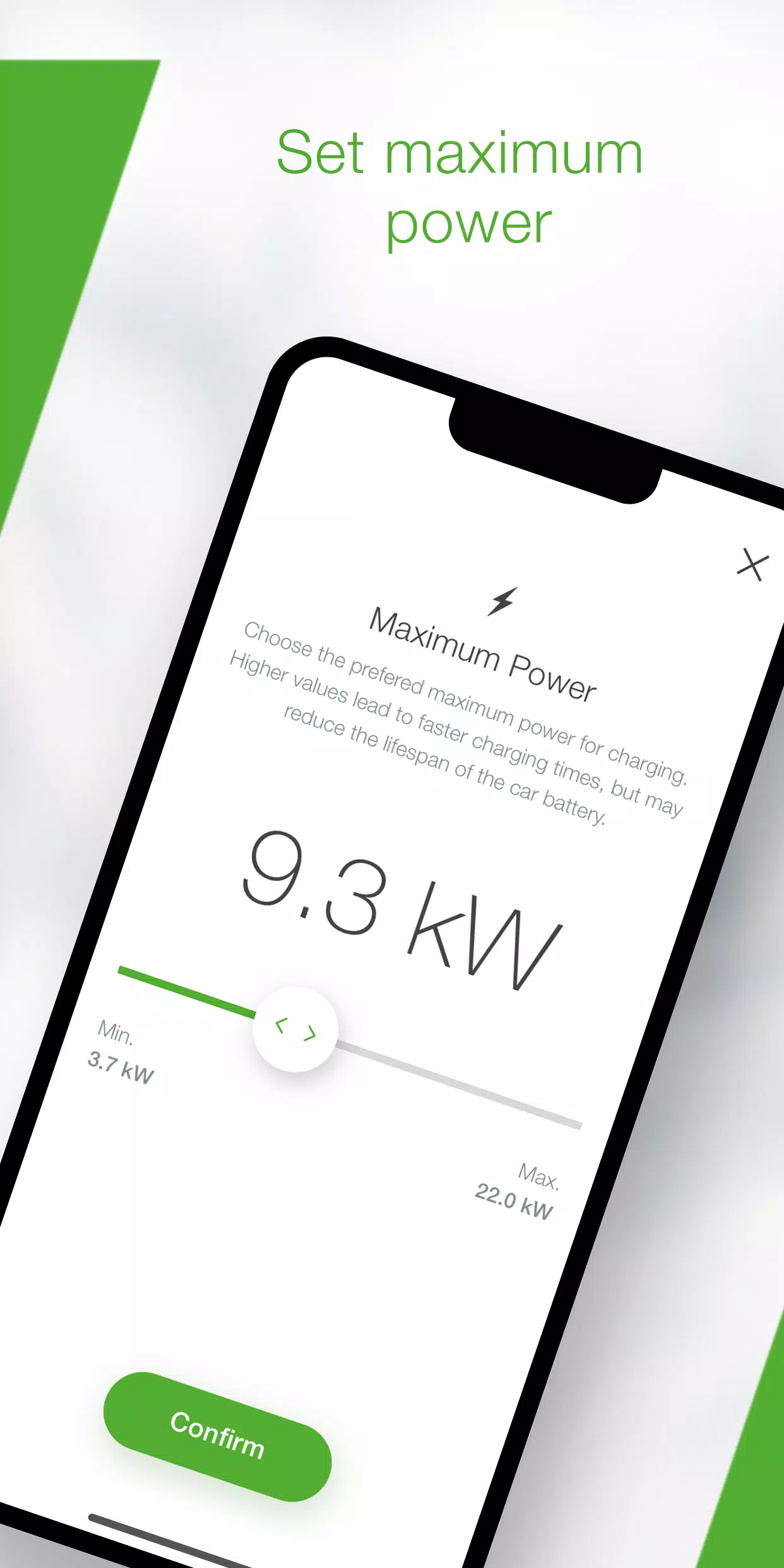
- Set the maximum charging power to manage your vehicle's power consumption and control the charging time.
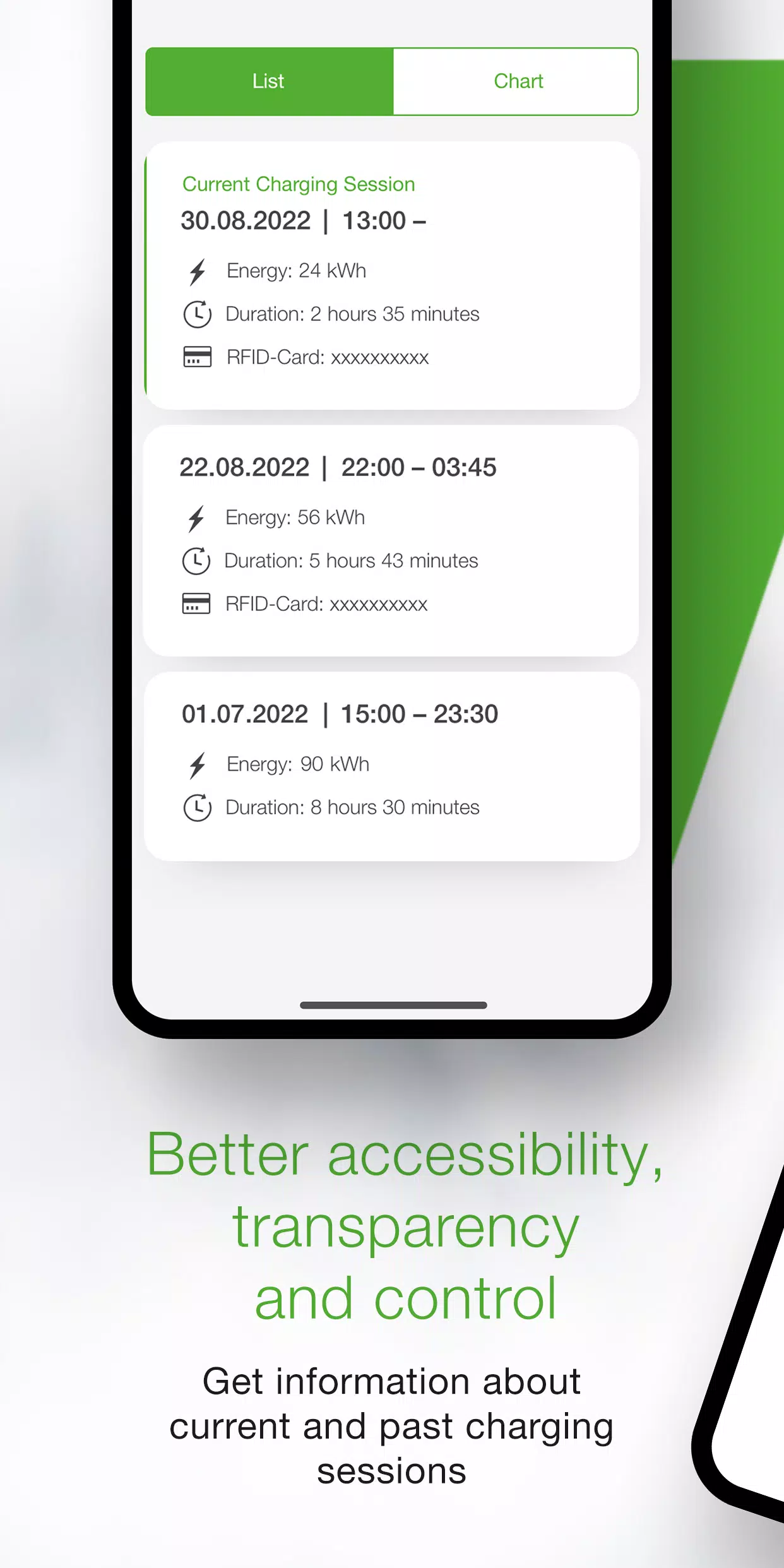
- Monitor all details and real-time data (time, energy, power, amperage, etc.) of your current charging session and review past sessions in the history.
- Access comprehensive statistics on your historical energy usage.
- A setup guide that helps ensure your wallbox meets the app's requirements and assists in connecting and configuring it for first-time use.
- An installer mode that walks you through the initial configuration and setup of your P40 wallbox.
- Automate charging processes to start and stop at predefined times and power levels using power profiles (configurable via the KEBA eMobility Portal for P40, P30 x-series, company car wallboxes, and PV EDITION).
- Keep your wallbox's software up to date with automatic updates via the app (not available for KeContact P30 c-series models in stand-alone operation).
- For x-series users, access all familiar configurations from the web interface within the app (for KeContact P30 x-series models only).
The KEBA eMobility App is compatible with the following wallboxes:
- KeContact P40, P40 Pro, P30 x-series, company car wallbox, PV EDITION
- KeContact P30 c-series (no firmware update required for app use)
Please note that charging stations managed by Charge Point Operators might not be compatible with the app, especially if you lack the web-interface password or serial number.
When connected to a KeContact P30 c-series, some app functions may be limited compared to the x-series. For a detailed comparison, visit www.keba.com/emobility-app.
Already using the KEBA eMobility Portal? Register within the app or portal to access additional features on the browser-based platform at emobility-portal.keba.com.
For electrical installers:
- Manual DIP switch settings are still required on the P30 wallbox.
- Configurations familiar from the P30 web interface can also be made via the app.
- For the KeContact P30 c-series, DIP switch settings are necessary to enable full UDP communication functionality (as outlined in the setup guide).
- Basic settings for the KeContact P40 can be adjusted via the KEBA eMobility App or directly on the device.
What's New in Version 3.10.0
Last updated on Nov 12, 2024
- P40: Wallbox software version 1.1.0 is now available.
- P40: You can now perform a factory reset of your wallbox via the app.
- P40: We've resolved issues causing a white screen when using the app offline.
- P40: We've corrected the OCPP communication channel options in the settings menu.
- P40: We've fixed authentication errors when entering an incorrect password.
- P40: We've addressed Bluetooth connection issues for already paired wallboxes.
- We've enhanced the usability and stability of wallbox enrollments.