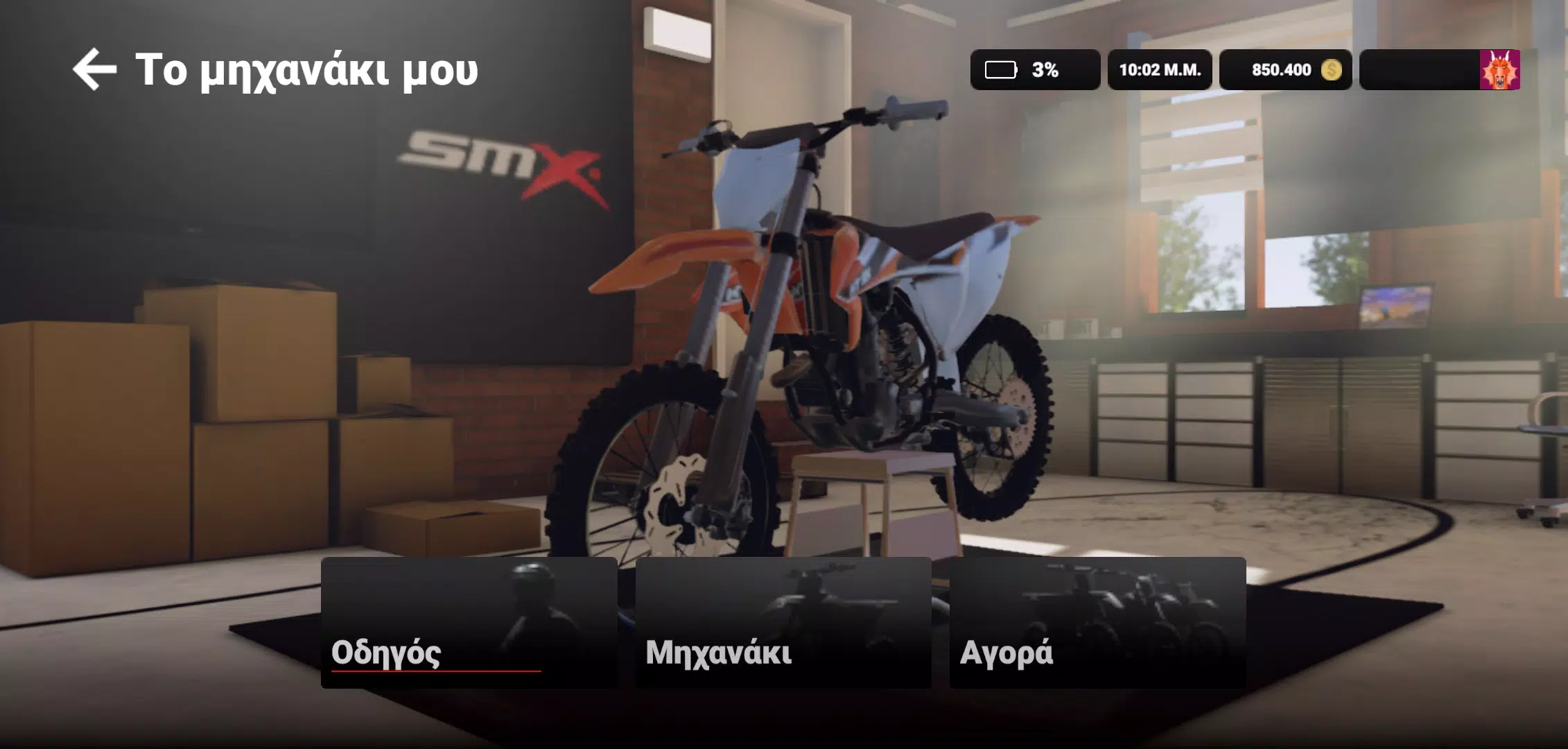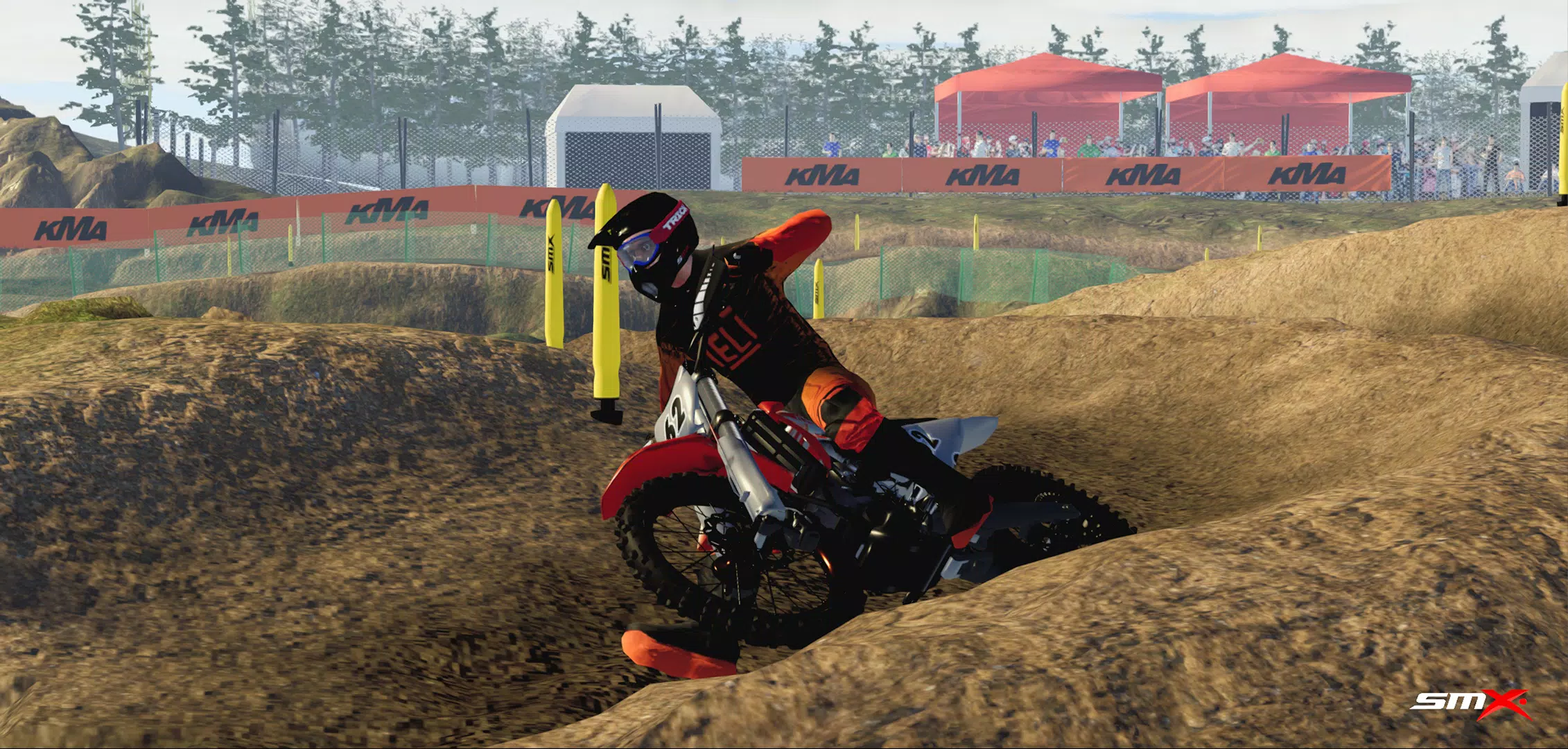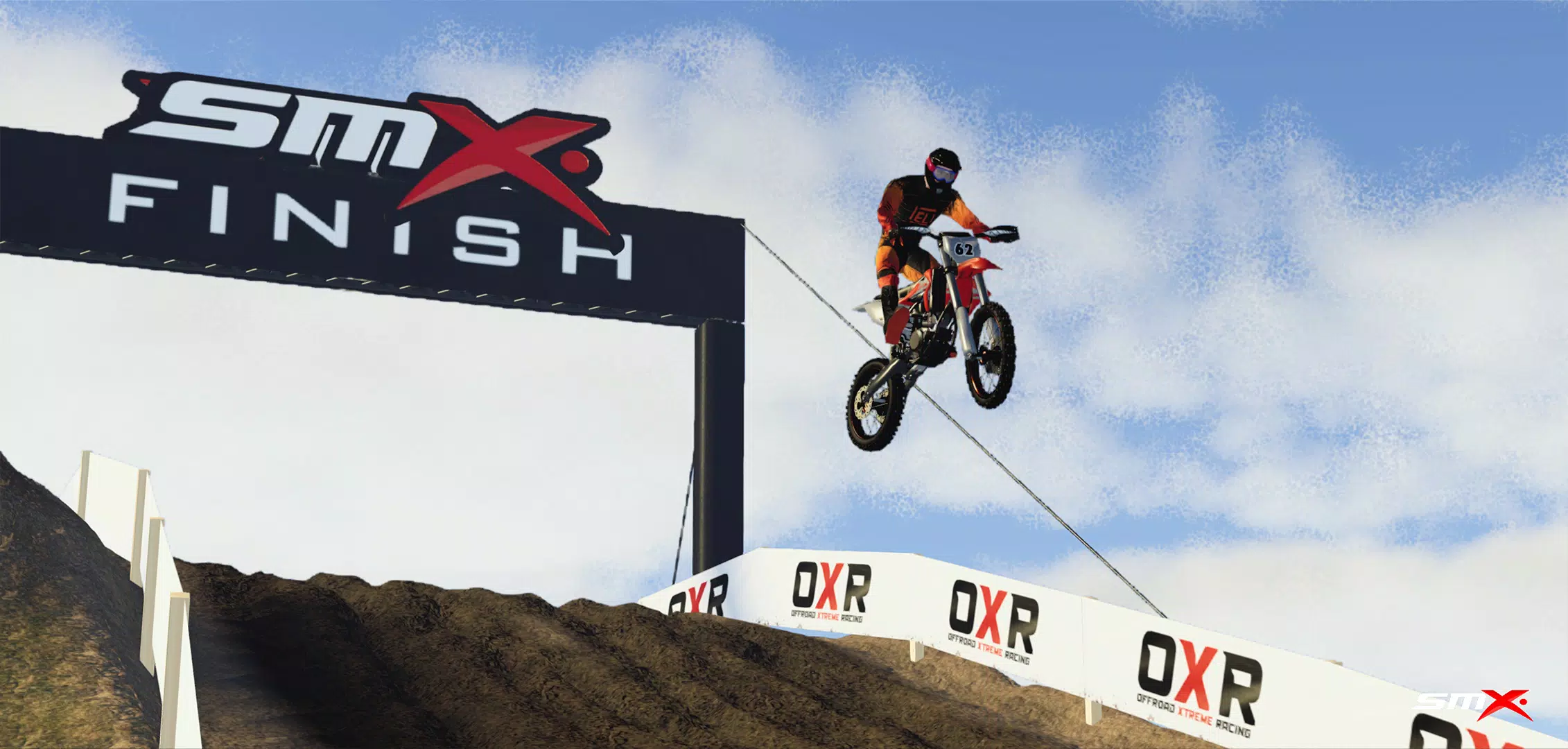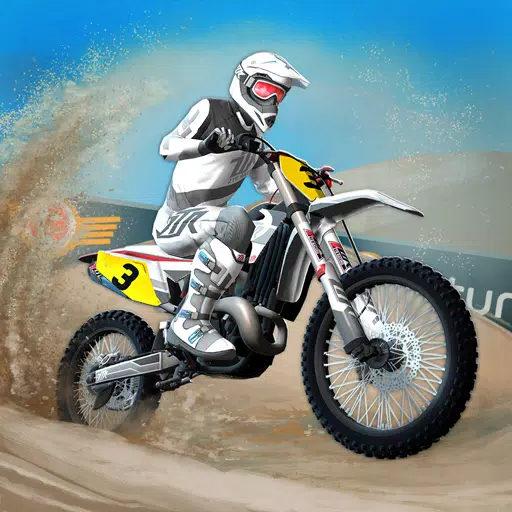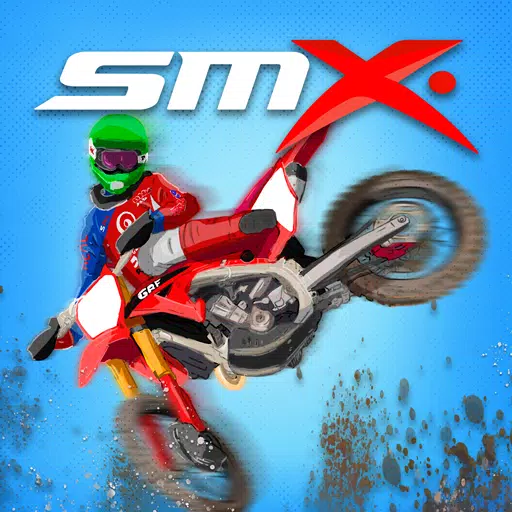
Tackle diverse terrains and compete in thrilling motocross events in the ultimate off-road racing experience.
For optimal performance, it is recommended to have 4 GB of RAM or more.
Prepare to rev your engines and dominate the track in SMX Supermoto Vs. Motocross! Choose from multiple event types including Motocross, Supermoto, Freestyle, and Endurocross. Test your riding skills across a range of terrains, from slick mud tracks to smooth asphalt circuits.
Please note that the game is still in active development. Some features might not function as intended, and you may encounter unfinished or prototype elements. We are dedicated to delivering ongoing updates with new functions and improvements to enhance your racing adventure.
Frequently Asked Questions:
Screenshots captured using "Photo Mode" are saved directly to your phone's gallery.
User-created content (mods) should be placed in the following folder: /android/data/com.evag.smx/files/mods
Levels created in the Track Editor are saved here:
/android/data/com.evag.smx/files/TrackEditor
To back up your game progress, save the "user1.save" file from this location:
/android/data/com.evag.smx/files/user1.save
If you are stuck at the "Initializing ads services" screen, this may be due to a weak internet connection, issues with the Unity Ads server, or your device blocking the ad servers. Check your connection and try restarting the game.
If downloaded mods do not appear in the game or the side menu, press the refresh button to reload all downloaded items. Verify mod compatibility by checking the label in the mod list—mods marked as "incompatible" may not load correctly.
If other players cannot see you in your multiplayer room:
After creating a room, make sure to also join the game by navigating to "cogwheel," then Multiplayer, and selecting Join game.