Notewise: Your Ultimate Digital Brainstorming Companion
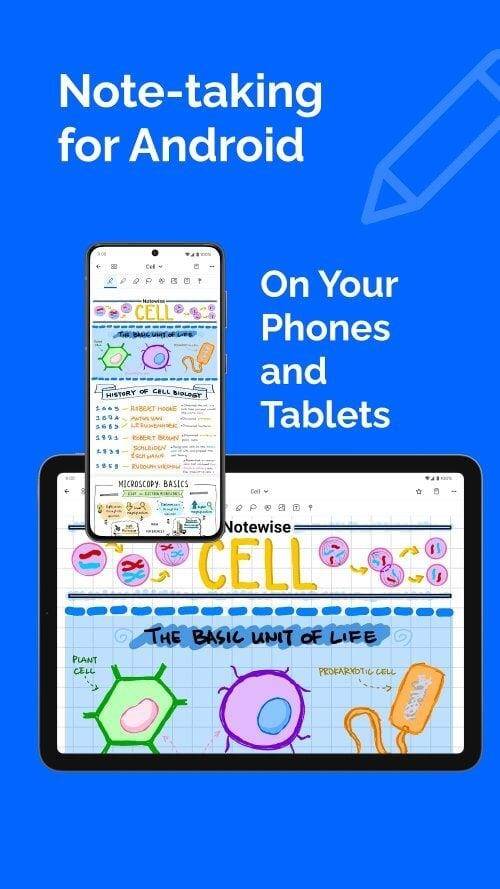
Notewise isn't just another note-taking app; it's a game-changer for capturing and organizing ideas. Seamless cloud syncing lets you access and collaborate on notes in real-time from anywhere. Experience natural handwriting on your Android device, enhanced by powerful tools including an eraser, text boxes, shapes, and customizable templates. Effortlessly annotate PDFs, organize notes into folders, and share them with others. Leave behind traditional note-taking and boost your productivity with Notewise.
Key Notewise Features:
-
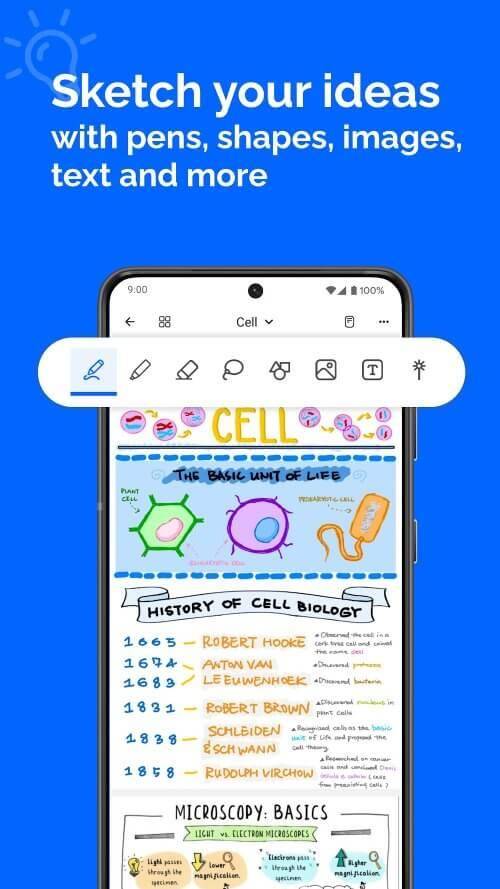
Effortless Handwriting: Enjoy a fluid, natural handwriting experience that feels like real paper, thanks to advanced palm rejection technology. Customize your writing with a wide selection of pens and highlighters. Seamless zooming and scrolling ensure uninterrupted brainstorming.
-
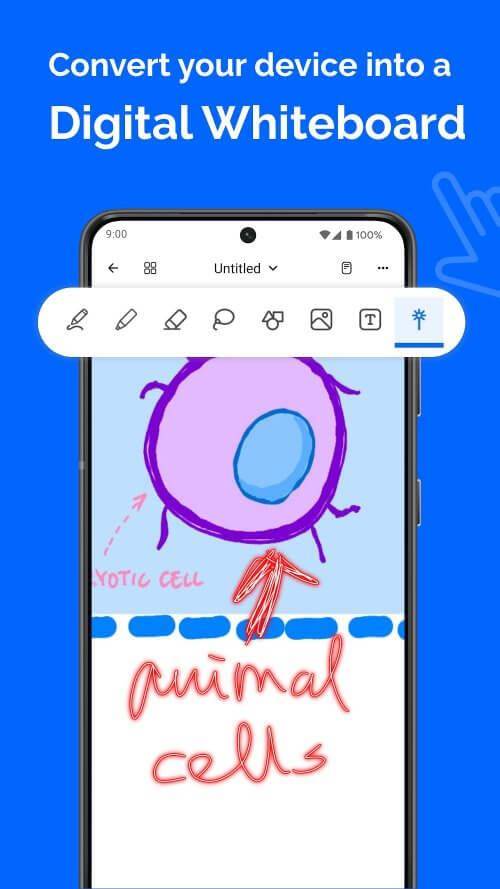
Real-time Collaboration & Cloud Sync: Collaborate instantly with others, ideal for quick sketches and brainstorming sessions. Access your notes from any device with reliable cloud syncing. Effortlessly share notes for easy knowledge sharing. Enjoy automatic syncing, online and offline.
-
Powerful Toolset: Benefit from a precise eraser, import and mark up images, add shapes and text boxes, and utilize the lasso tool for enhanced customization. Adjust sizes, scales, and templates to personalize your notes.
-
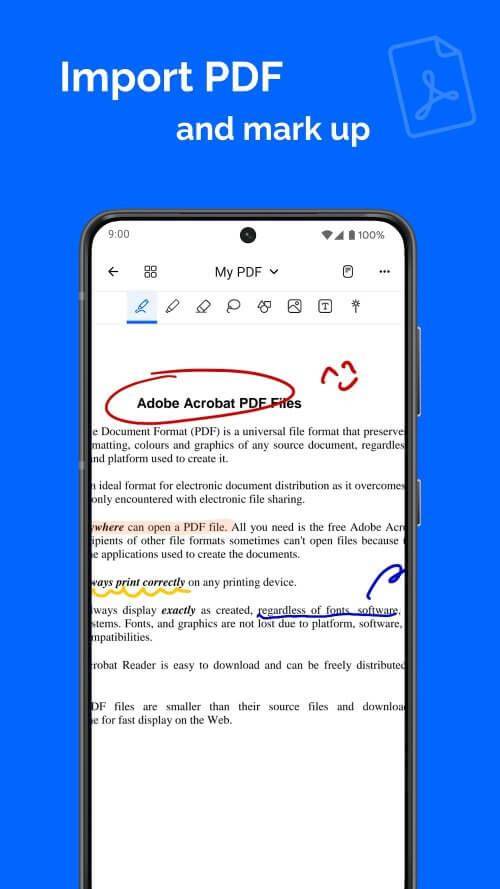
Streamlined PDF Annotation: Import PDFs for efficient class notes or meeting summaries. Annotate, markup, and sign documents with ease. Quickly select and copy text.
-
AI-Powered Creativity: Leverage AI assistance for perfectly drawn shapes. Remove image backgrounds seamlessly. Quickly erase unwanted elements with a simple scribble.
-
Organized Note Workspace: Organize notes, memos, and plans with unlimited folders. Customize folders with colors and names. Easily add, delete, duplicate, and reorder pages.
Frequently Asked Questions (FAQs):
- Note Limit? Create unlimited notes.
- Multi-Device Access? Yes, via seamless cloud sync.
- Note Security? Notes are encrypted for secure cloud backup.
- Real-time Collaboration? Yes, for effortless teamwork.
- Free Trial? Yes, experience the full feature set before purchasing.
Conclusion:
Notewise revolutionizes note-taking with real-time collaboration, AI-powered tools, and easy PDF annotation. Effortlessly organize your thoughts, boost productivity, and unleash your creativity. Whether you're a student, professional, or creative individual, Notewise is your ultimate digital brainstorming companion. Download Notewise today and elevate your collaborative note-taking to new heights.