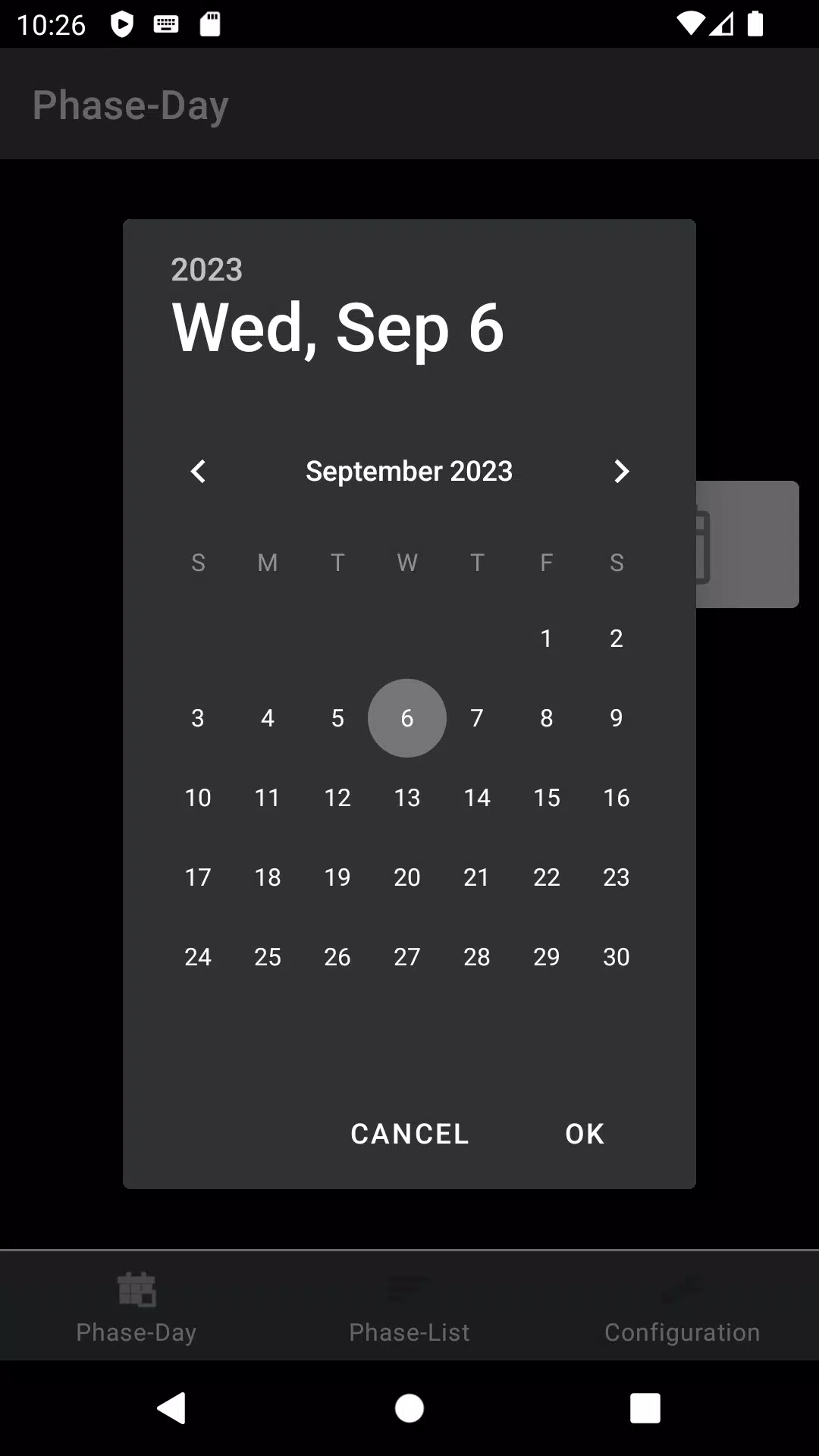
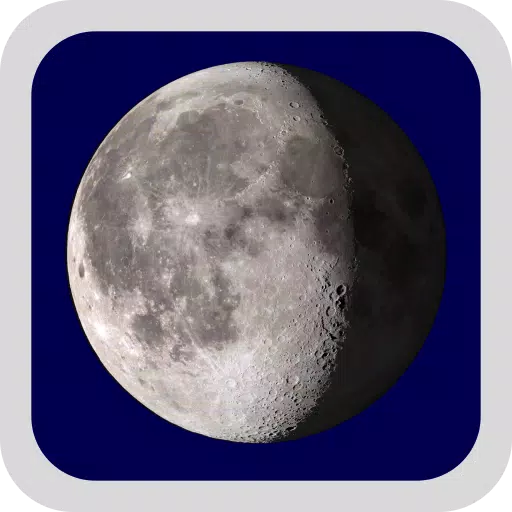
An app with a widget that displays the moon phase for today and any date you select.
This app shows the approximate moon phase for the current date or any date you choose. Its main purpose is to provide a widget for your home screen, which only shows today's moon phase.
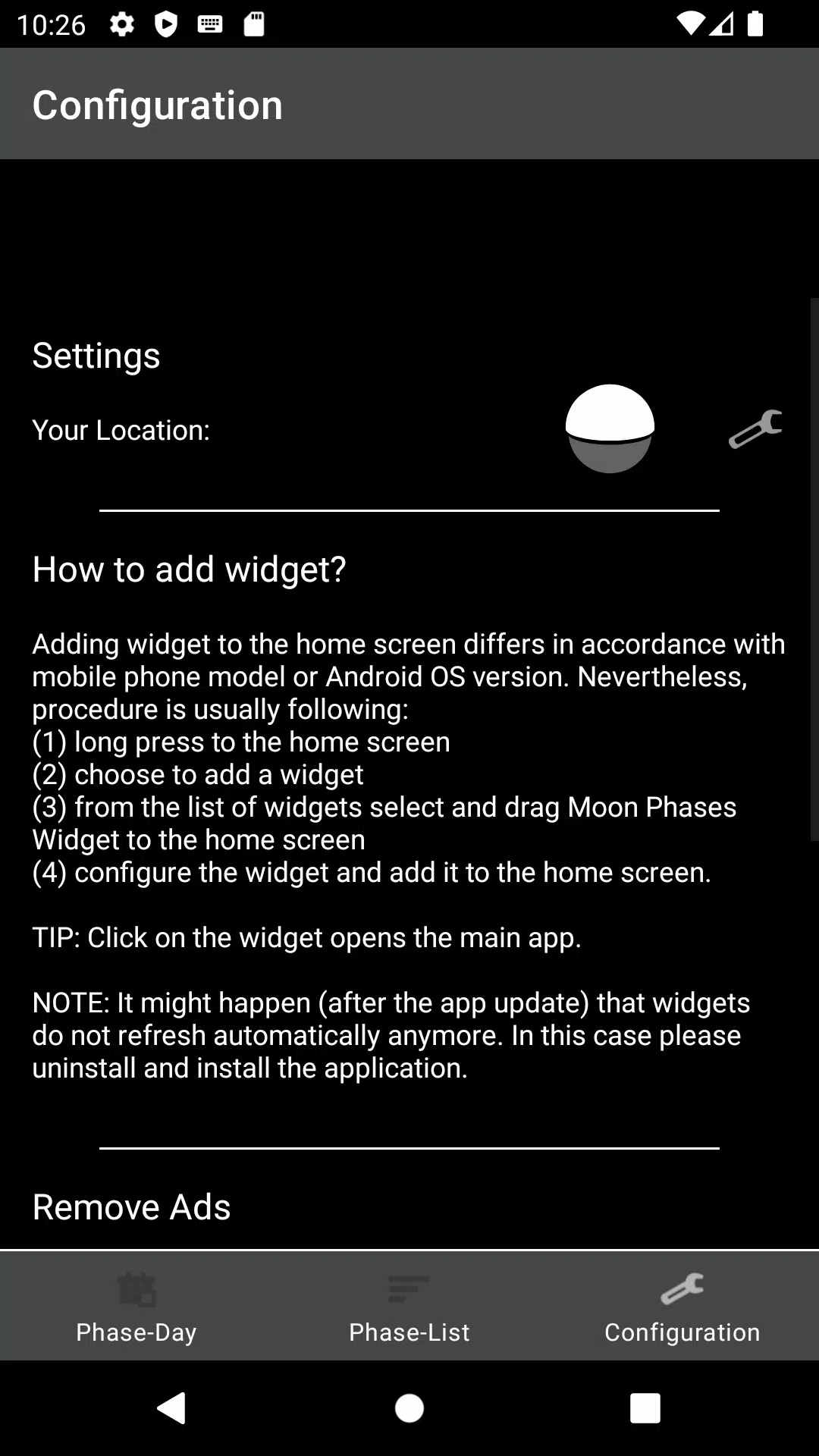
The process for adding a widget to your home screen may vary slightly depending on your phone model or Android version. Generally, the steps are as follows:
(1) Long-press on an empty area of your home screen.
(2) Select the option to add a widget.
(3) From the widget list, find and drag the Moon Phases Widget to your home screen.
(4) Configure the widget settings and confirm to add it.
TIP: Tapping the widget opens the main app.
NOTE: After an app update, widgets may occasionally stop refreshing automatically. If this happens, please try uninstalling and reinstalling the application.