Quick Links
The Sega Master System, an 8-bit console rivaling the NES, offered a fantastic library of games, including exclusives and unique versions of popular titles. It boasted impressive ports of games like Golden Axe, Double Dragon, and Streets of Rage, and even pushed its hardware limits with titles like Mortal Kombat and Asterix & Obelix, achieving near-16-bit quality reminiscent of the Megadrive/Genesis era.
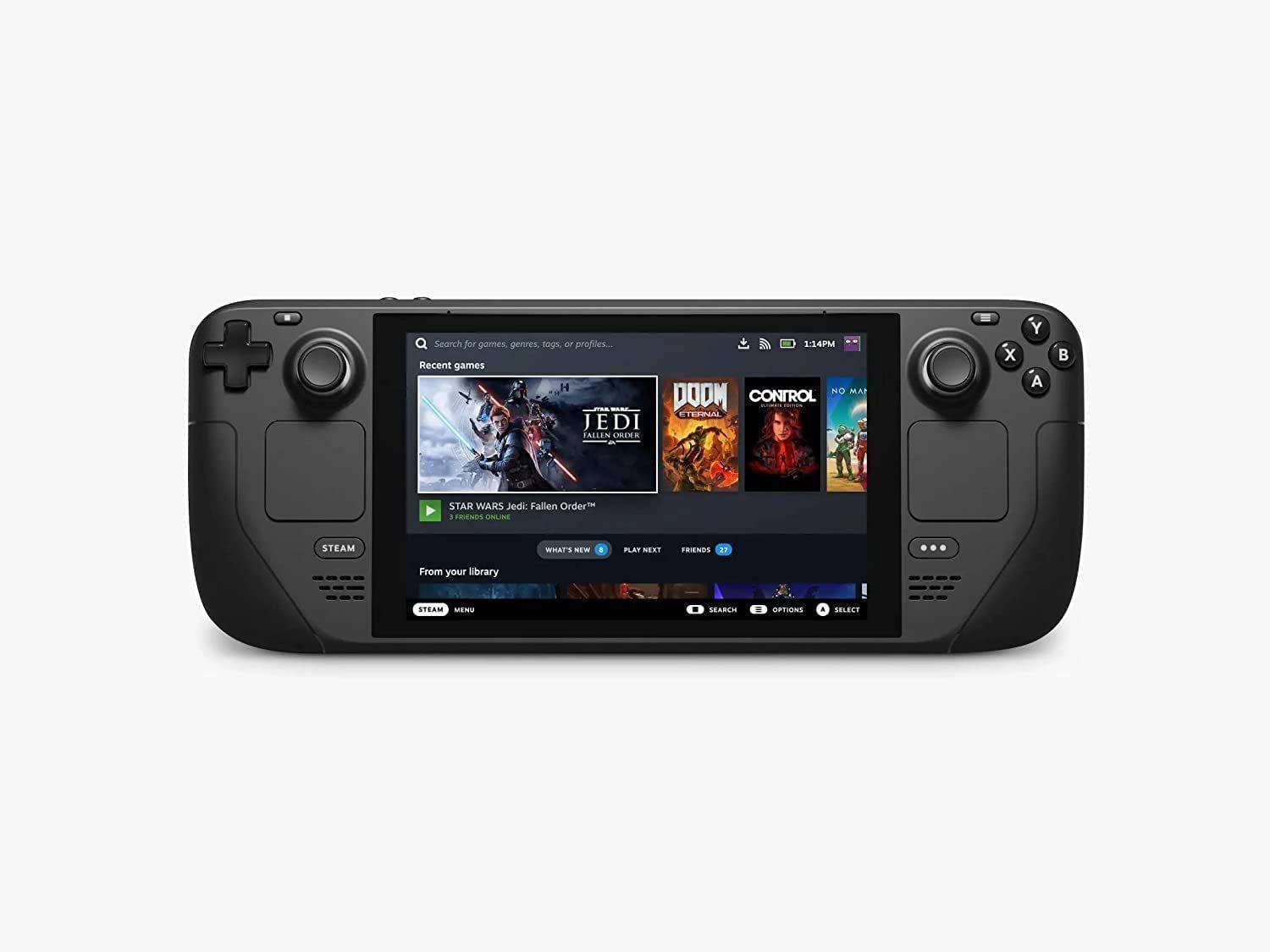
While playing Sega Master System games on modern systems can be challenging, the Steam Deck, combined with the powerful EmuDeck program, makes it surprisingly easy. This guide details how to install emulators for Sega Master System games on your Steam Deck.
Updated January 15, 2024, by Michael Llewellyn: While the Steam Deck's power easily handles Sega Master System games, replicating the original console's performance can be tricky. This is where Decky Loader and the Power Tools plugin come in—recommended by EmuDeck developers for optimal retro gaming. This guide has been updated to include installation instructions and a fix for restoring functionality after a Steam Deck update.
Before Installing EmuDeck
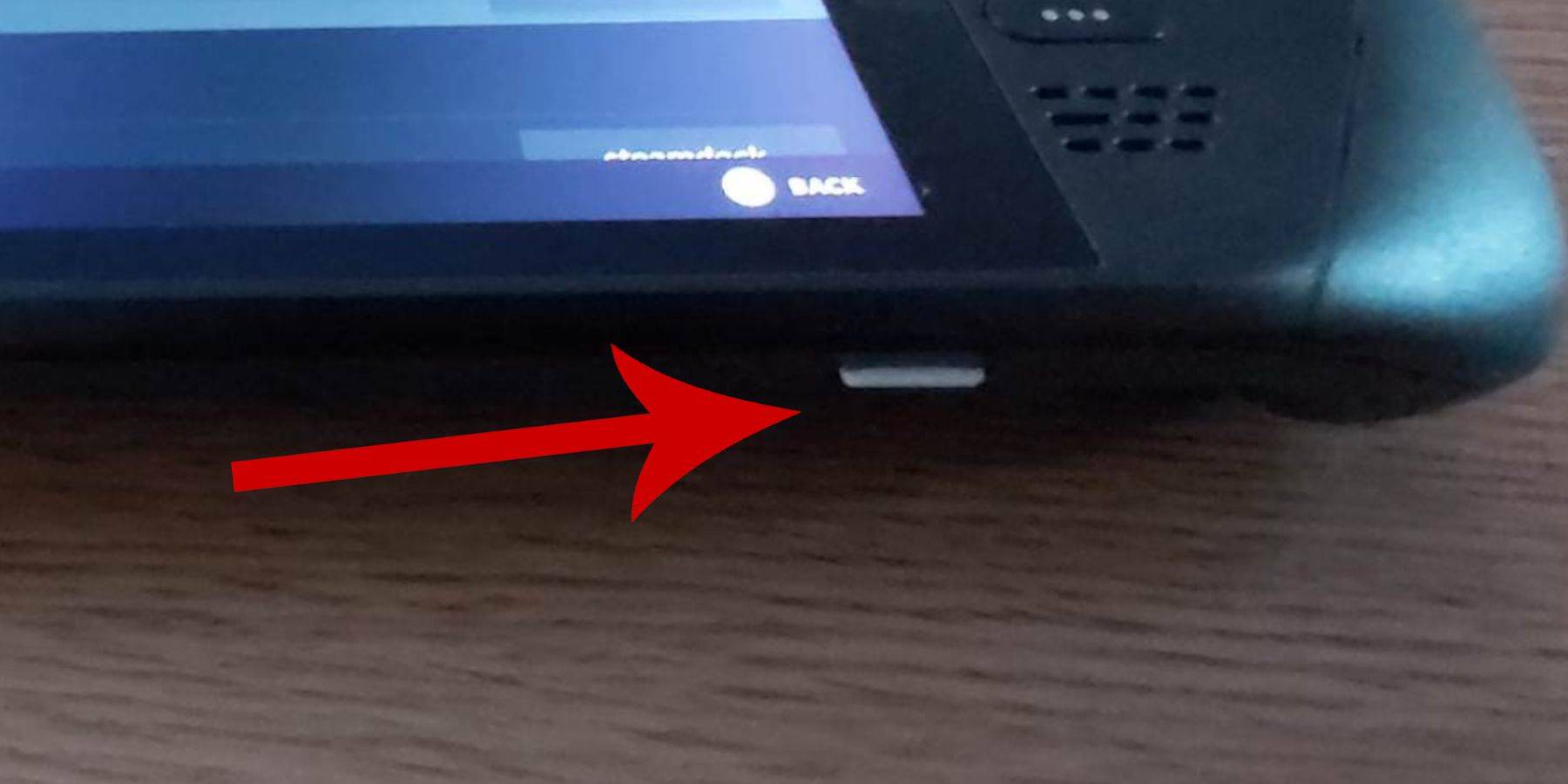 Before installing EmuDeck on your Steam Deck for Sega Master System games, ensure you have the necessary tools and settings:
- Make sure your Steam Deck is either plugged in or fully charged.
- You'll need a high-speed microSD card (formatted on the Steam Deck) to plug into the bottom. Alternatively, an external HDD can be used, but this will reduce the Steam Deck's portability.
- A keyboard and mouse are recommended for easier file transfers and installations. If unavailable, use the on-screen keyboard (Steam + X buttons) and trackpads.
Activate Developer Mode
Enabling Developer Mode is crucial for smooth emulator operation.
- Press the Steam button to open the left-hand menu.
- Go to System > System Settings.
- Enable Developer Mode.
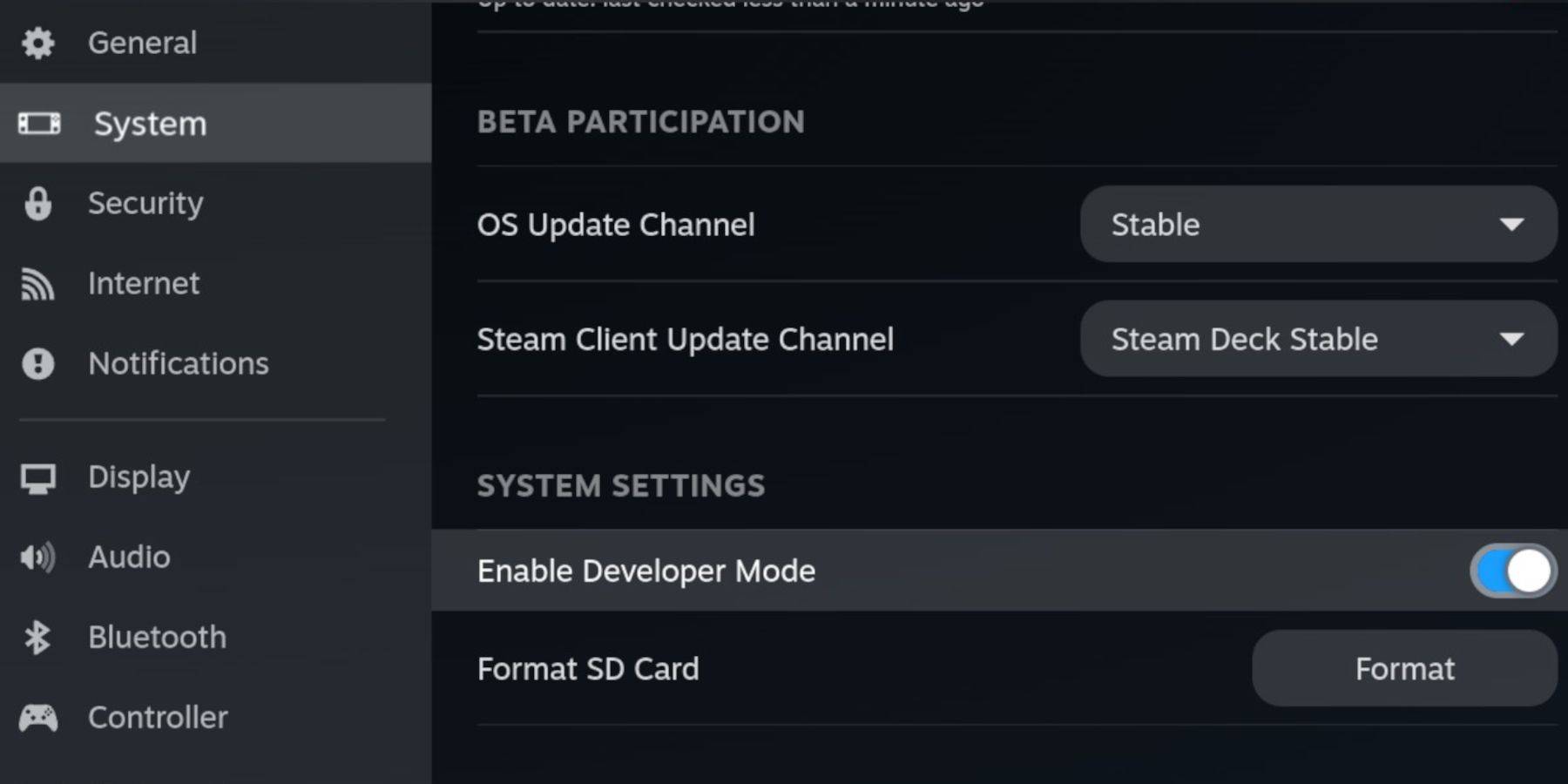 - The Developer menu is at the bottom of the left-hand menu. Open it.
- Under Miscellaneous, enable CEF Remote Debugging.
- Press the Steam button.
- Select Power > Restart.
Note that CEF Remote Debugging can be disabled after updates, potentially affecting plugins and emulators. Always check the Developer menu post-update.
Installing EmuDeck In Desktop Mode
 - Press the Steam button, select Power, and switch to Desktop Mode.
- Use a browser (Chrome, Firefox, etc.) to download EmuDeck.
- Choose your SteamOS version and download. After downloading, double-click the installer and follow the recommended installation.
- Select Custom Install.
- After installation, open the menu and select the SD card (it will be renamed "Primary").
- You can install all emulators or just RetroArch (for Sega Master System).
RetroArch runs various emulators through a single application, accessible under "Emulators" in the Steam library.
- Ensure Steam ROM Manager is selected with RetroArch to display games in your Steam library.
- Enable "Configure CRT Shader for Classic 3D Games" for a retro look (optional).
- Select Finish.
Transferring Master System ROMs
With EmuDeck and RetroArch installed, transfer your Sega Master System ROMs:
- Open Dolphin File Manager.
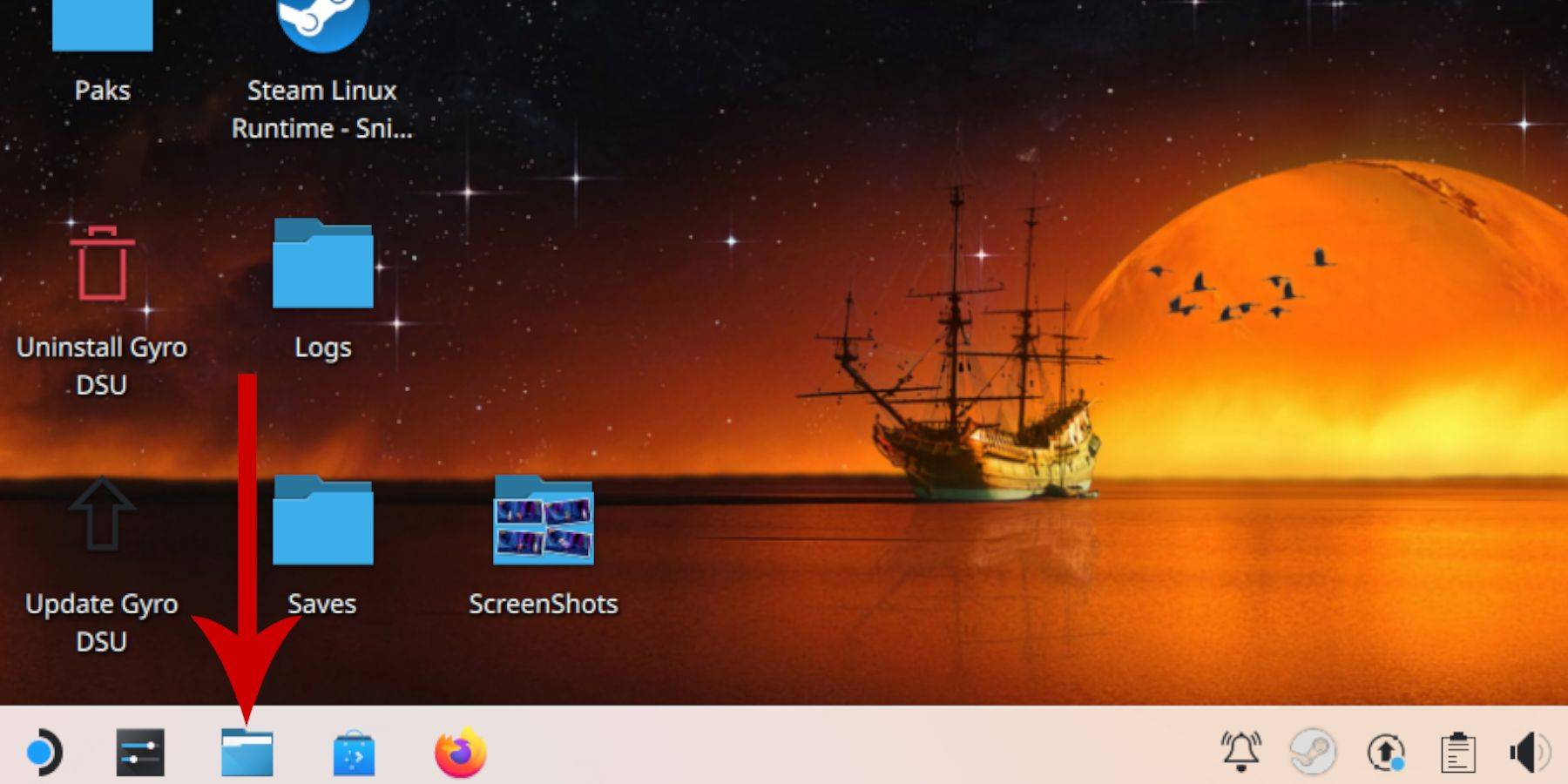 - Go to Removable Devices > Primary (your SD card).
- Open Emulation > ROMs > mastersystem.
- Transfer your .sms ROM files (ignore the "media" file).
Adding Master System Games To The Steam Library
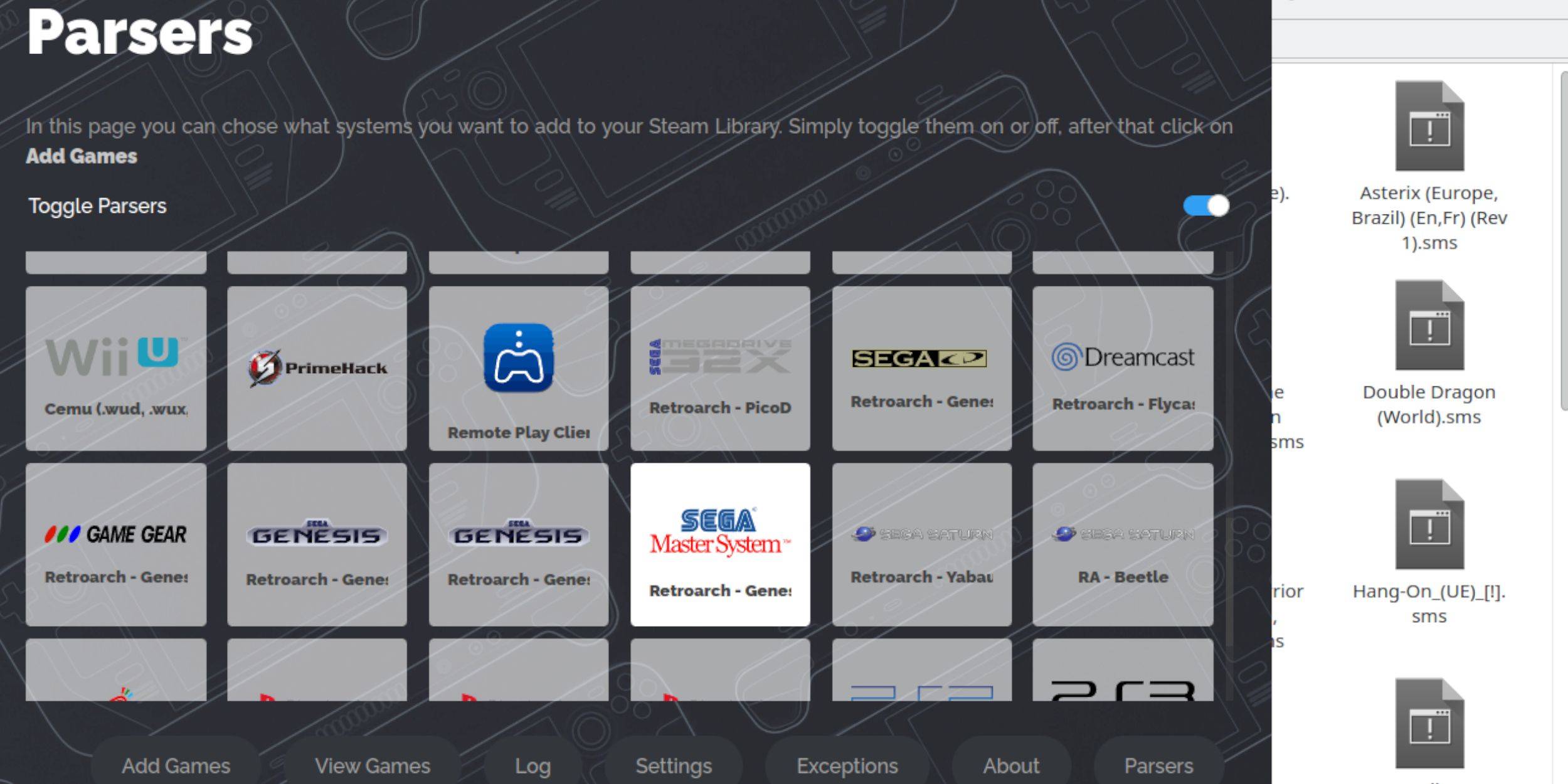 To play in Gaming Mode, add the games to your Steam library:
- Open EmuDeck in Desktop Mode.
- Open Steam ROM Manager.
- Click Next on the welcome screen.
- Turn off Parsers, except for Sega Master System.
- Select Add Games > Parse.
- Once games and artwork are displayed, select Save to Steam.
Fix Or Upload Missing Artwork
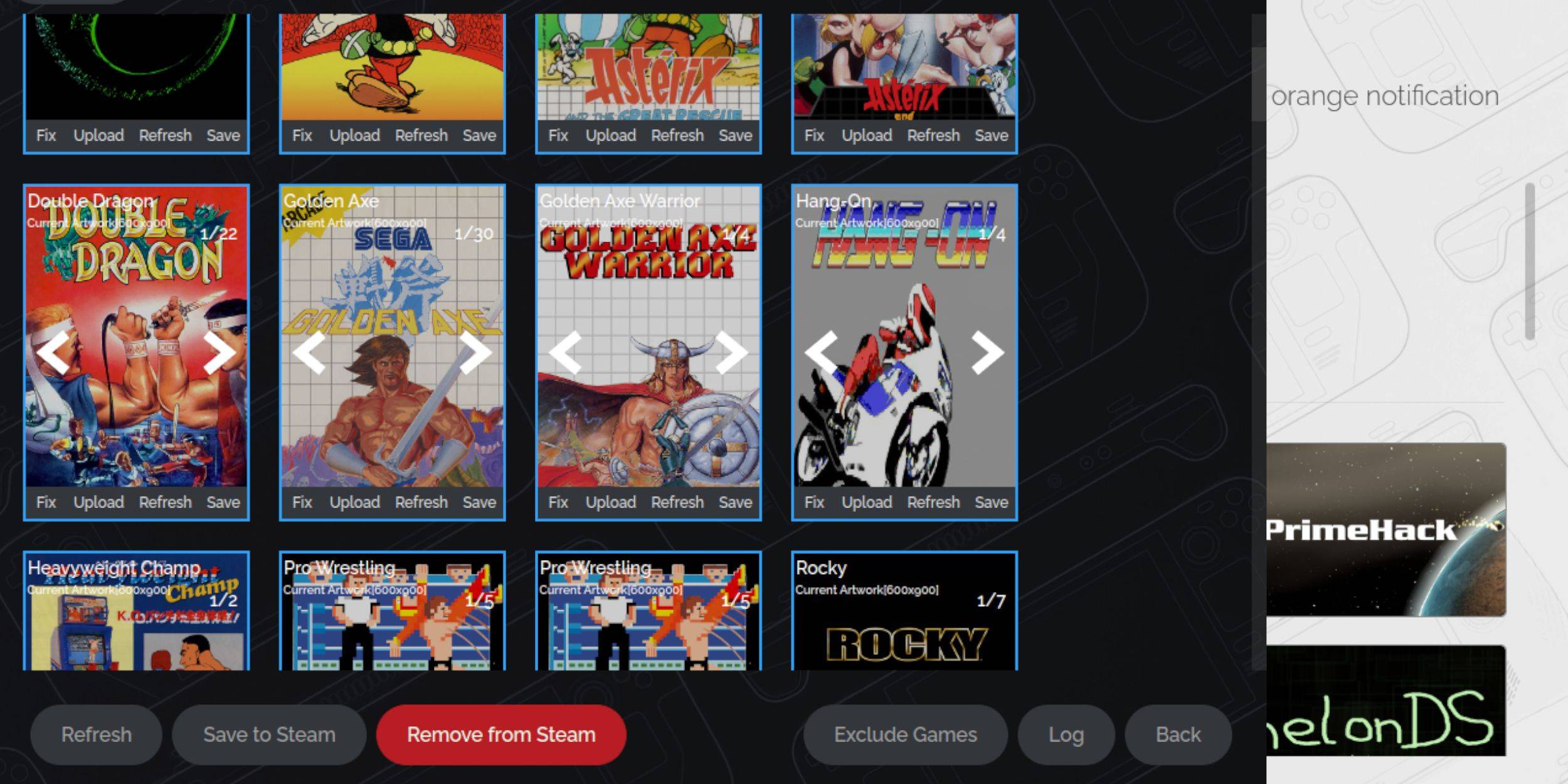 Missing or incorrect artwork?
- Click Fix on the cover frame. Steam ROM Manager usually finds artwork automatically. If not, search for the game title.
- Select the best cover and click Save and close.
Upload Missing Artwork
If Steam ROM Manager can't find artwork:
- Find the artwork online and save it to the Steam Deck's Pictures folder.
- Click Upload on the cover frame.
- Select the artwork and click Save and close. If it doesn't display, use the left/right arrows to find it.
- Click Save to Steam.
- After the batch files complete, switch to Gaming Mode.
Playing Master System Games On The Steam Deck
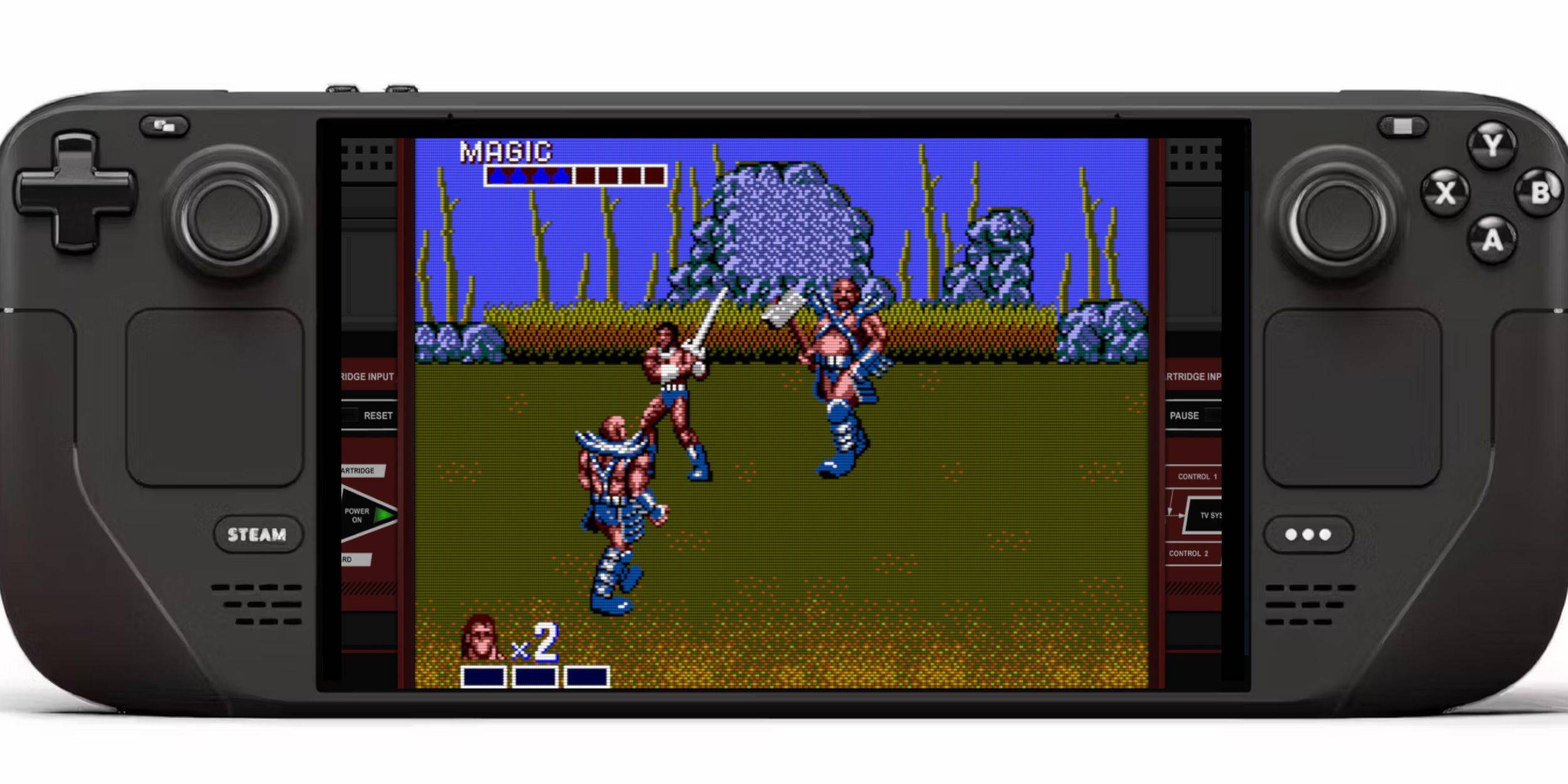 After adding games to the Steam library:
- In Gaming Mode, press the Steam button.
- Select Library.
- Press R1 to highlight Collections.
- Select Sega Master System, then your game.
Improve Performance
Address potential stuttering:
- Open a game, press the QAM button.
- Open Performance.
- Enable "Use game profile".
- Set Frame Limit to 60 FPS.
- Enable Half Rate Shading.
Install Decky Loader For The Steam Deck
 EmuDeck recommends Decky Loader and Power Tools for enhanced control:
- Connect a keyboard and mouse (or use trackpads and on-screen keyboard).
- Switch to Desktop Mode.
- Open a browser and go to the Decky Loader GitHub page.
- Download and double-click the launcher. Choose Recommended Install.
- Restart in Gaming Mode.
Install Power Tools
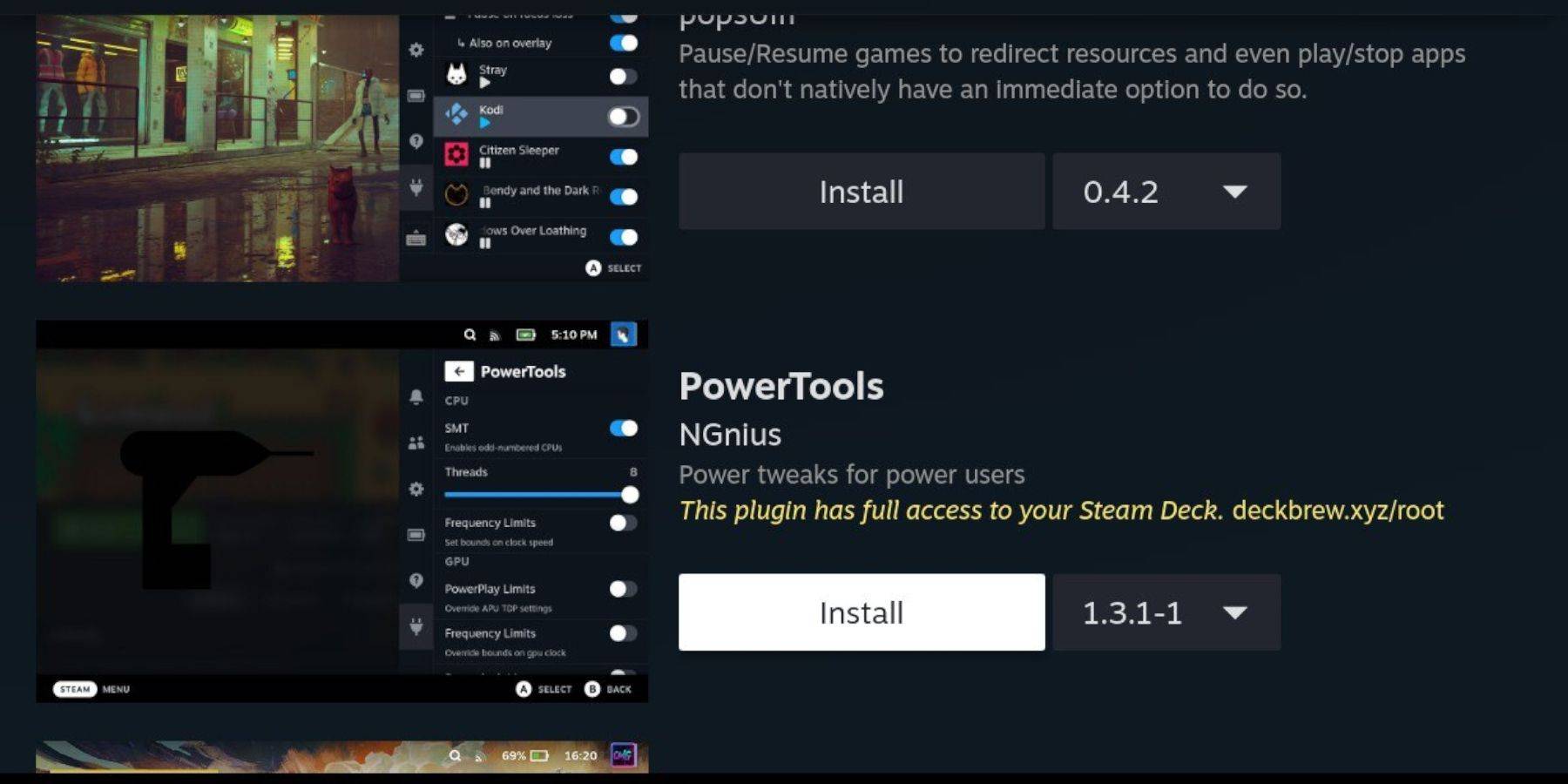 Install Power Tools via Decky Loader:
- In Gaming Mode, press QAM.
- Select the plugin icon.
- Select the store icon.
- Install Power Tools.
Power Tools Settings For Emulated Games
- Launch a Master System game.
- Press QAM > Decky Loader > Power Tools.
- Turn off SMTs.
- Set Threads to 4.
- Press QAM > Performance > Enable Advance View.
- Enable Manual GPU Clock Control.
- Set GPU Clock Frequency to 1200.
- Select Per Game Profile to save settings.
Fixing Decky Loader After A Steam Deck Update
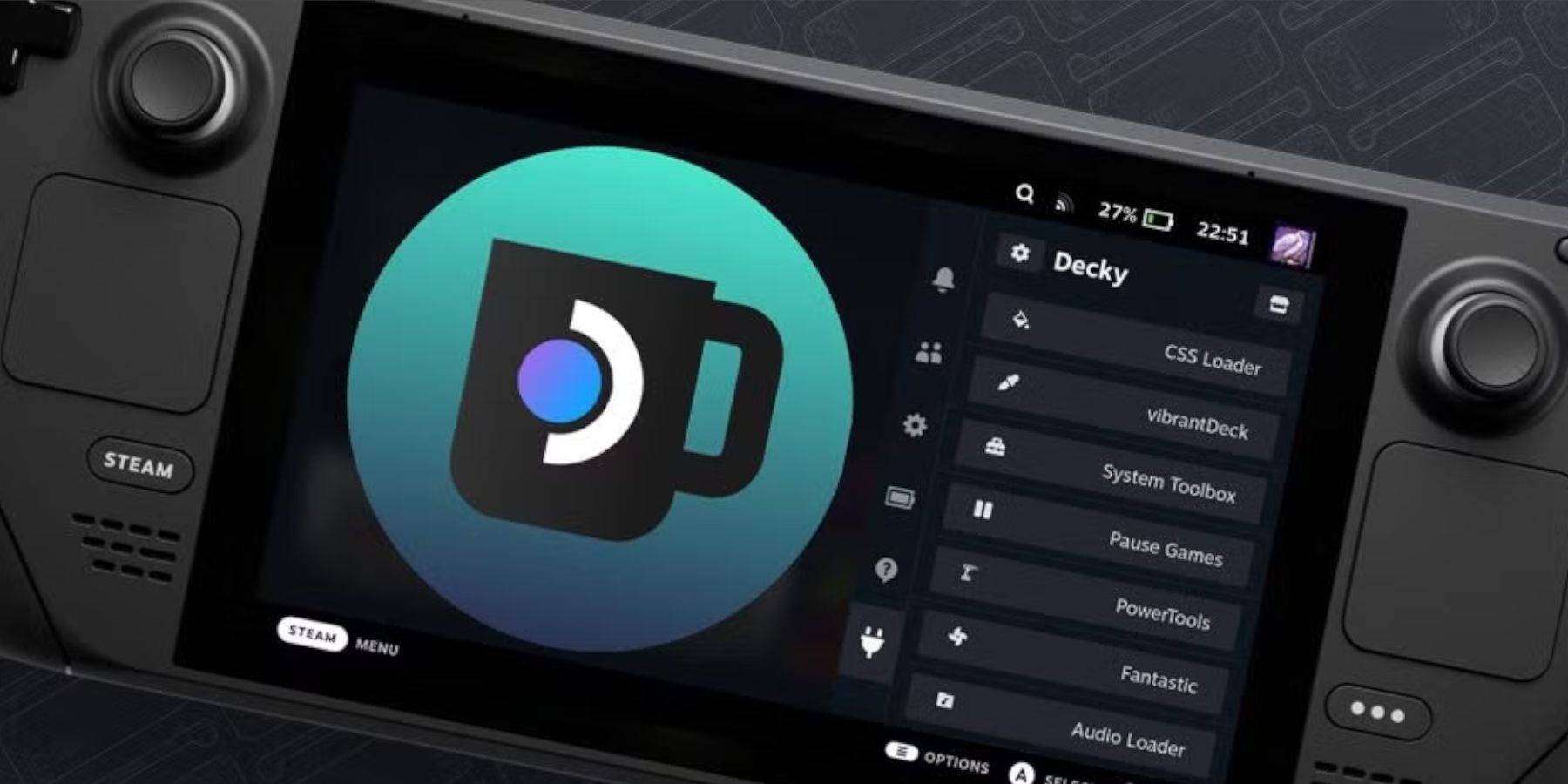 Updates can remove Decky Loader:
- Switch to Desktop Mode.
- Open a browser and go to the Decky Loader GitHub page.
- Click Download and select Execute.
- Enter your pseudo password (or create one).
- Restart in Gaming Mode.