Discover a vibrant community of digital artists with our social drawing app, where creativity knows no bounds. Whether you're a seasoned artist or just starting, our platform is the perfect space for you to create, share, and learn.
Drawing Tools
Unleash your creativity with our extensive range of drawing tools designed to cater to every artist's needs:
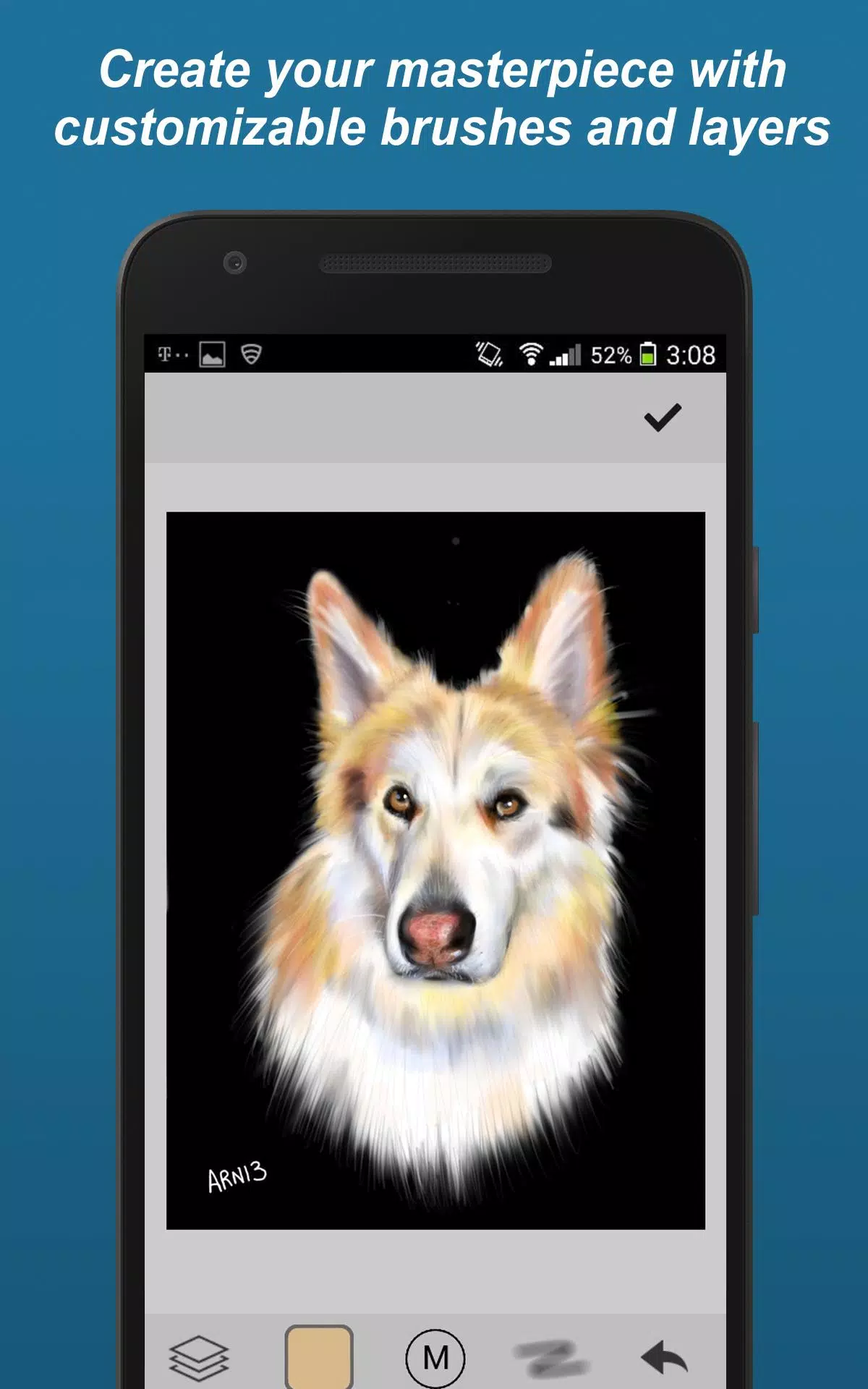
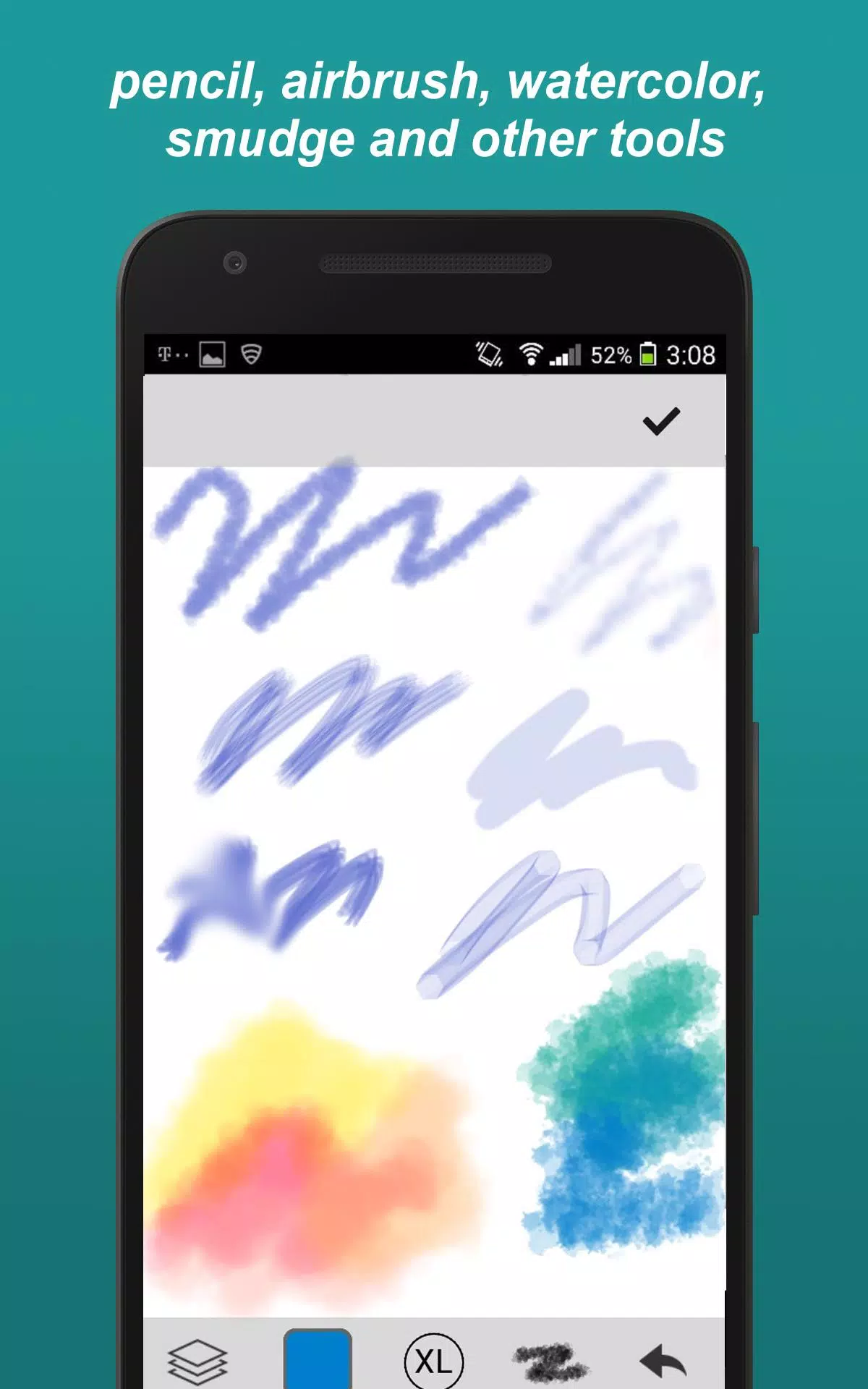
- Brush Styles: Choose from a variety of brushes including paintbrush, pencil, smudge (blur), felt-tip pen, and eraser, to name a few.
- Custom Brushes: Fine-tune your brushes by adjusting parameters to suit your unique style.
- Unlimited Colors: Dive into a world of unlimited colors and customize your palette to your heart's content.
- Zoom & Pan: Get up close and personal with your artwork, or take a step back to see the bigger picture.
- Layers: Work on different layers to perfect your masterpiece without losing any part of your creation.
- Transform Tools: Move, rotate, and mirror your artwork to achieve the perfect composition.
- Eye Dropper: Easily pick up colors from your canvas to maintain consistency throughout your piece.
- Undo/Redo: Experiment freely with multi-step undo and redo options.
Community Features
Engage with a community that inspires and challenges you to grow as an artist:
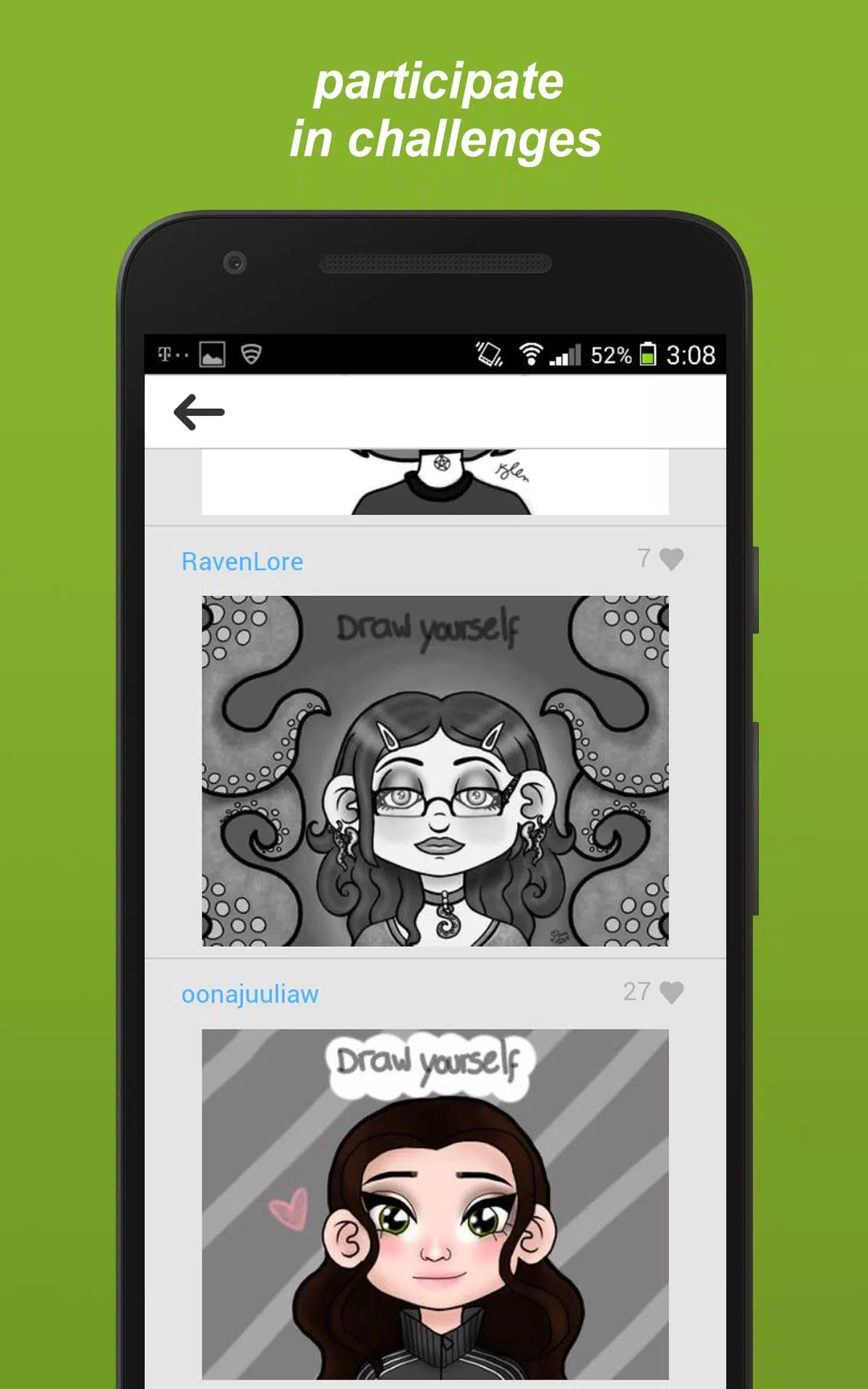
- Challenges: Participate in various styles of challenges such as selfie drawings, finishing others' drawings, tracing, using inspiration pictures (photos or prompts), and free draw sessions.
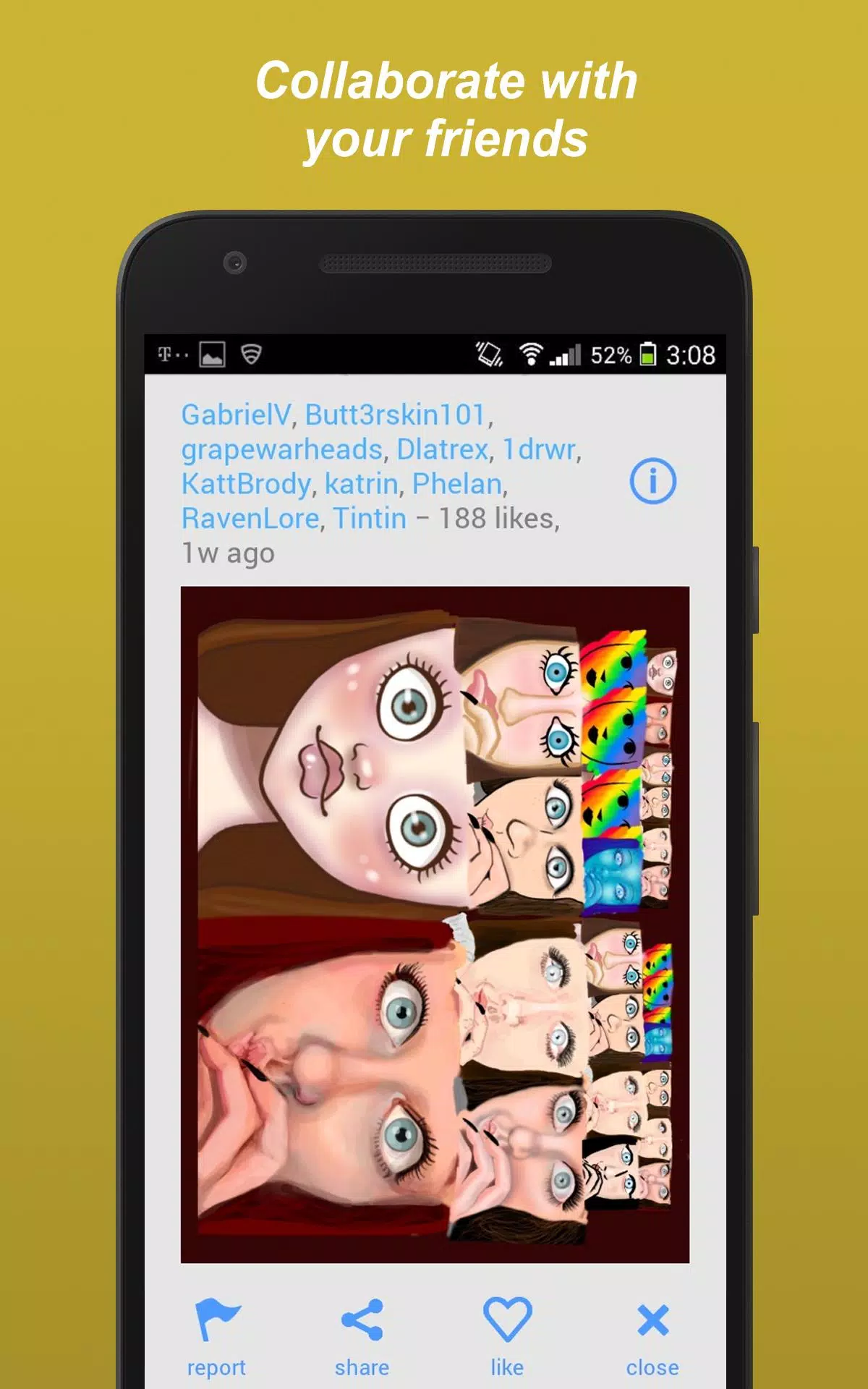
- Collaborations: Work alongside friends on collaborative projects to create something truly unique.
- Follow Favorite Artists: Keep up with the work of your favorite artists and get inspired by their latest creations.
- Private Sharing: Add friends and share your drawings privately for a more intimate creative exchange.
- Public Forum: Join the conversation in our public forum to discuss art, techniques, and more.
- Likes and Recognition: Share your art and receive likes from the community, celebrating your creativity.
Other Features
Enhance your drawing experience with these additional features:
- Draft Storage: Save your drafts securely and come back to them whenever inspiration strikes.
- Syncing: Access your drafts across multiple devices with seamless online syncing.
- Search by Tags: Find drawings that inspire you by searching through tags.
Whether you're looking to create quick sketches or elaborate paintings, our app is the ideal platform for artists of any skill level. It's also a fantastic place to learn how to draw, with a supportive community ready to help you on your artistic journey.