
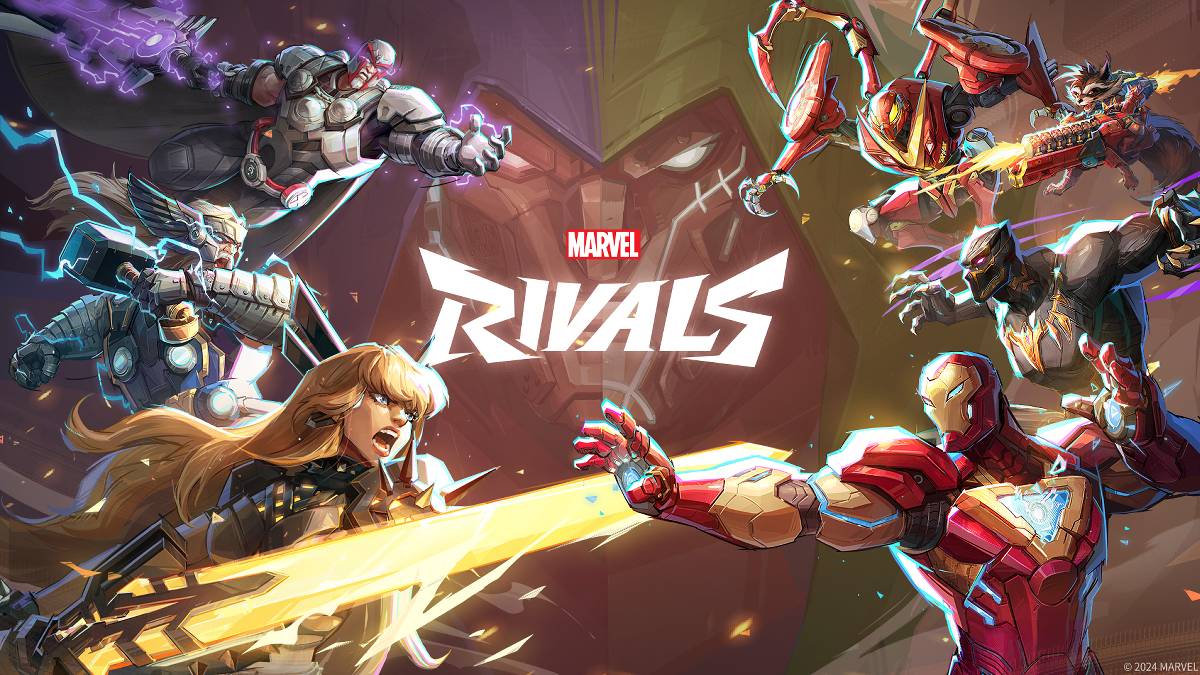
故障排除 漫威竞争对手 错误代码:综合指南
不幸的是,遇到错误和错误代码在现代游戏中很常见, Marvel竞争对手 也不例外。本指南为常见的错误代码提供了解决方案,这些解决方案可能会阻止您播放或导致崩溃,滞后和斯托克。
常见 奇迹竞争对手 错误代码和解决方案:
| Error Code | Description | Solutions |
|---|---|---|
| Error 4 | Frequently appears on PlayStation, but can also occur on PC. | Check internet connection, server status, and relaunch *Marvel Rivals*. |
| 99% Loading Bug | Players become stuck at 99% during match loading. | Check internet connection, close background programs, and adjust Network Diagnostic Settings. |
| Error 211 | Common on Steam, indicating connection problems. | Check server status, disable third-party server blockers, check internet connection, and verify game files. |
| Error 10 | Appears on launch, usually due to poor internet connection. | Check internet connection, relaunch *Marvel Rivals*, and check server status. |
| Error 220 | Potentially caused by server location or firewall settings. | Modify security firewalls, adjust DNS settings, disable third-party server blockers, and consider using a VPN. |
| Error 21 | Sometimes encountered by Xbox players on launch. | Restart console, reset router, check server status, disable IPv6 on internet connection, and consider using a VPN. |
| Error 5 | Affects PlayStation players; indicates high ping and packet loss. | Address high ping and packet loss (see solutions for Packet Loss Error). |
| Error 26 | Prevents gameplay. | Check internet connection, disable VPN, clear cache files, and verify game files. |
| Packet Loss Error | High ping and packet loss due to high latency spikes. | Check internet connection, close background programs, and adjust Network Diagnostic Settings. |
| DX12 Not Supported | Game fails to launch due to unsupported DX12; often related to Windows updates or GPU incompatibility. | Update Windows, update GPU drivers, and reinstall *Marvel Rivals*. |
| Error Code 258 | Login failure via PC launcher (often Epic Games Store). | Check Epic Games Store for specific troubleshooting steps. |
| Error LS-0014 | Occurs with the Epic Games Store launcher. | Check antivirus software, verify game files, and reinstall the game. |
| Igniting the Timestream | Encountered during matchmaking. | Check server status, restart the game, and check internet connection. |
| Version Mismatch | Appears after game updates. | Verify game files, check for updates, and check internet connection. |
| Out of Video Memory | Prevents gameplay. | Check VRAM, update GPU drivers, and close background programs. |
| Blue Screen Error | A critical error, relatively rare. | Clean install GPU drivers, lower graphic settings, and run the Windows Memory Diagnostic Tool. |
- Marvel竞争对手*目前可在PS5,PC和Xbox系列X | S上找到。
热门游戏
更多 +

1.0.0 / 392.30M

v0.1.1 / 71.24M


1.3.0 / 49.00M

0.3 / 1230.00M
热门新闻
- 1 虚空穹顶:受 Slay the Spire 启发的牌组构建器登陆移动设备! Jun 10,2022
- 2 Infinity Nikki:您的任务,资源和技巧的最终指南 Feb 24,2025
- 3 Roblox forsaken:2025年增强的角色层列表 Feb 12,2025
- 4 克莱尔·默默德(Clair Subbur):探险33-这是每个版本中发生的 Mar 19,2025
- 5 April Fools的指南:在黑地压力下三晚 May 02,2025
- 6 三角洲力量指南:操作模式解释并赢得策略 Apr 26,2025
- 7 NIER:自动机 - Yorha版本比较:关键差异 Jun 23,2025
- 8 Athena Blood Twins班指南 - 游戏中每个班级的全面概述 May 21,2025
最新游戏
更多 +
竞速 | 251.2 MB
在这款重型机械世界中,开启终极城市建造冒险!创建并壮大你自己的大都市。
在《Mega Construction Simulator 25》逼真的开放世界中建立你自己的建筑公司,这里拥有充满挑战的道路和一座动态发展的城市。操作起重机、挖掘机和叉车等重型机械,完成各种艰巨的任务。展示你在巨型挖掘机施工方面的专业技能,建造能够抵御自然灾害的坚固结构。
在这款重型挖掘机模拟器中体验对拖拉机的完全掌控感和沉浸式玩法,让你能够处理重型机械操作的每一个细致任务。这款移动模拟游戏真实地捕捉了操作现实挖掘机的刺激
竞速 | 73.7 MB
驾驭全球最快超跑,在惊险刺激的拥堵车流中展开竞速!布加迪 Bolide、Chiron、特斯拉、道奇等更多车型等你来战!
感受高速交通竞速的激情澎湃!在《Traffic Racer: Bugatti Bolide Rush》(交通赛车:布加迪 Bolide 极速狂飙)中,驾驭传奇超跑,在繁忙的高速公路上穿梭自如,将你的驾驶技艺推向极限。
从令人印象深刻的炫酷车型阵容中选择座驾,包括布加迪 Bolide、布加迪 Chiron、大众高尔夫 R 2021、日产 350Z、1970 款道奇挑战者、道奇蝰蛇
竞速 | 190.6 MB
The official MotoGP motorcycle racing experience. Challenge your friends and win incredible real-world prizes.
MotoGP 2023 Season Edition. This is the motorcycle racing game that keeps you locked on the track, focused on the one thing that wins races
竞速 | 22.56MB
备受喜爱的手机停车模拟游戏续作现已登场,Dr. Parking 强势回归!
史上最受欢迎的手机停车模拟游戏的后续作品——《博士停车》再次来袭!
《博士停车4》以惊艳的画质、多阶段挑战以及实时在线多人模式,开启停车模拟游戏的全新篇章。
SUD Inc.
竞速 | 149.3 MB
在人工智能驱动的直线加速赛中竞速201米,或与好友在线对决。
沉浸在逼真的亚洲直线加速赛AI对战中赚取奖励,然后与你的伙伴们链接并肩作战。立即获取!
专题
更多 +



