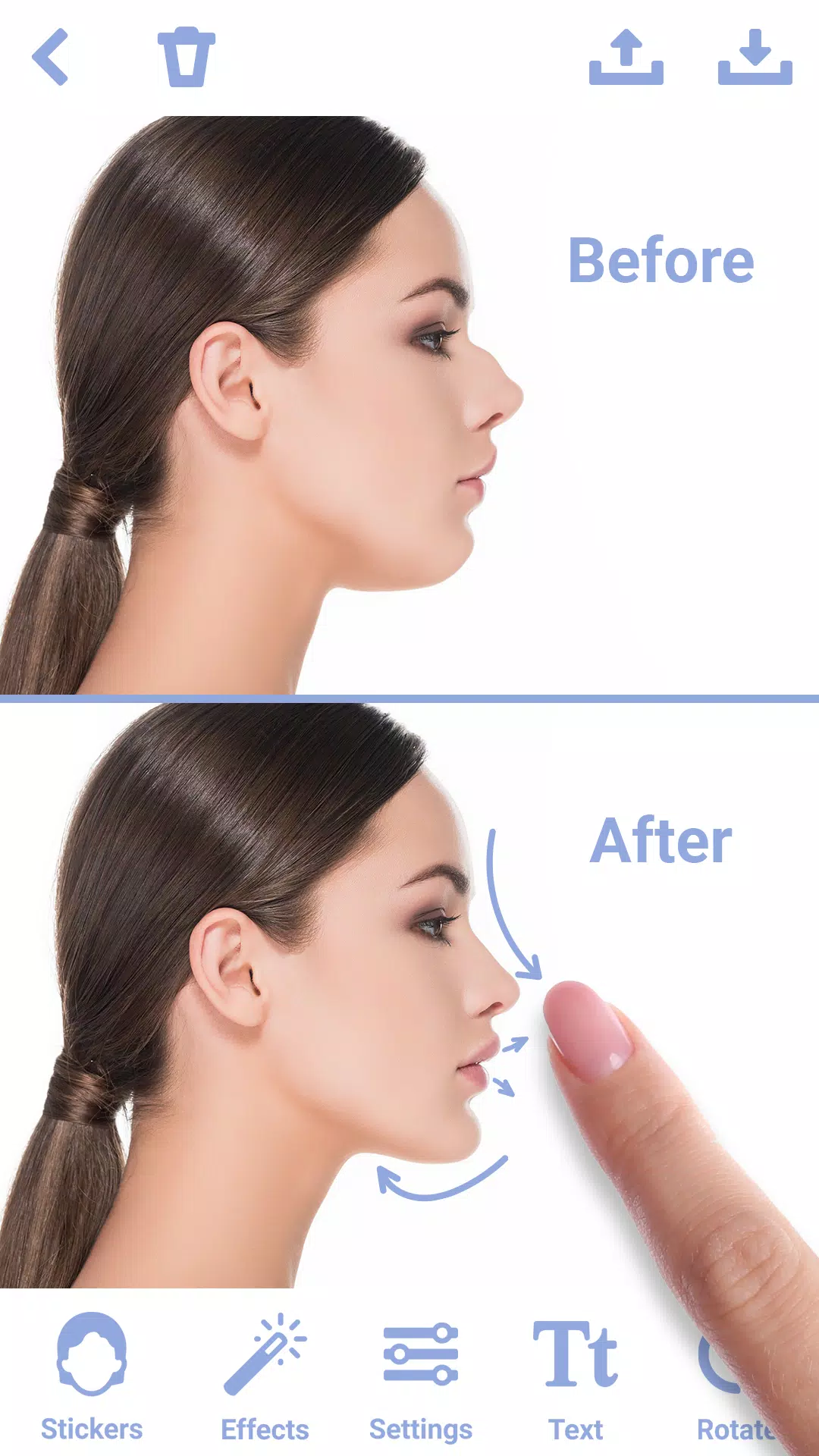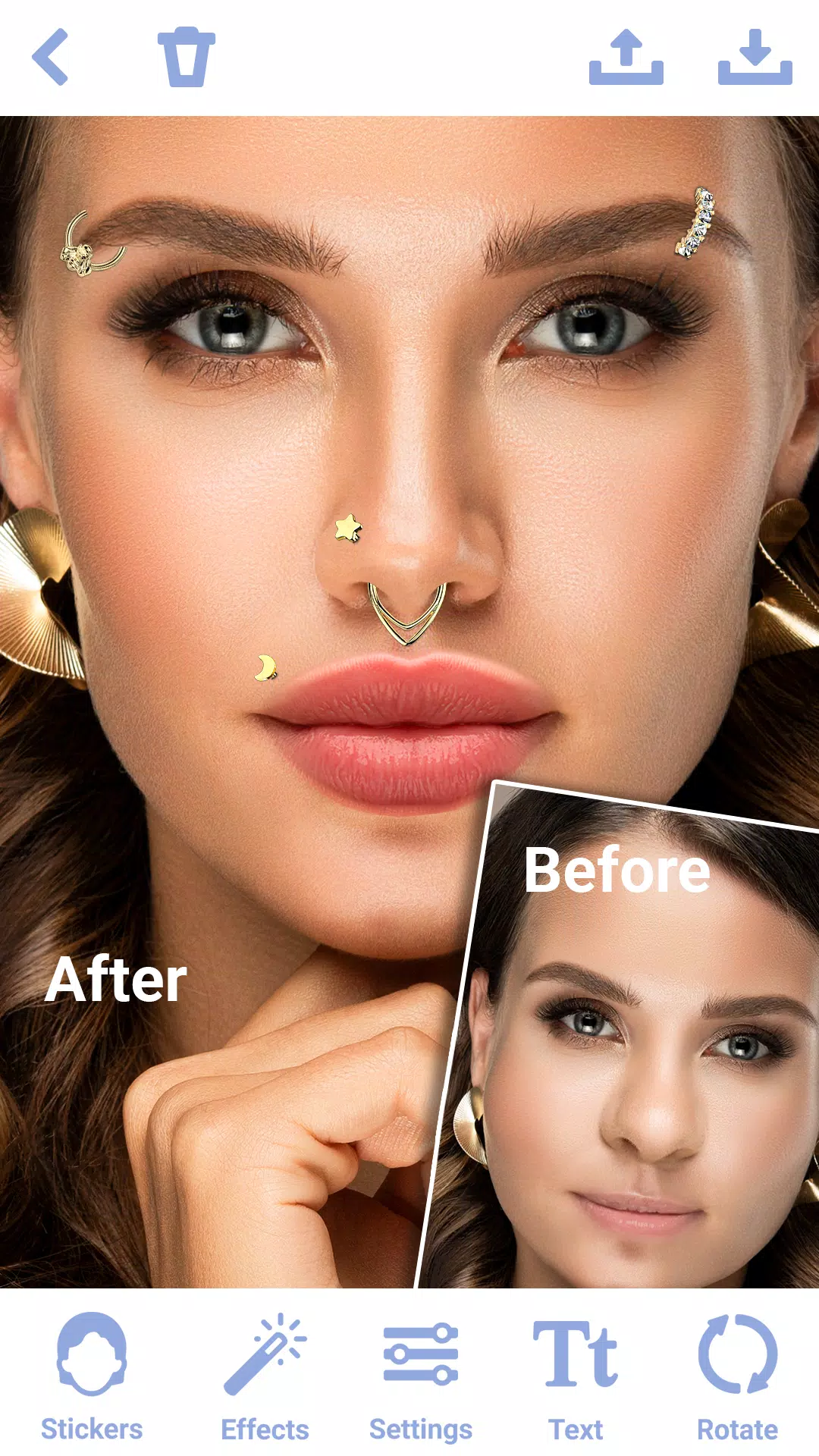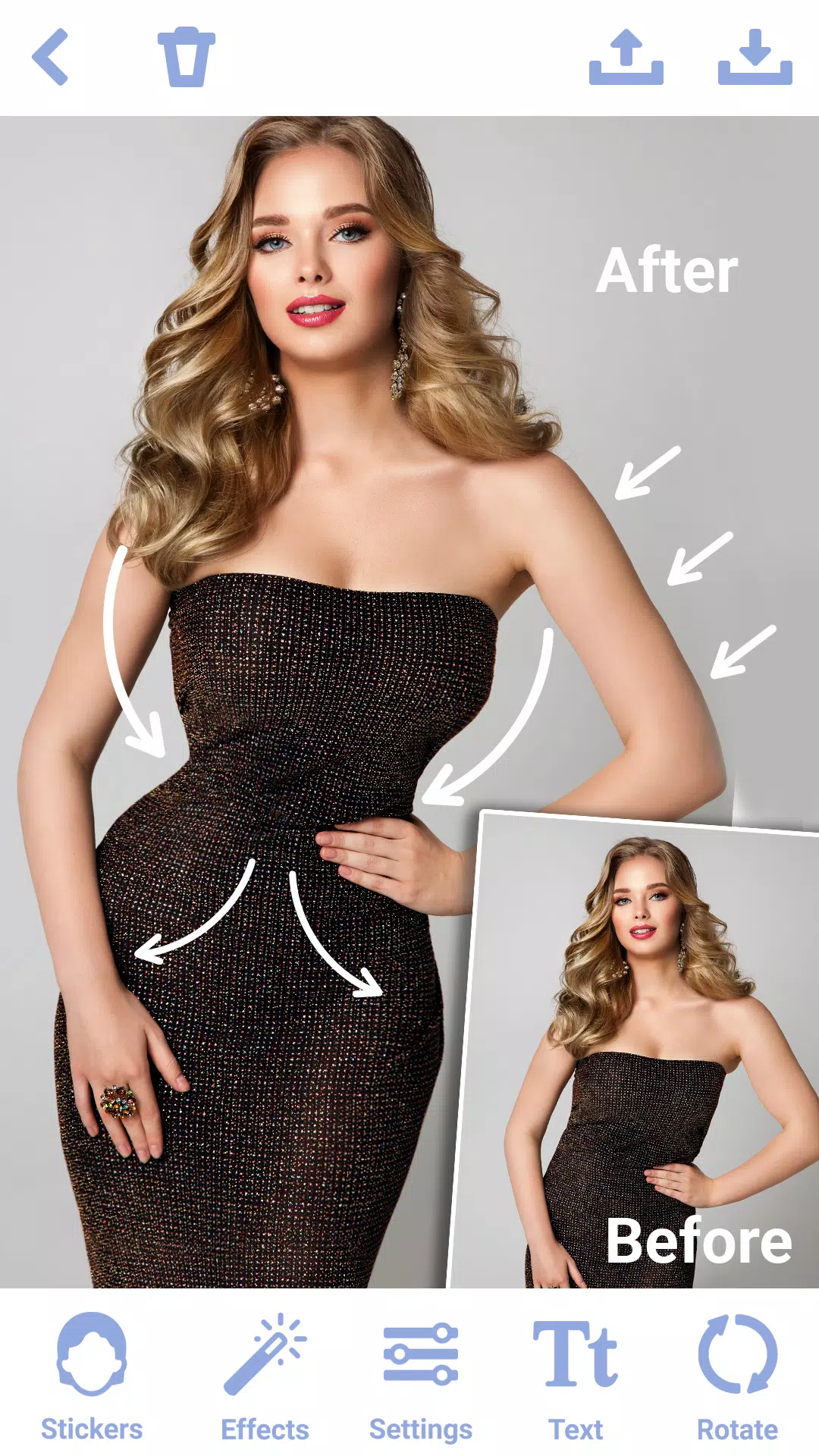

Transform your appearance with ease using the innovative nose photo editor, "Rhinoplasty App: Nose Editor." This cutting-edge face editor allows you to apply face filters and stickers for a virtual nose job, enabling you to achieve your desired nose shape effortlessly. Designed for those interested in exploring the possibilities of virtual plastic surgery, this face editor app is a must-have tool for redefining your look.
KEY FEATURES:
1. Realistic Nose Shape Changer
➤Precision Tools: Utilize our advanced stickers within this nose photo editor to finely adjust the size, shape, and contour of your nose, ensuring a personalized look.
➤Natural Integration: The face editor app integrates face filters to make your nose job appear seamless and natural, enhancing your overall facial aesthetics.
➤Symmetry Adjustment: Achieve a balanced and harmonious facial appearance by correcting asymmetrical features using the photo editor "Rhinoplasty: Nose Editor."
2. Easy-to-Use Interface
➤User-Friendly Design: The nose shape changer features an intuitive interface, making virtual plastic surgery accessible to users of all experience levels.
3. Advanced Editing Options
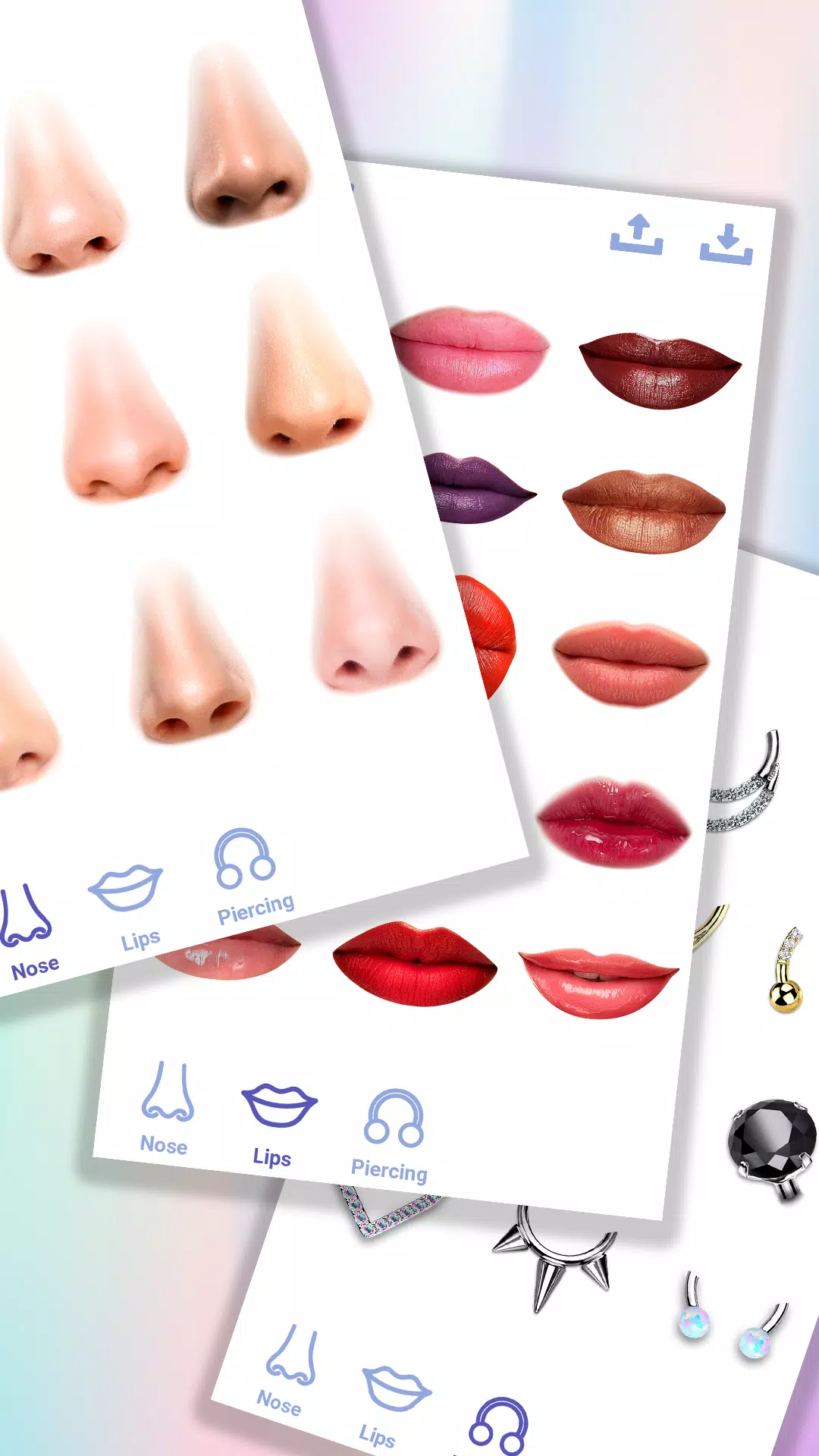
➤Extensive Nose Shape Variants: Experiment with a range of preset nose shape templates in the face editor app. Use the nose shape changer to preview different looks before making custom adjustments.
➤Creative Stickers: Enhance your nose job with a variety of face stickers available in the photo editor "Rhinoplasty: Nose Editor."
➤Detailed Editing: Zoom and pan functionalities allow for precise adjustments while applying stickers and face filters, ensuring detailed plastic surgery results.
4. Sharing in High-Resolution
➤High-Quality Output: The nose editor enables you to export your edited photos in high resolution, ensuring the best quality for your nose plastic surgery images.
➤Save and Share: Easily save your edited photos within the nose shape changer and share your rhinoplasty transformations with friends and family.
➤Watermark-Free: The photo editor "Rhinoplasty: Nose Editor" allows you to save and share your photos without any distracting watermarks.
TIPS FOR BEST RESULTS:
➢Start with Quality: Use high-resolution photos for optimal nose job outcomes in the nose editor.
➢Optimal Lighting: Ensure your photos are taken in natural light to facilitate easier virtual plastic surgery.
➢Take Your Time: Carefully explore the available stickers and face filters to find the perfect nose shape for your face.
➢Explore All Features: Make the most of your editing experience by exploring all the tools, face filters, and stickers offered by the nose editor.
➢Enhance with Stickers: Add fun elements or additional enhancements to your edited photos using the nose job stickers available in the face editor app.
WHY CHOOSE THE NOSE PHOTO EDITOR?
Whether you're aiming for subtle tweaks or dramatic changes, "Rhinoplasty: Nose Editor" provides an array of stickers, face filters, and editing tools in an easy-to-use package. Ideal for personal use, this nose photo editor is perfect for those exploring virtual plastic surgery. Empower yourself to create stunning, natural-looking photos with ease using this nose shape changer.
Elevate your selfies and portraits today with the photo editor "Rhinoplasty: Nose Editor" – your ultimate nose shape changer for achieving a flawless nose job and enhancing your photos. Download the photo editor "Rhinoplasty: Nose Editor" now and experience the difference with its advanced face filters and stickers!